X
To select Options in the radio menu bar:
turn and press the controller.
X
To select Alert for Artist, Track &
Sports Event: turn and press the control-
ler.
A menu appears.
X
Select Manage Sports Alerts.
A menu appears.
X
Select Select New Alerts.
A menu appears.
X
Select the desired team from a league, e.g.
college, NBA, NHL, NFL or MLB.
The alert function for the sports team is
added.
Editing music and sports alerts
X
Select Edit Alert.
A list of set sports alerts appears.
X
Select Manage Music Alerts.
A list of set artists and tracks (artist)
appears.
Tagging music tracks
This function allows you to transfer the music
track currently playing to an Apple
®
device.
You can then purchase it in the iTunes
®
store.
Not all radio stations support this function.
X
To select Options in the radio menu bar:
turn and press the controller.
X
To select Tag This Track: turn and press
the controller.
A message about saving this music track on
the Apple
®
device appears.
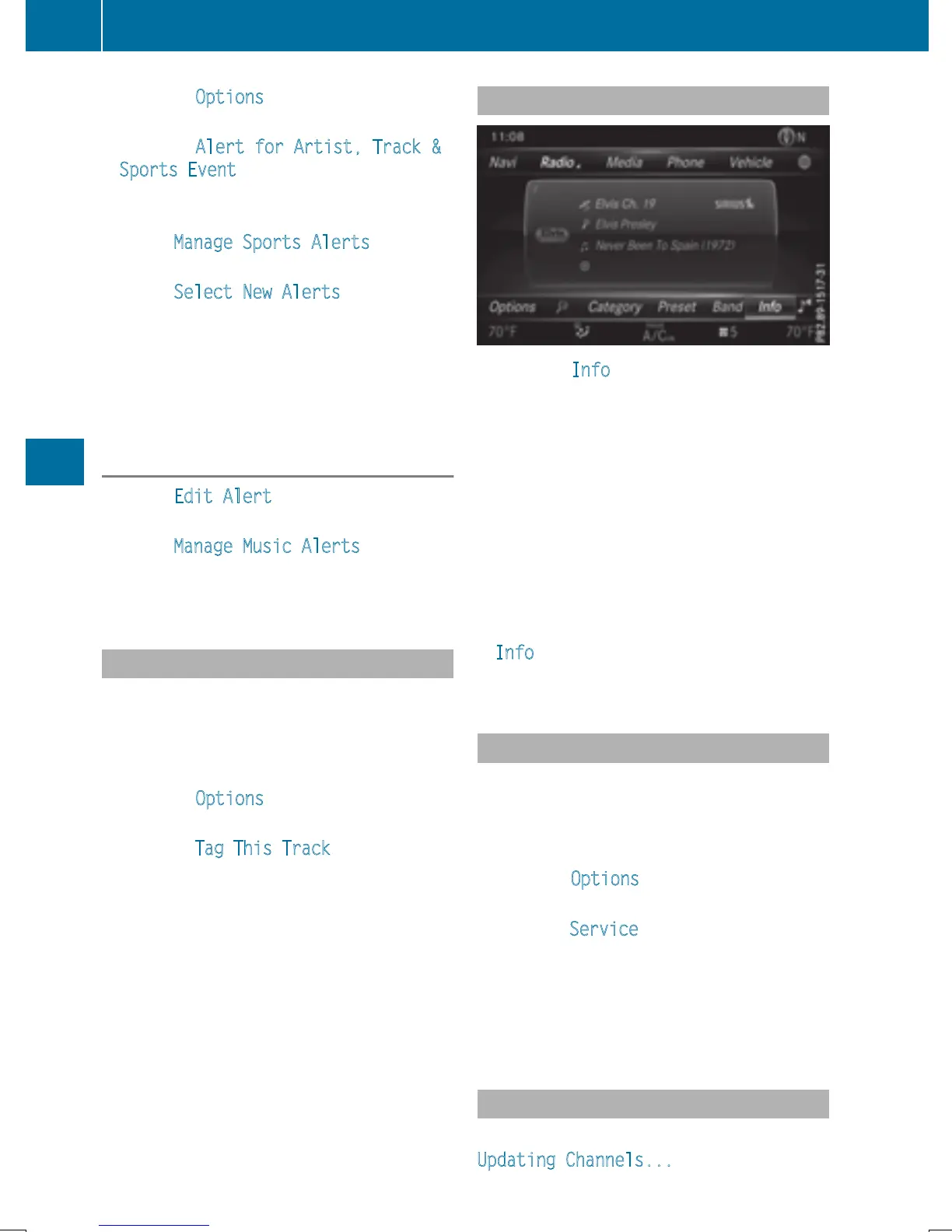
Displaying information
X
To select Info in the radio menu bar: turn
and press the controller.
Information on the currently received pro-
gram is displayed.
If available, you will see:
R
the channel logo
R
the channel abbreviation
R
the artist of the track that is currently being
played
R
the current track
X
To return to the radio display: select
Info
by sliding 6 and pressing the con-
troller.
Displaying service information
The provider's customer service center is
available by phone at any time to answer any
general questions or questions on the ver-
sions available.
X
To select Options in the menu bar: slide
6 and press the controller.
X
To select Service: turn and press the con-
troller.
The provider's details appear.
X
To return to the main display: press the
% button.
Channel list updates
During reception of a new channel list, the
Updating Channels...
message is shown.
176
Satellite radio
Radio


 To Next Page
 Loading...




