Prerequisites
To use the message functions, the connected
mobile phone must support the MAP Blue-
tooth
®
profile. The prompt for the MAP Blue-
tooth
®
profile may have to be confirmed on
the mobile phone.
With some mobile phones, some settings still
have to be made after connecting to
COMAND (see the manufacturer's operating
instructions). The messages are displayed the
next time you connect to COMAND.
An e-mail account must be set up on the
mobile phone for the e-mail function (see the
manufacturer’s operating instructions).
To read and write e-mails in COMAND, the e-
mail account first needs to be configured
(
Y page 139).
Some mobile phones with the MAP Blue-
tooth
®
profile:
R
only show new text messages.
R
do not support the deleting or editing of
text messages.
R
do not support the drafts folder for text
messages.
R
do not support the sending of text mes-
sages.
R
do not support the e-mail function.
R
do not send messages in a locked status.
Not all mobile phones available on the market
are equally suitable. You can obtain further
information about settings and supported
functions of Bluetooth
®
-capable mobile
phones on the Internet at
www.mercedes-benz-mobile.com.
Or call the Mercedes-Benz Customer Assis-
tance Center at 1-800-FOR-MERCedes
(1-800-367-6372) (for the USA) or Customer
Relations at 1-800-387-0100 (for Canada).
Settings
Calling up the settings menu for mes-
sages
X
To show the main function bar: slide 5
the controller.
X
To select Phone: turn and press the con-
troller.
The telephone menu is displayed.
X
To switch to the menu bar: slide 6 the
controller.
X
To select 1: turn and press the controller.
The message menu is displayed.
X
To switch to the menu bar: slide 6 the
controller.
X
To select Settings: turn and press the
controller.
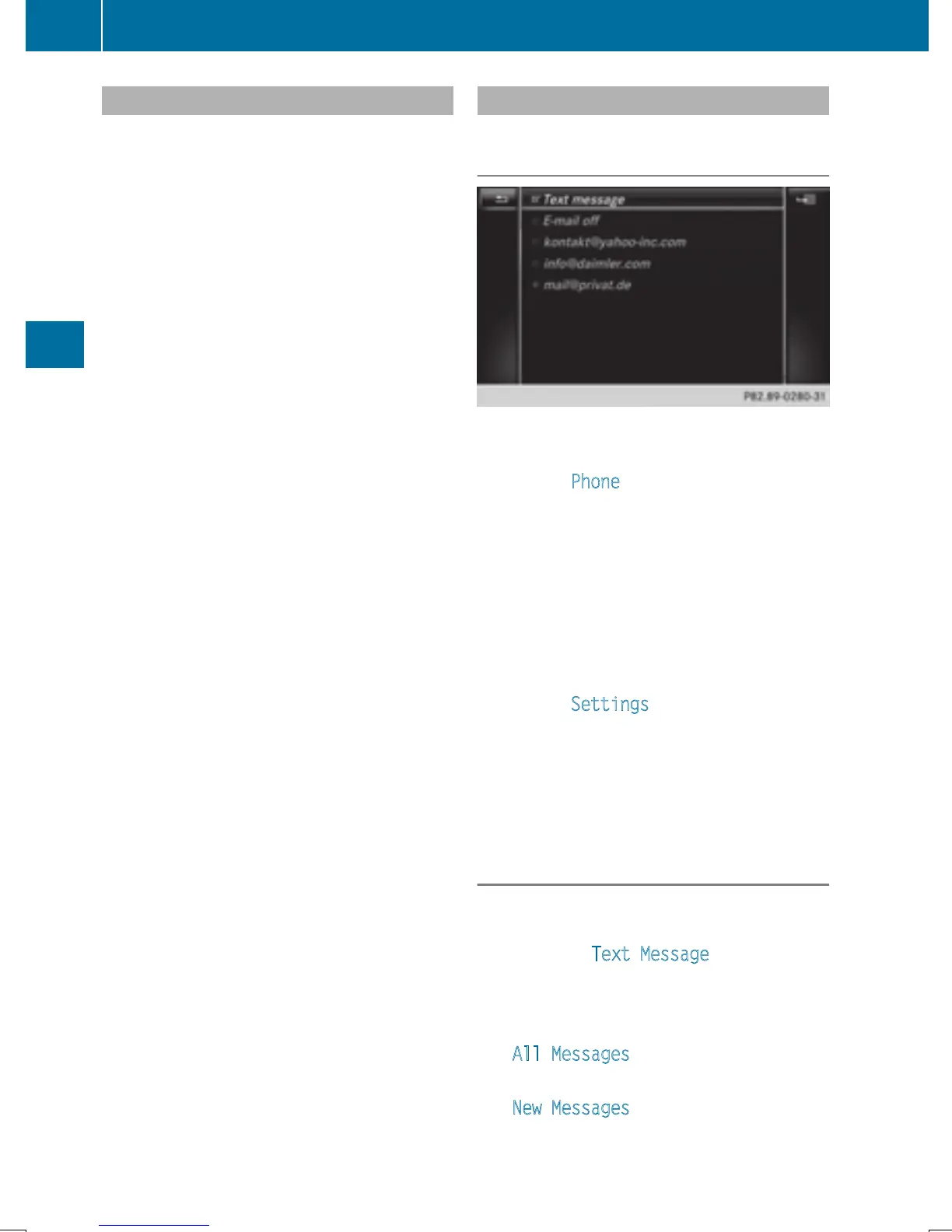
The text message settings and the available
e-mail accounts of the connected mobile
phone will be displayed.
Configuring the text messages dis-
played
X
Call up the settings menu for messages
(
Y page 138).
X
To highlight Text Message: turn the con-
troller.
X
To select G: slide 9 the controller.
A menu with the following options is shown:
R
All Messages
All the messages are displayed.
R
New Messages
Only the messages that are new on the
mobile phone are displayed. You can also
138
Messages (text messages and e-mails)
Telephone







 To Next Page