or
X
Select +: while route guidance is active,
show the menu and press the controller
(
Y page 86).
Basic menu displays
X
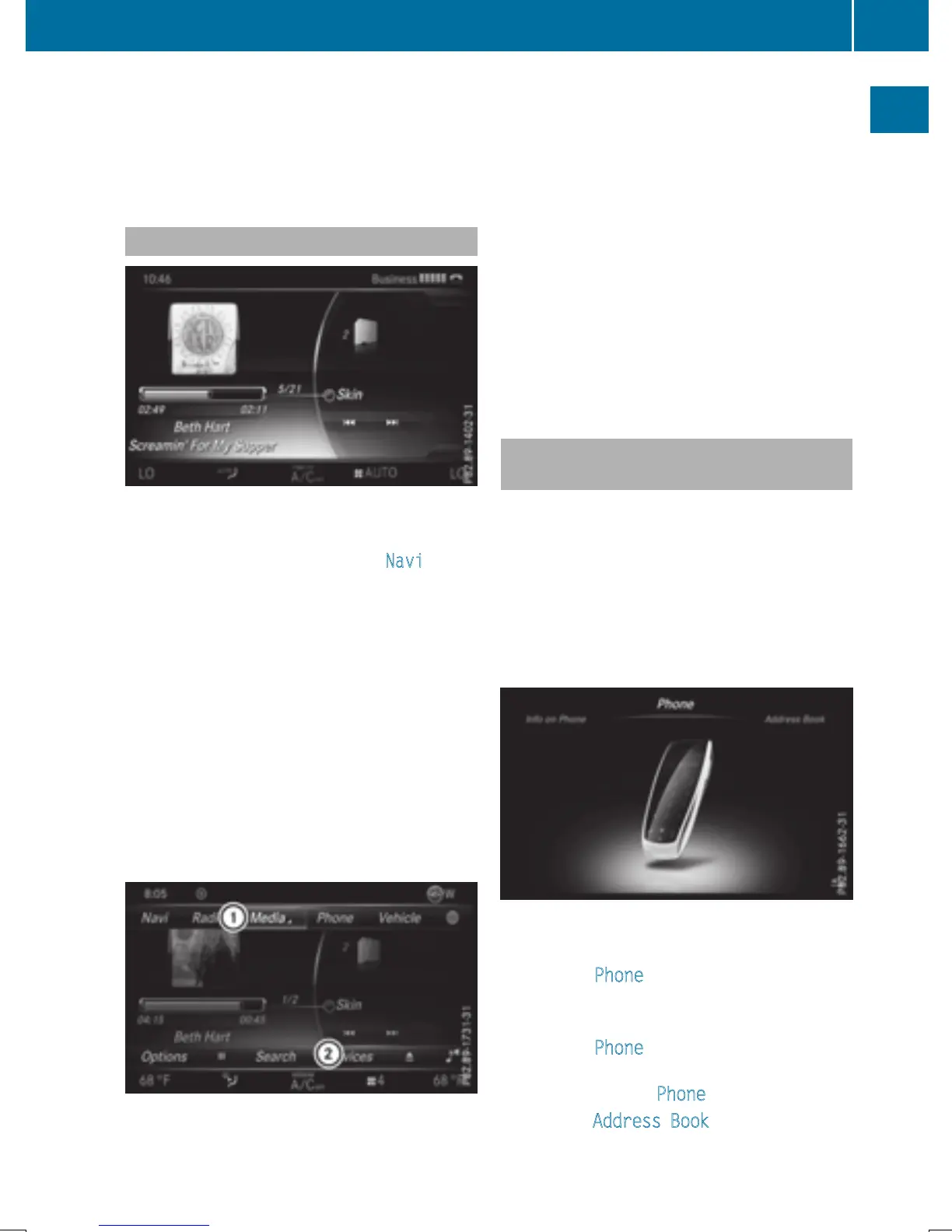
To show the main function bar: slide 5
the controller.
To select a main function, e.g. Navi
: turn
and press the controller.
Navigation: the map displays the current
vehicle position.
Radio: the basic menu of the last radio
mode set appears.
Media: the basic display for the last media
source set appears. In the example, SD
memory card mode is set.
Communication: the basic menu of the
last communication function set appears.
Vehicle functions: the basic display
appears.
X
To show the menu: slide 4 the con-
troller.
The menu for the selected functions
appears. Depending on the operation, the
marking is shown in main function bar : or
menu bar ;.
X
To select a menu item: turn and press the
controller.
Once you have selected a menu item in :,
the last menu set for the selected function
appears.
Menu bar ; offers options in the current
media mode.
Selecting the operating mode for a
main function
You can select the available operating modes
for the main functions, e.g. telephone.
In the telephone menu, you can:
R
switch to telephone mode
R
call up the address book
R
call up the digital operating instructions for
the telephone
X
To display the main function bar: slide
5 the controller.
X
To select Phone: turn and press the con-
troller.
The telephone menu is displayed.
X
To select Phone: 5 slide and press the
controller.
A menu appears. Phone
is at the front.
X
To select Address Book, for instance, turn
and press the controller.
Basic functions
31
Overview and operation


 To Next Page
 Loading...




