Importing/exporting data
General notes
Never remove the stick or card when writing
data to the USB stick or the memory card. You
may otherwise lose data.
Using this function, you can do the following
with your personal COMAND data:
R
transfer from one system or vehicle to
another system or vehicle.
R
make a backup copy (export data) and load
it again (import data).
R
protect your data from unwanted export by
activating a PIN prompt (presetting: deac-
tivated ª).
You can either use an SD memory card or a
USB storage device (e.g. a USB stick) as tem-
porary storage.
Activating/deactivating PIN protec-
tion
X
Press Vehicle in the main function bar.
The vehicle menu is displayed.
X
To select System Settings: slide 6,
turn and press the controller.
A menu appears.
X
To select Data Import/Export: turn and
press the controller.
X
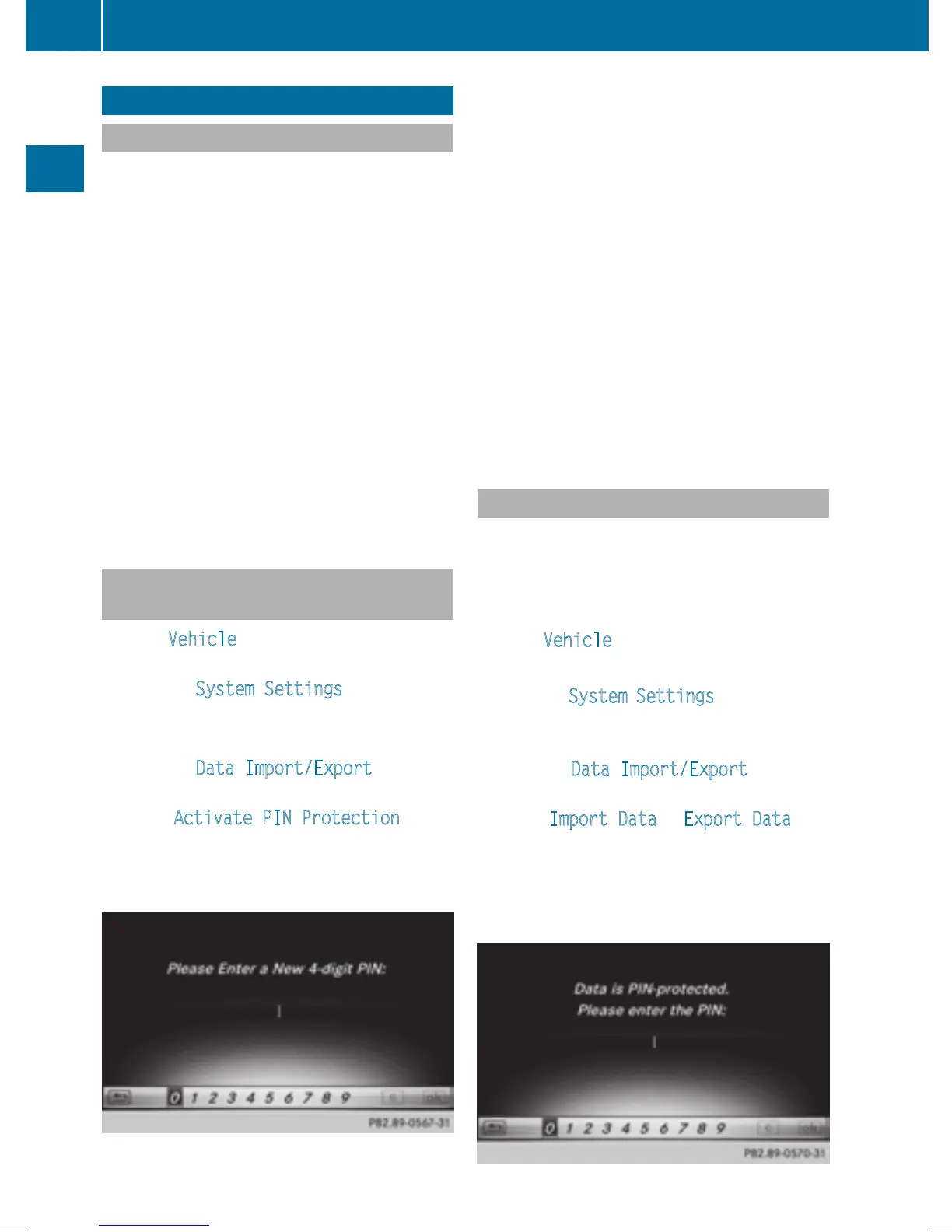
Select Activate PIN Protection.
Activate O or deactivate ª PIN protec-
tion. When activating PIN protection, you
will be prompted to enter a PIN.
X
To enter the 4-digit PIN and select ¬:
turn and press the controller.
You will be prompted to enter the PIN
again.
X
Enter the PIN again and select ¬.
The PIN prompt now protects your personal
data from unwanted export.
i
If you deactivate your PIN protection, you
will first be prompted to enter your PIN. If
you have forgotten your PIN, an authorized
Mercedes-Benz Center can deactivate your
PIN protection for you. Alternatively, you
can deactivate PIN protection by resetting
your personal COMAND data
(
Y page 47).
Importing/exporting data
X
Insert the SD memory card (Y page 184).
or
X
Connect a USB device (e.g. a USB memory
stick) (
Y page 184).
X
Press Vehicle in the main function bar.
The vehicle menu is displayed.
X
To select System Settings: slide 6 and
press the controller.
A menu appears.
X
To select Data Import/Export: turn and
press the controller.
X
Select Import Data or Export Data.
i
If you import data such as address data,
the existing data on COMAND is overwrit-
ten. You will see a message to this effect.
COMAND is restarted after the data import.
46
Importing/exporting data
System settings


 To Next Page
 Loading...




