X
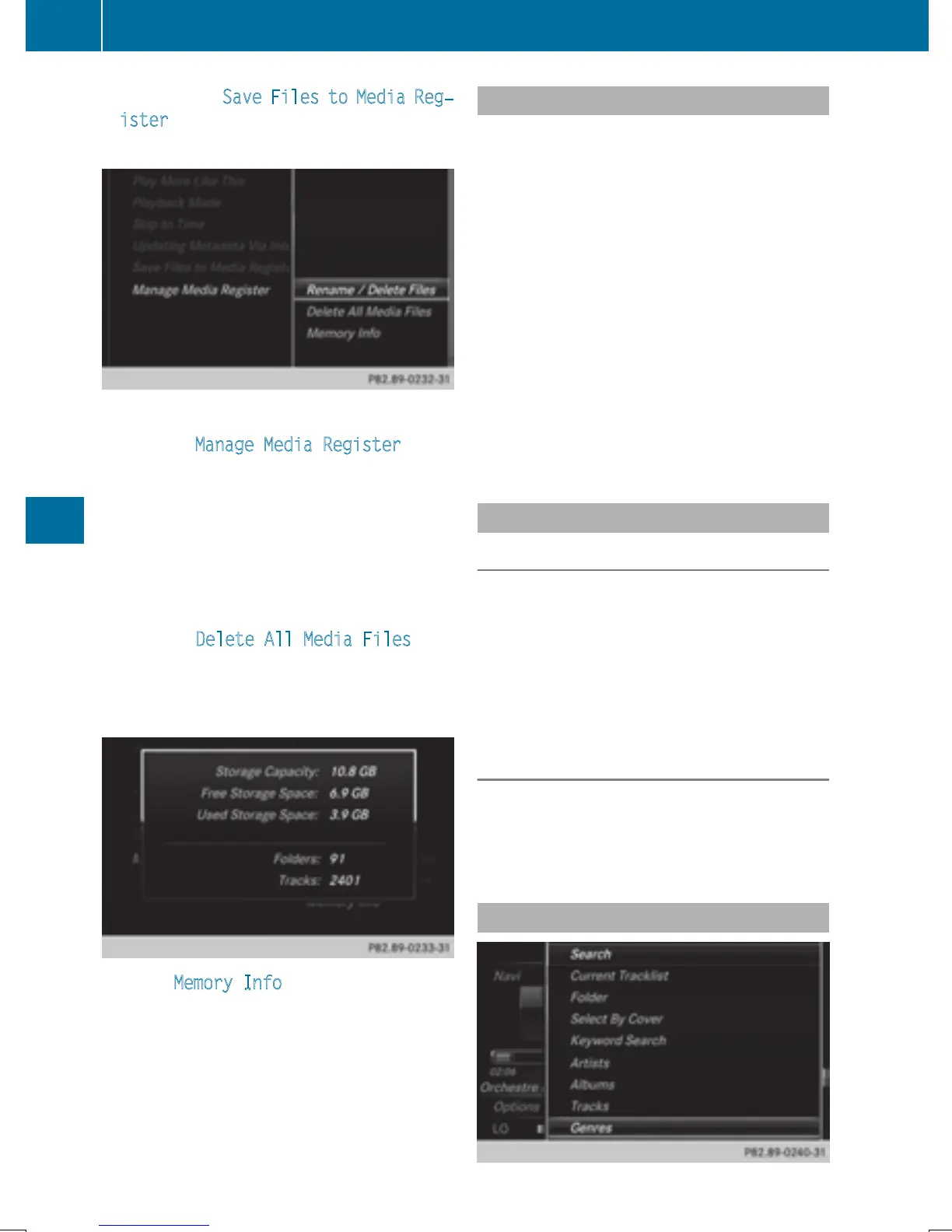
To select the Save Files to Media Reg‐
ister option: turn and press the controller.
A menu appears (
Y page 190).
Managing Media Register
X
To select Manage Media Register: press
the controller.
The contents are shown. Using the control-
ler, files and folders can be renamed or
deleted.
When renaming files and folders a menu
appears. The characters are entered using
the controller (
Y page 32).
X
To select Delete All Media Files: turn
and press the controller.
Files and folders can be completely deleted
from the Media Register.
X
Select Memory Info: important parame-
ters for your COMAND hard drive are
shown.
Pause and playback function
X
To pause playback: in audio/video mode,
slide 6 the controller.
The media menu bar is shown.
X
To activate Ë in the Media menu bar:
turn and press the controller.
Playback is interrupted here. The display
changes to Ì.
X
To continue playback: in audio/video
mode, slide 6 the controller.
The media menu bar is shown.
X
To activate Ì in the Media menu bar:
turn and press the controller.
Playback is continued from the point of
interruption. The symbol changes to Ë.
Selecting a track
Selecting using the current track list
X
To display the current track list: press
the controller in the basic display.
The category list appears.
X
Select the current track list.
X
To select a track: turn the controller and
press to confirm.
Selecting by skipping to a track
X
To skip forwards or backwards to a track:
turn or briefly slide 9 or 8 the con-
troller in the media basic display.
Search menu
186
Audio/video mode
Media







 To Next Page