Displaying the vehicle identification
number (VIN)
X
To call up Internet functions (Y page 153).
X
To select Mercedes-Benz Apps: turn and
press the controller.
X
To highlight Download POI: turn the con-
troller.
X
To select G: slide 9 the controller.
The vehicle identification number is dis-
played.
Exiting a menu
X
Press the % button.
Deleting destinations automatically
after importing to the server
Destinations on the server are automatically
deleted after seven days.
X
Select the Options menu for the Download
POI App (Y page 160).
The menu shows the current settings.
X
To select Delete after importing to
the server: turn and press the controller.
Switch the setting on O or off ª.
Exiting a menu
X
Press the % button.
Further Mercedes-Benz Apps
General notes
To be able to use Mercedes-Benz Apps, you
first have to register. To do so, you have to
enter your name and postal address once in
the vehicle and confirm the general terms and
conditions. A message to this effect appears
the first time you call up the online and Inter-
net functions.
For individual Mercedes-Benz Apps, it may be
necessary to pay license fees before using.
Use is then limited to a certain period of time.
License fees must be paid again for use
beyond this time period.
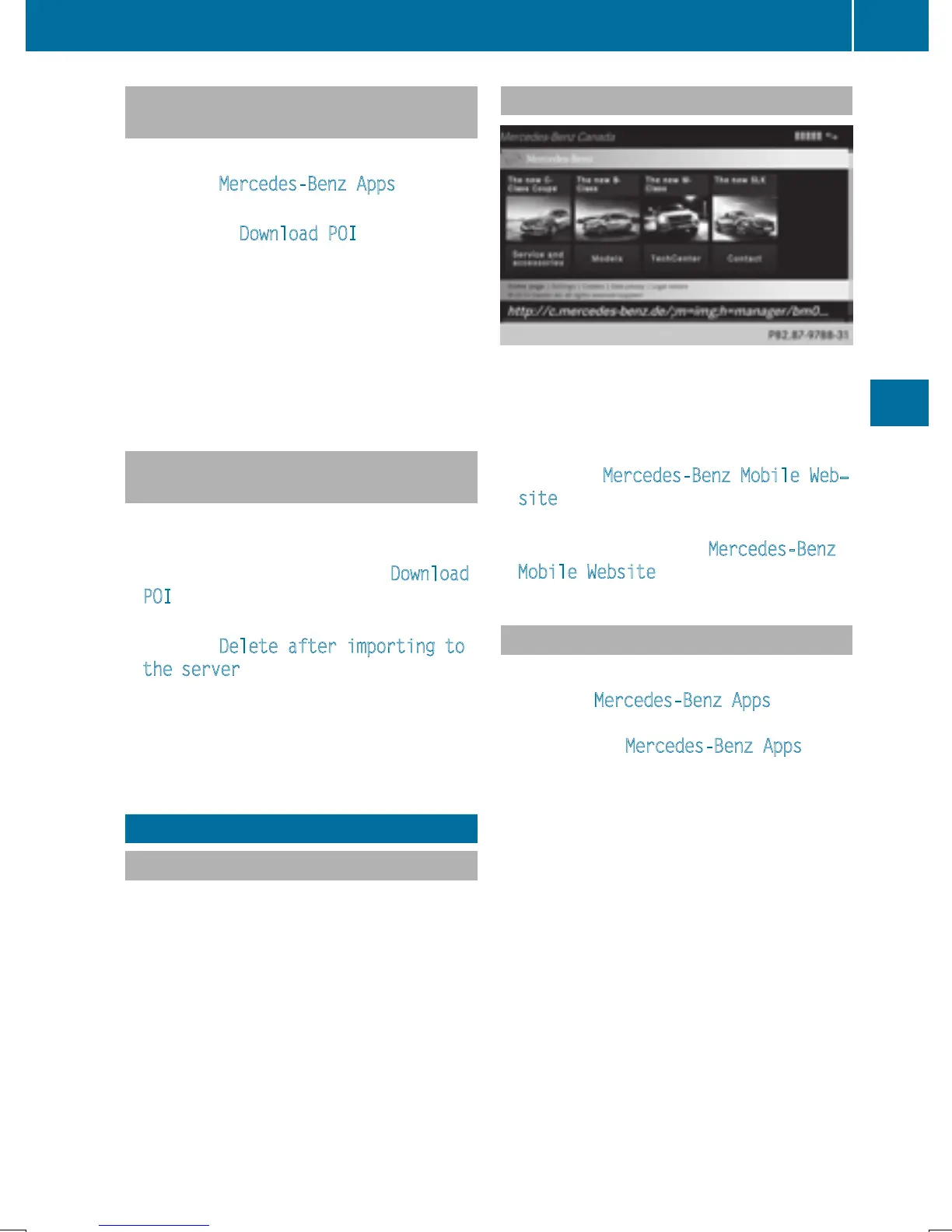
Mercedes-Benz Mobile Website
Connecting to the Internet: (Y page 153)
The online functions contain the Mercedes-
Benz Mobile Website as a predefined favorite.
X
To call up Internet functions (Y page 153).
X
Select the Mercedes-Benz Mobile Web‐
site menu.
The Mercedes-Benz home page appears.
i
You cannot delete the Mercedes-Benz
Mobile Website menu.
Calling up Mercedes-Benz Apps
X
To call up Internet functions (Y page 153).
X
To select Mercedes-Benz Apps: turn and
press the controller.
The available Mercedes-Benz Apps
are
displayed.
X
To select the desired app: turn and press
the controller.
Additional Mercedes-Benz Apps can be pur-
chased on the Mercedes-Benz website. You
can find further information at:
http://apps.mercedes-benz.com/apps/
The available features are country-depend-
ent.
Further Mercedes-Benz Apps
159
Online and Internet functions
Z



 To Next Page
 Loading...



