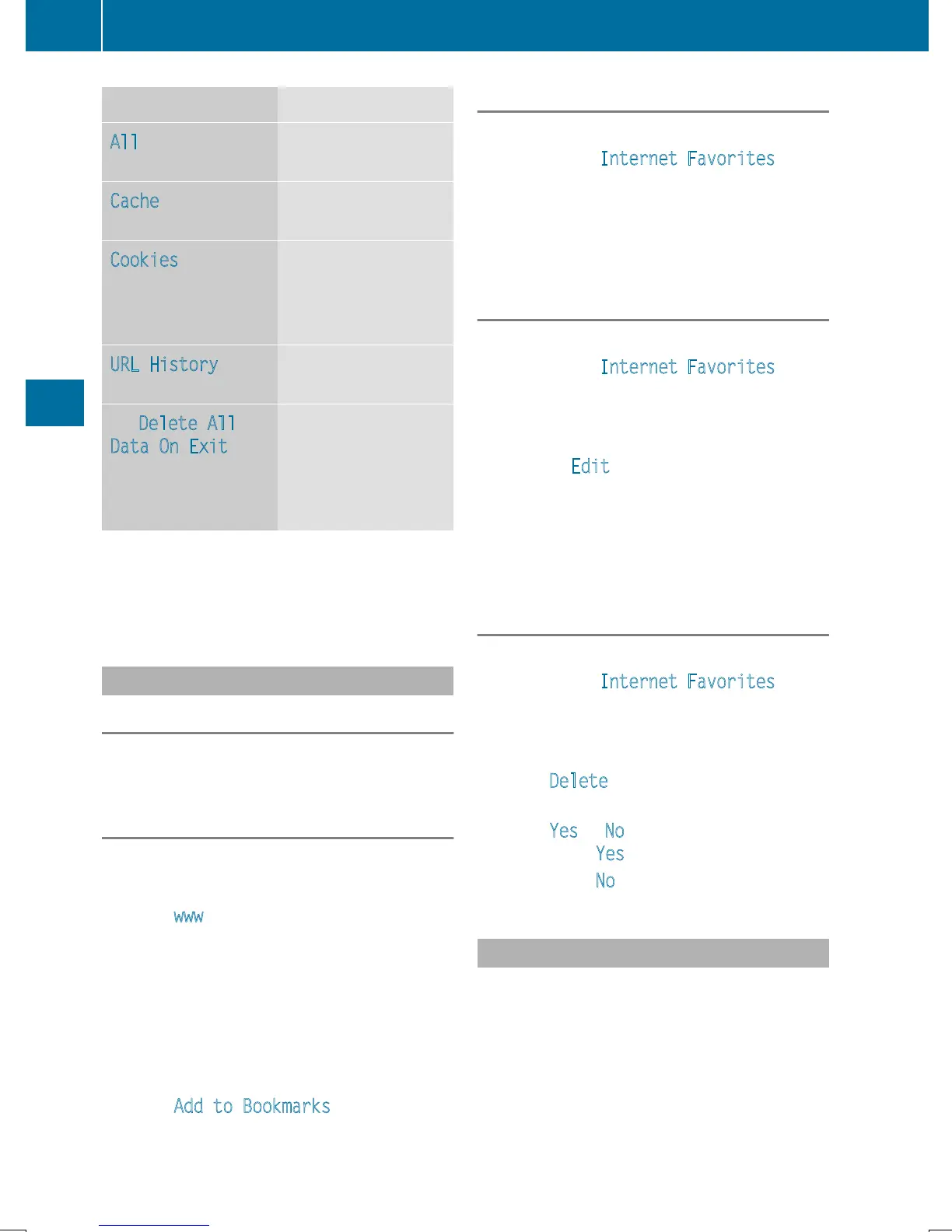
Option Function
All
Deletes all personal
data.
Cache
Deletes data in the
cache.
Cookies
Deletes cookies that
are created by web-
sites which you have
called up.
URL History
Deletes all websites
visited (path).
O Delete All
Data On Exit
If this function is
activated O, all per-
sonal data is deleted
when you exit the
Internet browser.
i
If you reset COMAND to the factory set-
tings (reset function), these data and set-
tings are deleted (
Y page 47).
Favorites
Introduction
Favorites/bookmarks are frequently visited
websites.
Creating favorites
Adding a favorite in the menu
X
To call up Internet functions (Y page 153).
X
Select www.
X
Enter the web address (URL) and name
using the character bar and press ¬.
Adding to favorites
X
To call up the menu: press the % button.
X
To select 3: turn and press the control-
ler.
X
Select Add to Bookmarks (Y page 162).
Selecting favorites
X
To call up Internet functions (Y page 153).
X
To select the Internet Favorites menu:
turn and press the controller.
The Favorites menu appears.
X
Select the desired bookmark.
The favorite is opened in a new window.
Editing favorites
X
To call up Internet functions (Y page 153).
X
To select the Internet Favorites menu:
turn and press the controller.
The Favorites menu appears.
X
To bring the desired favorites to the front.
X
To select Edit: slide 6 and press the
controller.
An input menu appears.
X
Enter the web address (URL) and name
using the character bar.
Deleting favorites
X
To call up Internet functions (Y page 153).
X
To select the Internet Favorites menu:
turn and press the controller.
The Favorites menu appears.
X
Select the desired favorites.
X
Select Delete.
A prompt appears.
X
Select Yes or No.
If you select Yes
the favorite is deleted.
If you select No
the process is canceled.
Closing the browser
X
Select % in the browser menu
(
Y page 161)
or
164
Web browser
Online and Internet functions


 To Next Page
 Loading...




