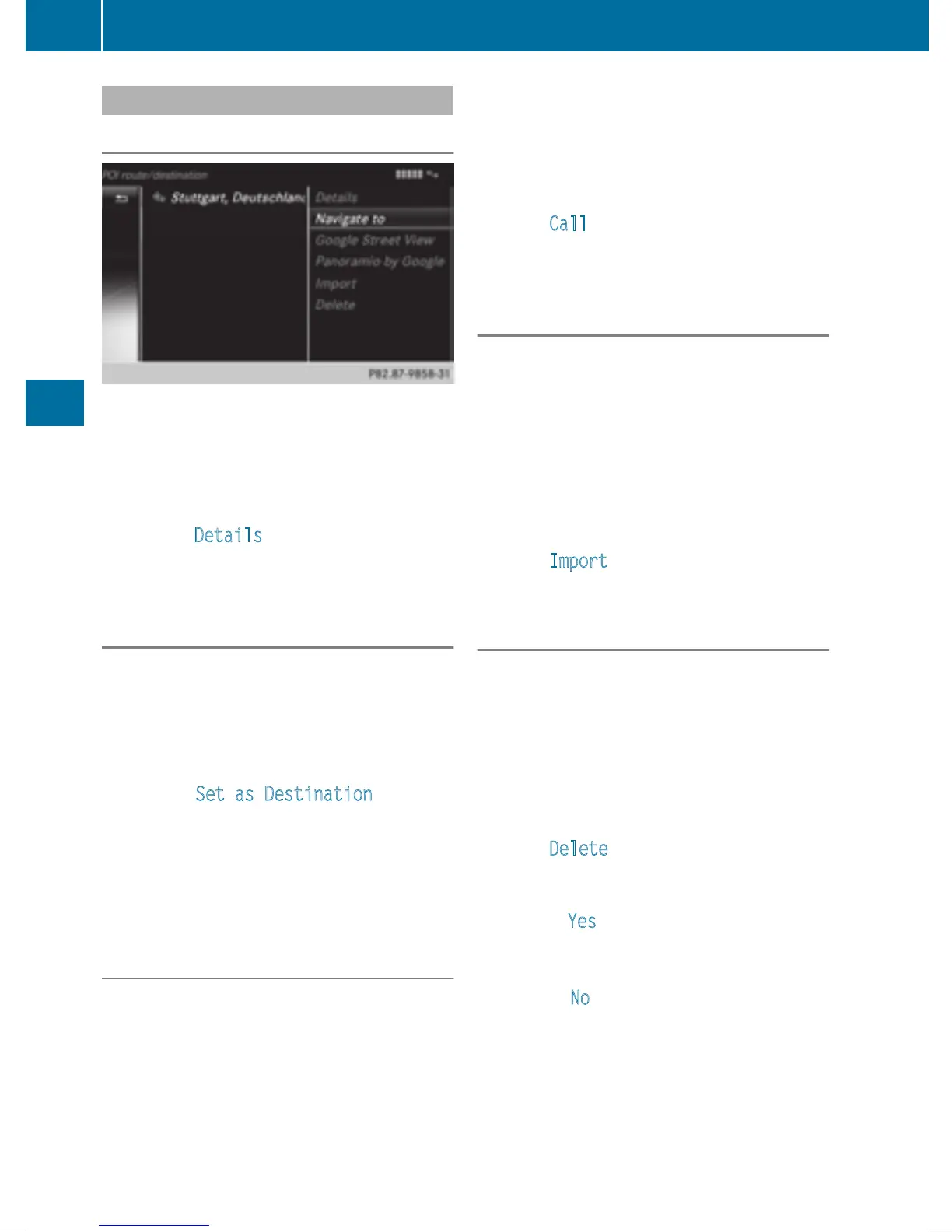
Using destinations
Displaying details
X
Display the destination in the vehicle
(
Y page 157).
X
To highlight a destination: turn the control-
ler.
X
To select G: slide 9 the controller.
X
To select Details: turn and press the con-
troller.
The destination address is shown.
Using a destination for route guidance
X
Display the destination in the vehicle
(
Y page 157).
X
To highlight a destination: turn the control-
ler.
X
To select G: slide 9 the controller.
X
To select Set as Destination: turn and
press the controller.
You then switch to navigation mode and
can start route calculation.
The destination is entered in the list of last
destinations.
Calling up the destination
You can use the function if:
R
a mobile phone is connected
(
Y page 114)
R
the destination address contains a tele-
phone number
X
Display the destination in the vehicle
(
Y page 157).
X
To highlight a destination: turn the control-
ler.
X
To select G: slide 9 the controller.
X
Select Call.
You then switch to the telephone function
and make the call (
Y page 119).
Importing destinations
You can save destinations and routes on an
SD card when importing.
X
Insert the SD memory card (Y page 184).
X
Display the destination in the vehicle
(
Y page 157).
X
To highlight a destination: turn the control-
ler.
X
To select G: slide 9 the controller.
X
Select Import.
The entry is saved on the SD card.
Deleting a destination from the server
Destinations on the server are automatically
deleted after seven days.
X
Display the destination in the vehicle
(
Y page 157).
X
To highlight a destination: turn the control-
ler.
X
To select G: slide 9 the controller.
X
Select Delete.
A prompt appears asking whether the des-
tination should be deleted.
X
To select Yes: turn and press the controller.
The phone number is deleted.
or
X
To select No: turn and press the controller.
The process is canceled.
158
Destination/route download
Online and Internet functions







 To Next Page