Switching the text reader function of
the handwriting recognition on/off
You can switch the text reader function of the
handwriting recognition on or off.
X
Press Vehicle in the main function bar.
The vehicle menu is displayed.
X
To select System Settings: slide 6 turn
and press the controller.
A menu appears.
X
To select Read Out Handwriting Rec‐
ognition: turn and press the controller.
The text reader function is switched on O
or off ª.
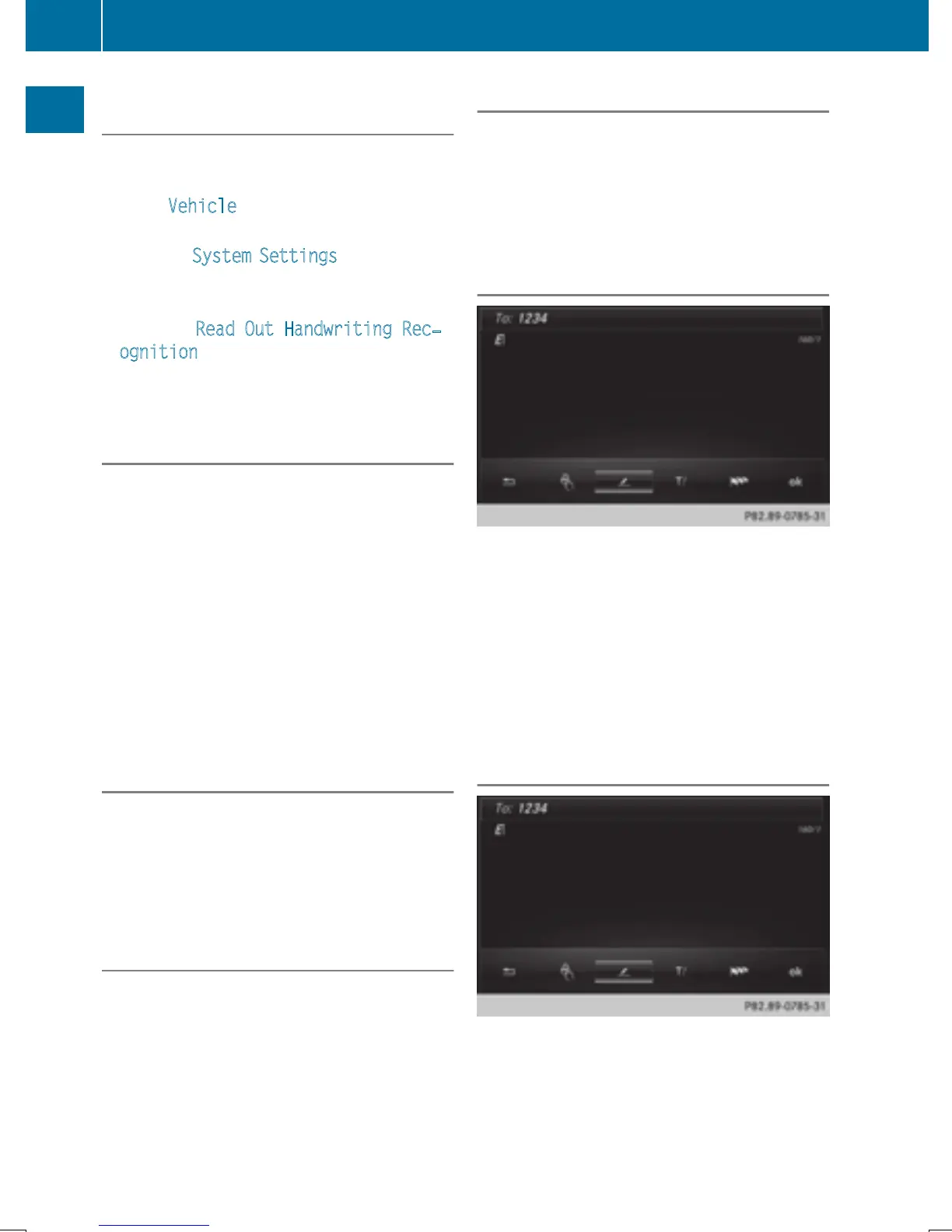
Entering characters
Prerequisite: an input line for text, numbers or
characters has been selected.
X
Use one finger to draw the desired charac-
ter on the touch-sensitive surface.
The character recognized is entered in the
input line. You can draw the next character
on the touch-sensitive surface.
If the character can be interpreted in different
ways, these options are displayed.
More information on the character sugges-
tions (
Y page 28).
Character suggestions
X
To select a character suggestion: turn
the controller.
The selected character is entered instead
of the automatically recognized character.
Character entry can be continued.
Entering a space
Prerequisite: an input line for text, numbers or
characters has been selected.
X
Use your finger to touch the touch-sensi-
tive surface and swipe to the right.
A space is entered into the input line.
Deleting characters
Prerequisite: an input line for text, numbers or
characters has been selected.
X
Use your finger to touch the touch-sensi-
tive surface and swipe to the left.
The character last entered is deleted.
Switching input line
X
Press the touchpad.
A symbol is shown.
X
To select p: swipe your finger to the left
or right and press.
X
To select the desired input line, swipe up or
down and press.
The selected input line is active and char-
acter entry can be continued.
Moving the cursor within the input line
X
Press the touchpad.
A symbol is shown.
X
To select p: swipe your finger to the left
or right and press.
X
To move the cursor, swipe to the left or
right.
28
Touchpad
Overview and operation


 To Next Page
 Loading...




