X
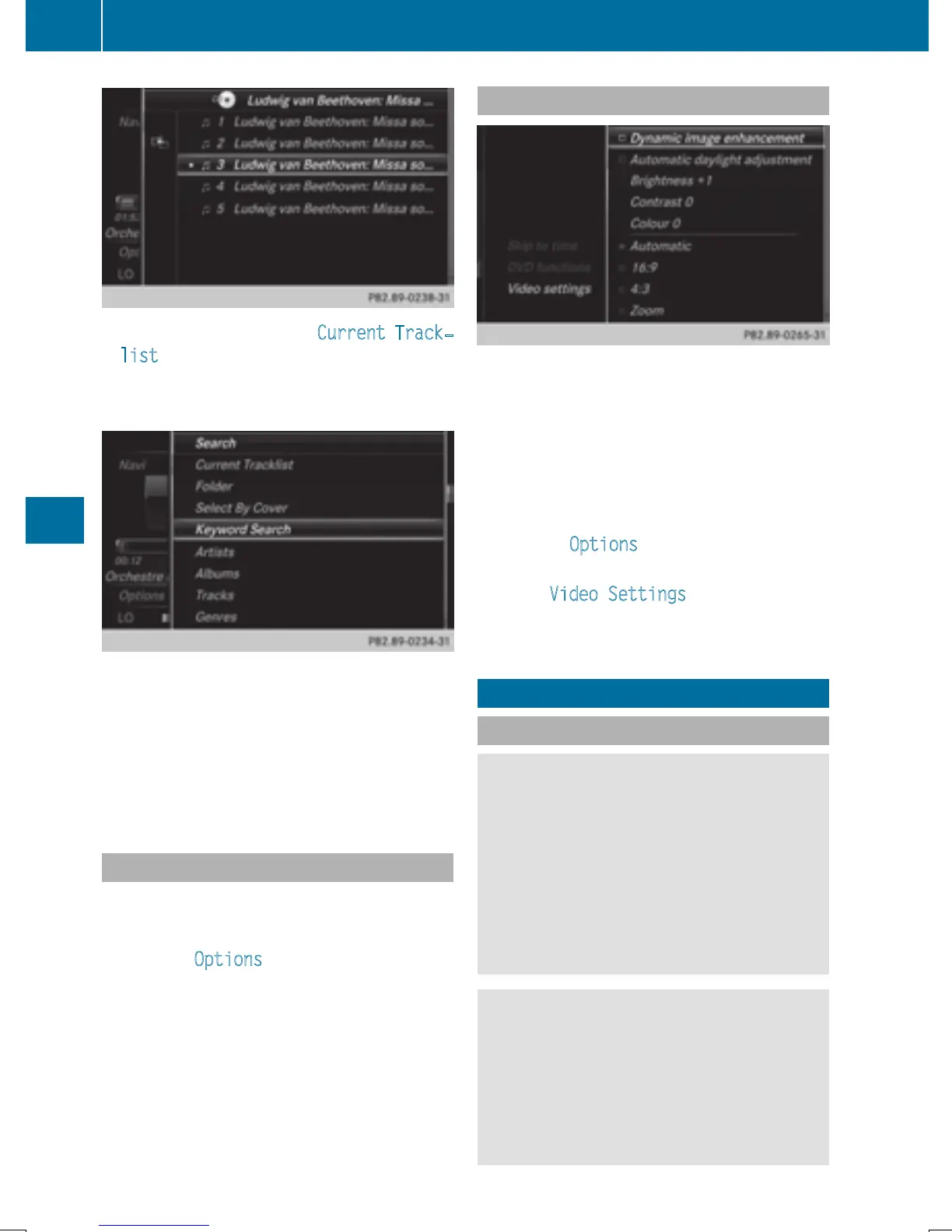
To select a category, e.g. Current Track‐
list: turn and press the controller.
The selection list appears.
X
Select the required track.
X
Keyword search: using the controller,
enter the characters for the desired search
term and confirm (
Y page 189).
Search results are sorted according to the
available categories, displayed and can
then be selected.
Playback options
X
In media mode, slide 6 the controller.
The media menu bar is shown.
X
To select Options: turn and press the con-
troller.
X
To select the desired playback option: turn
and press the controller.
Additional information on playback options
(
Y page 185).
Video function
If playable video files are found, they will be
played by COMAND.
X
To switch on full-screen mode: press the
controller in the basic display.
X
To show the video menu: slide 6 the con-
troller in full-screen mode.
The Media Interface menu bar appears.
X
To select Options: turn and press the con-
troller.
X
Select Video Settings.
Changing settings (
Y page 204).
Video DVD mode
Important safety notes
G
WARNING
The CD/DVD drive is a class 1 laser product.
If you open the housing of the CD/DVD drive,
there is a risk of exposure to invisible laser
radiation. This laser radiation could damage
your retina. There is a risk of injury.
Never open the housing. Always have main-
tenance and repair work carried out at a quali-
fied specialist workshop.
G
WARNING
Handling discs while driving may distract you
from traffic conditions. You could also lose
control of the vehicle. There is a risk of an
accident.
Handle discs only when the vehicle is station-
ary.
202
Video DVD mode
Media







 To Next Page