Setting Function
Automatic
The summer and
standard time are
automatically
changed over.
On
The clock is
advanced one hour
ahead of standard
time.
Off
The standard time
for the chosen time
zone is selected.
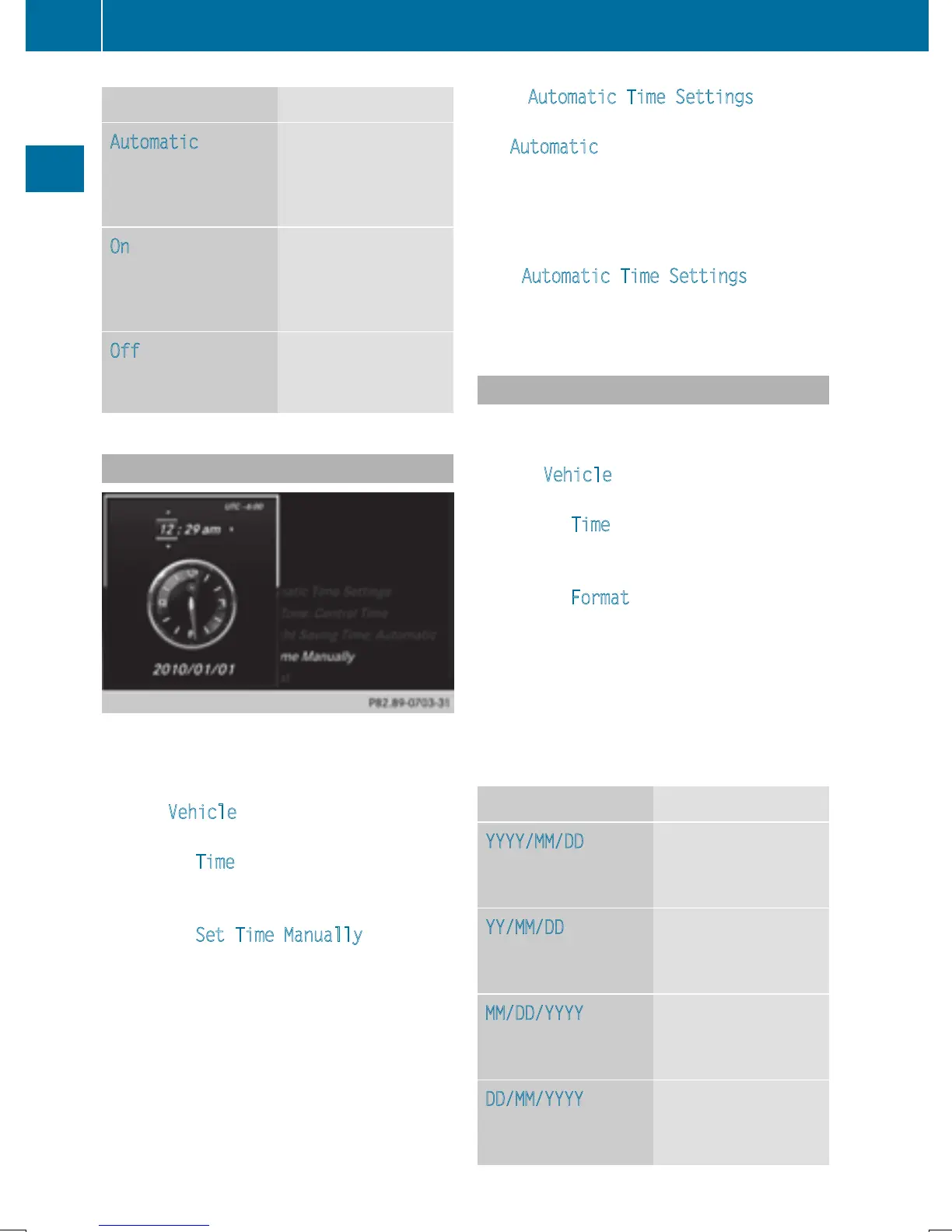
Manual time setting
Using the manual time settings, you can set
the time forwards or backwards by up to sev-
eral hours.
X
Press Vehicle in the main function bar.
The vehicle menu is displayed.
X
To select Time: slide 6, turn and press
the controller to confirm.
A menu appears.
X
To select Set Time Manually: turn and
press the controller.
A menu with an analog clock appears.
X
To set the hour: turn the controller.
X
To highlight minutes: slide 9 the con-
troller.
X
To set minutes: turn and press the control-
ler.
The time is accepted.
The Automatic Time Settings
function
is deactivated ª.
If Automatic
is set for the summer time
changeover, a prompt will appear asking
whether the automatic changeover should
be maintained between summer and winter
time.
i
If Automatic Time Settings is reacti-
vated, the previous settings for time zone
and summer time changeover are restored.
Setting the time and date format
Use this function to set the time and date for-
mat for all displays in the vehicle.
X
Press Vehicle in the main function bar.
The vehicle menu is displayed.
X
To select Time: slide 6, turn and press
the controller to confirm.
A menu appears.
X
To select Format: turn and press the con-
troller.
X
To select the desired date format: turn and
press the controller.
The # dot indicates the current setting.
X
To select the desired time format: turn and
press the controller.
The # dot indicates the current setting.
Abbreviation Meaning
YYYY/MM/DD
Year/Month/Day
date format, year (all
four digits)
YY/MM/DD
Year/Month/Day
date format, year
(two digits)
MM/DD/YYYY
Month/Day/Year
date format, year (all
four digits)
DD/MM/YYYY
Day/Month/Year
date format, year (all
four digits)
40
Time settings
System settings







 To Next Page