X
To show the menu: slide 6 the control-
ler.
X
To select Options, turn and press the con-
troller.
X
Select Personal POIs.
X
Select Display on the Map.
The menu displays the categories available
on the SD memory card.
X
To select a category: turn the controller
and press to confirm.
All personal POIs in the selected category
are displayed O or not displayed ª,
depending on the previous status.
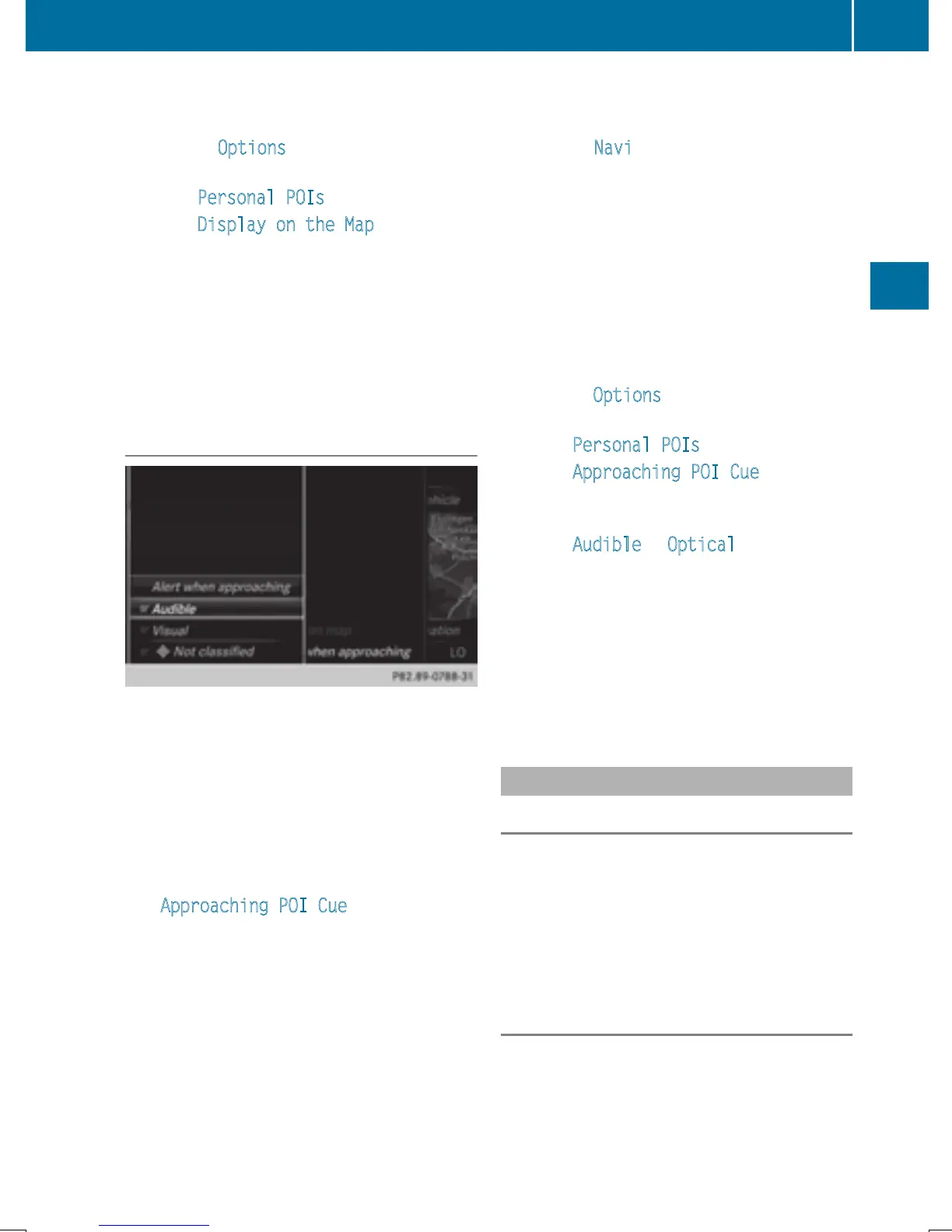
Alert when approaching
Requirements: an SD memory card with per-
sonal POIs is inserted (
Y page 184).
The SD memory card is formatted using the
FAT file system (e.g. FAT32).
If the vehicle is approaching a personal POI,
this is highlighted on the map and/or an audi-
ble signal sounds.
For this purpose both the corresponding func-
tion Approaching POI Cue
, and the cate-
gory containing the personal POI must be
activated.
X
To switch to navigation mode: slide 5
the controller.
X
To select Navi, turn and press the control-
ler.
The map displays the current vehicle posi-
tion or the navigation menu appears.
X
If the navigation menu appears, press the
controller.
The map shows the vehicle's current posi-
tion.
X
To show the menu: slide 6 the control-
ler.
X
To select Options, turn and press the con-
troller.
X
Select Personal POIs.
X
Select Approaching POI Cue.
The menu displays the categories available
on the SD memory card.
X
Select Audible or Optical.
The function is switched on O or off ª,
depending on the previous status.
X
To select a category: turn the controller
and press to confirm.
The function is switched on O or off ª, for
all personal POIs of this category, depend-
ing on the previous setting.
Saving personal POIs and routes
General notes
Personal POIs and routes are geodata which
are saved in the open GPX (GPS Exchange)
format on the SD memory card.
Requirement: the SD memory card is format-
ted using the FAT file system (e.g. FAT32).
Personal POI from current vehicle posi-
tion or crosshair position
X
Insert the SD memory card (Y page 184).
Personal POIs and routes
79
Navigation
Z


 To Next Page
 Loading...




