Map functions
General notes
Company logos displayed on the map are
trademarks of the respective companies and
used solely for the purpose of indicating the
locations of these companies. The use of such
logos on the map does not indicate approval
of, support of or advertising by these compa-
nies for the navigation system itself.
i
Alternatively, you can carry out this oper-
ation using the touchpad (
Y page 25).
Map settings
Setting the map scale
Requirement: the map is in full screen mode,
the menu is faded out (
Y page 59).
The lower left-hand section of the map shows
the currently set map scale and compass nee-
dle.
Right-hand-drive vehicles: the currently set
map scale and compass needle are displayed
in the lower right-hand section of the map.
X
To show the map in full screen mode: to
hide the menu, push the % button.
or
X
Slide the controller to the center of the map
and press to confirm.
X
To set the map scale: as soon as you turn
the controller, the scale bar appears on the
bottom of the display.
X
Turn the controller until the needle points
to the desired map scale.
Once you are finished selecting a map
scale, the new map scale will be shown.
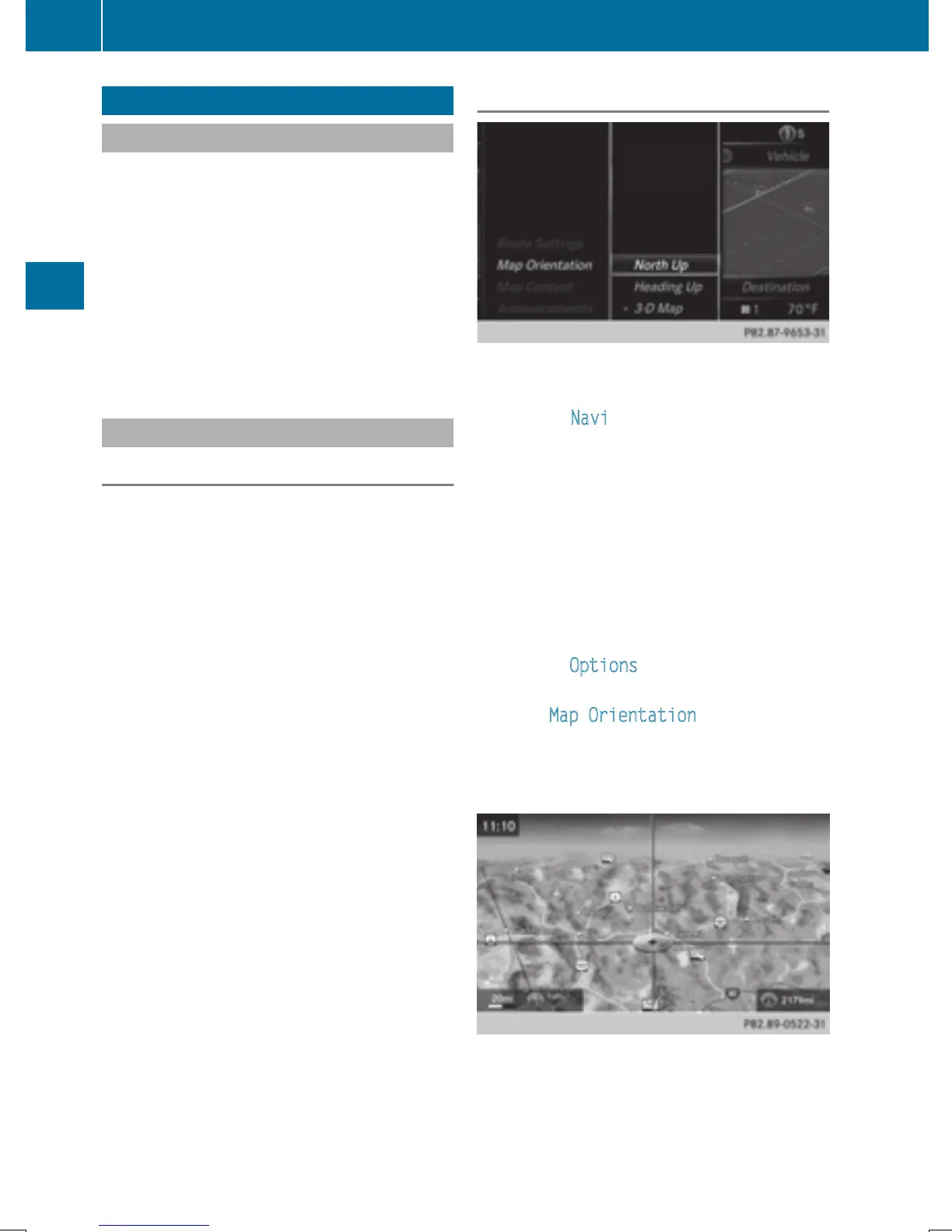
Selecting map orientation
X
To switch to navigation mode: slide 5
the controller.
X
To select Navi: turn and press the control-
ler.
The map displays the current vehicle posi-
tion or the navigation menu appears.
X
If the navigation menu appears, press the
controller.
The map shows the vehicle's current posi-
tion.
X
To show the menu: slide 6 the control-
ler.
X
To select Options: turn and press the con-
troller.
X
Select Map Orientation.
The # dot indicates the current setting.
X
Turn and press the controller.
The map orientation is set.
The image is an example of the 3D map dis-
play with crosshair.
98
Map functions
Navigation


 To Next Page
 Loading...




