Downloading text messages and e-mails
from the phone
X
Select From the Phone.
The messages are downloaded. If you have
selected Automatic Download
in the e-
mail settings, manual downloading is not
possible.
Updating from the e-mail server by the
mobile phone
X
Select From the E-Mail Server.
The e-mails in the mobile phone are upda-
ted.
This function is not supported by all mobile
phones.
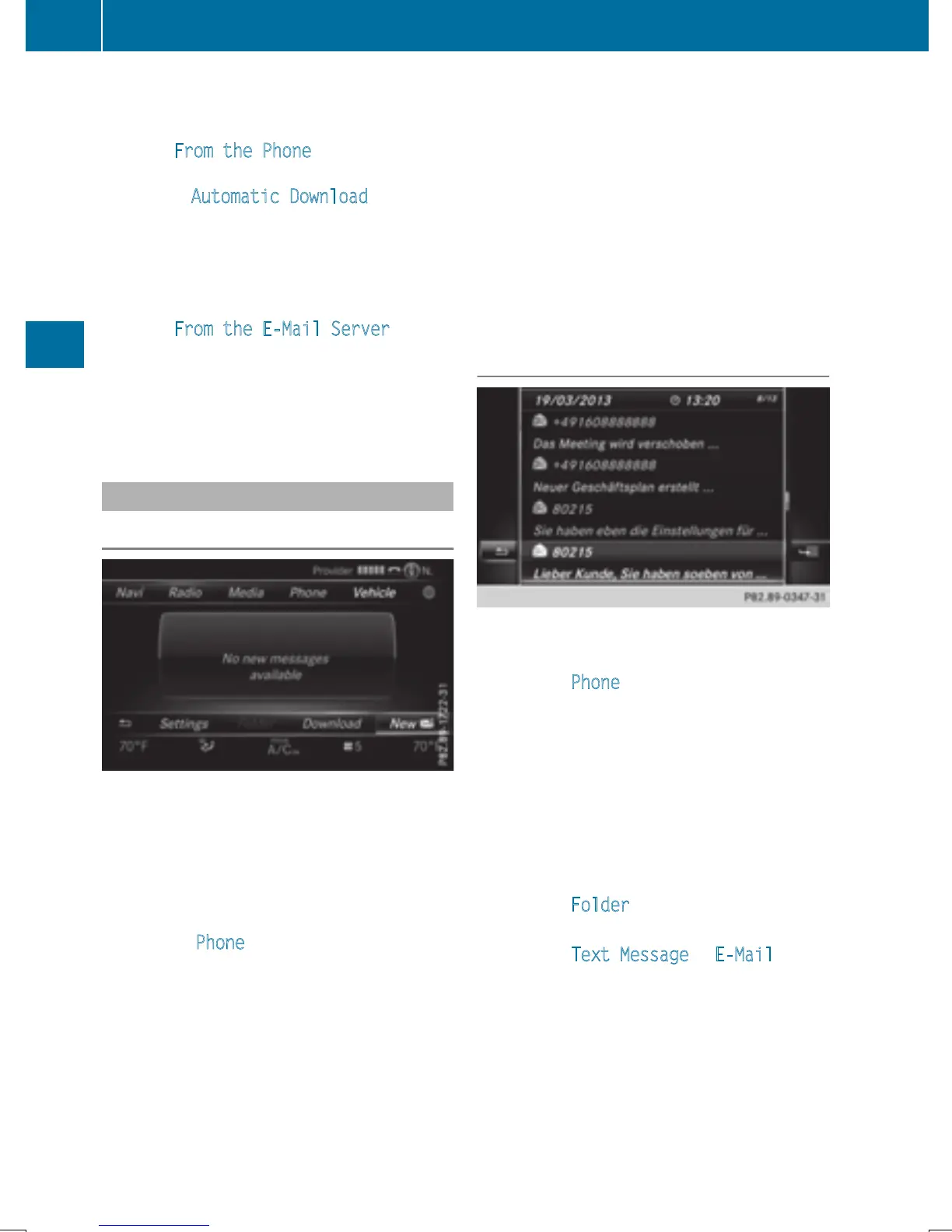
Reading messages
In the message menu
The message menu contains all the unread
text messages and e-mails. If the correspond-
ing folder is called up, the messages are dis-
played sorted by text messages and e-mails.
X
To show the main function bar: slide 5
the controller.
X
To select Phone: turn and press the con-
troller.
The telephone menu is displayed.
X
To switch to the menu bar: slide 6 the
controller.
X
To select 1: turn and press the controller.
The message menu is displayed with the
unread messages.
X
To select the message: turn and press the
controller.
The message text is displayed.
If you want to read messages that have
already been read again, you have to call up
the corresponding message folder
(
Y page 140).
In the message folder
X
To show the main function bar: slide 5
the controller.
X
To select Phone: turn and press the con-
troller.
The telephone menu is displayed.
X
To switch to the menu bar: slide 6 the
controller.
X
To select 1: turn and press the controller.
The message menu is displayed.
X
To switch to the menu bar: slide 6 the
controller.
X
To select Folder: turn and press the con-
troller.
X
To select Text Message or E-Mail: turn
and press the controller.
The selected folder is displayed.
140
Messages (text messages and e-mails)
Telephone


 To Next Page
 Loading...




