X
To select the required option: turn and
press the controller.
X
To select Enter search term: turn and
press the controller.
The input menu for the search term is dis-
played.
X
To complete the entry and start the search,
select a: turn and press the controller.
The search results are displayed.
i
Google™ determines how the search
results are sorted; this is not necessarily
based on the shortest distance.
Further information on how to make use of a
search result (
Y page 155).
Using search results
X
To select a search result: turn and press the
controller.
A menu appears.
Displaying details
X
Select Details.
The address of the selected entry is dis-
played.
Using a search result as a destination
X
Select Set as Destination.
The navigation is called up. You can use the
search result as the destination for route
calculation.
i
At the same time the search result is
stored in the "Last destinations" memory.
You can take the destination from this
memory and save it permanently in the
contacts.
Calling up a destination
X
Select Call.
The telephone menu is called up and a call
is activated.
i
If there is no phone number available, the
menu item cannot be selected.
Calling up Google Street View™
X
Select Google Street View.
Google Street View™ is called up.
i
If no Google Street View™ information is
available, a corresponding message
appears.
Calling up Panoramio by Google™
X
Select Panoramio by Google.
Panoramio by Google™ is called up. You
see pictures of places worth seeing in the
vicinity of the search result.
Popular searches
You can use this function if search queries
have already been carried out.
If the vehicle is stationary, the search results
can be supplemented manually, e.g. "Hotel
Adler".
X
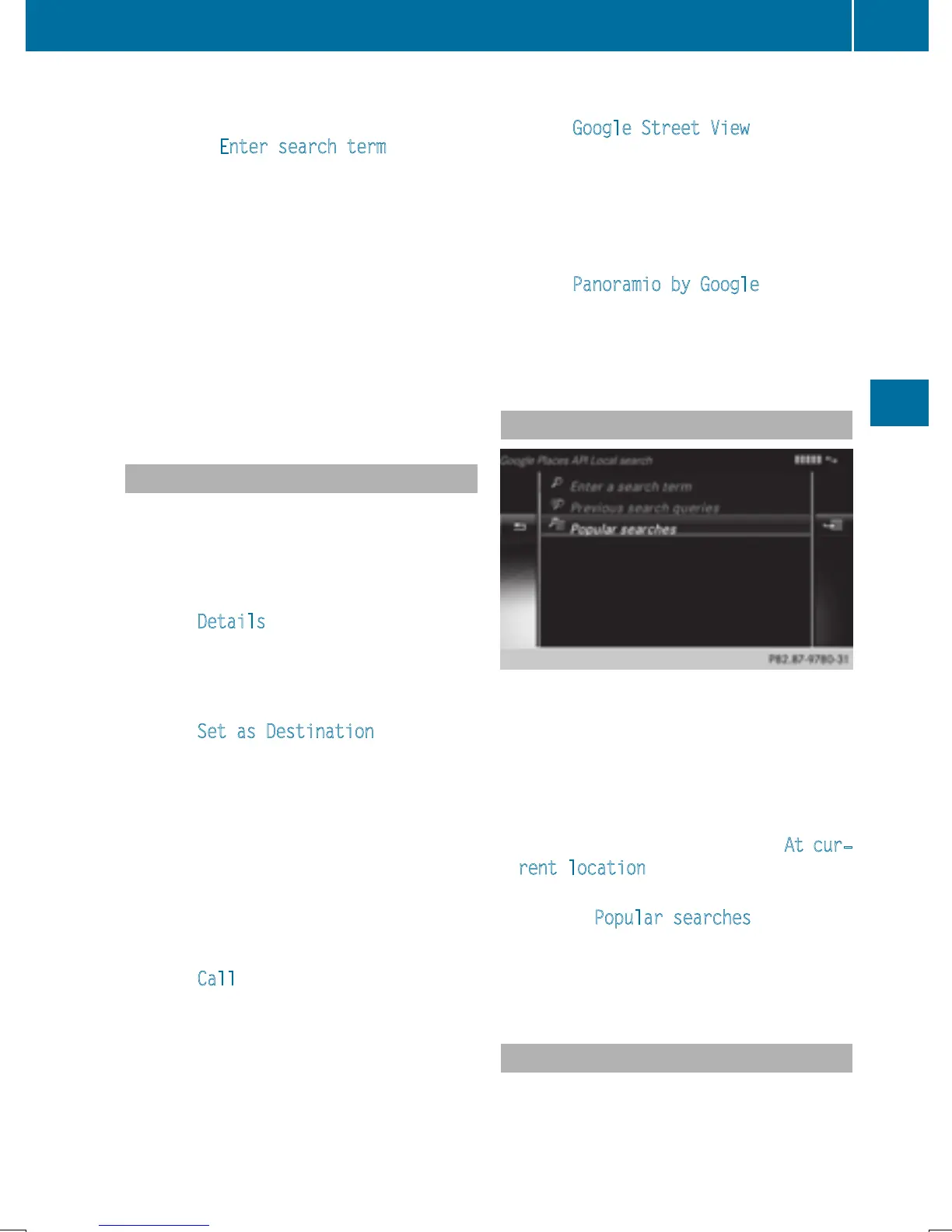
Call up Local Search (Y page 154).
X
To select the search position, e.g. At cur‐
rent location: turn and press the con-
troller.
X
To select Popular searches: turn and
press the controller.
The most frequent search queries are dis-
played.
Search history
You can use this function if search queries
have already been carried out.
Google™ local search
155
Online and Internet functions
Z







 To Next Page