Searching for pictures on other data
media
X
In the directory list, slide 8 the control-
ler.
The device list appears.
Example: the directory list displays the existing
picture files
X
To select a data medium with picture files:
turn the controller and press to confirm.
A directory list appears. Folders and picture
files can be shown.
X
Select a folder or picture.
Starting a slide show
X
While viewing a picture, press the control-
ler.
The image menu appears.
X
To select Start Slideshow: turn and
press the controller.
The slide show starts.
X
To end the slide show: press the controller.
The image menu appears.
X
Select End Slide Show.
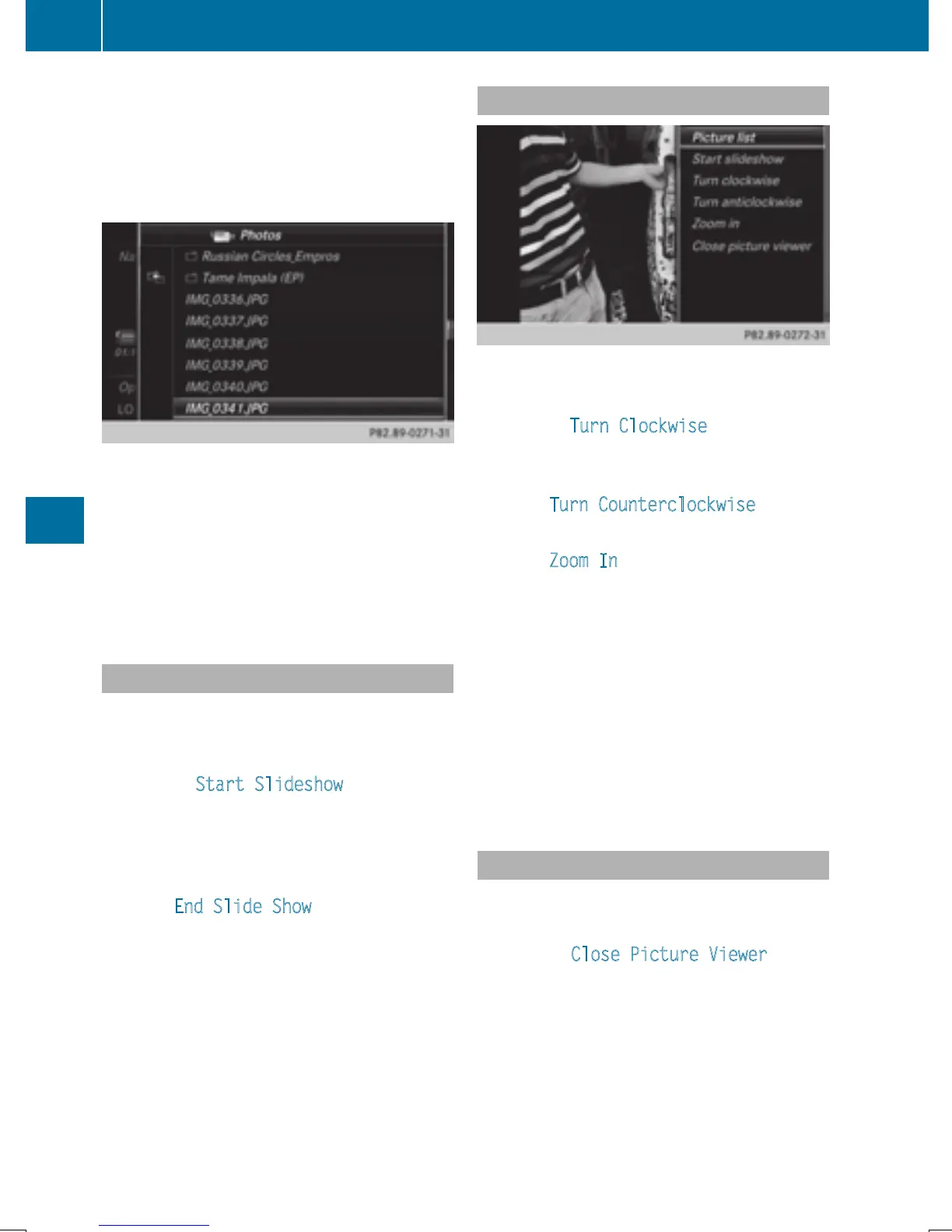
Changing the picture view
X
Press the controller.
The image menu appears.
X
To select Turn Clockwise: turn and press
the controller.
The picture rotates 90 degrees.
X
Select Turn Counterclockwise.
The picture rotates 90 degrees.
X
Select Zoom In.
The size of the picture increases.
After you have zoomed into the picture, you
can move the section of the picture.
X
To move the section of the picture: slide
4 and 1 the controller.
X
To revert to the original size: press the con-
troller
or
X
Press the % button.
Closing the picture viewer
X
Press the controller.
The menu appears.
X
To select Close Picture Viewer: turn
and press the controller.
COMAND returns to the last accessed
media function.
208
Picture viewer
Media







 To Next Page