Rejecting:
X
To select Reject: turn the controller and
press to confirm.
or
X
Press ~ on the multifunction steering
wheel.
The behavior after the call is rejected
depends on your mobile phone and mobile
phone network provider.
Option 1: The originally active call is con-
tinued and the incoming call is rejected.
Option 2: The originally active call is ended
and the incoming call is accepted.
Option 3: Both calls are ended.
Ending an active call
X
To select = in the telephone menu: turn
and press the controller.
or
X
Press ~ on the multifunction steering
wheel.
The active call is ended.
Mobile phone voice recognition
You can start or end voice recognition on your
mobile phone with this function. Further infor-
mation on the voice recognition service; see
the manufacturer's operating instructions.
To start the mobile phone voice recogni-
tion:
X
Connect the mobile phone to COMAND
(
Y page 114).
X
Press and hold the ó button on the mul-
tifunction steering wheel for more than one
second.
You can now use the mobile phone voice
recognition.
To end the mobile phone voice recogni-
tion:
X
Press ñ on the multifunction steering
wheel.
The mobile phone voice recognition is stop-
ped.
Phone book
Introduction
The telephone book displays the contacts
from the address book which have a phone
number.
The mobile phone's telephone book is auto-
matically displayed in COMAND after connec-
tion (default setting). You can deactivate
automatic calling up (
Y page 132).
In the telephone book, you can:
R
Create new contacts (Y page 125)
R
Add information to contacts (Y page 125)
R
Search for contacts (Y page 124)
R
Store contacts (Y page 126)
R
Delete contacts (Y page 126)
Further information on importing contacts
(
Y page 132).
When you import, save, edit or add contacts,
they will be permanently saved in COMAND.
These contacts will remain there even when
you connect COMAND to a different mobile
phone. You can view these contacts even
without a mobile phone.
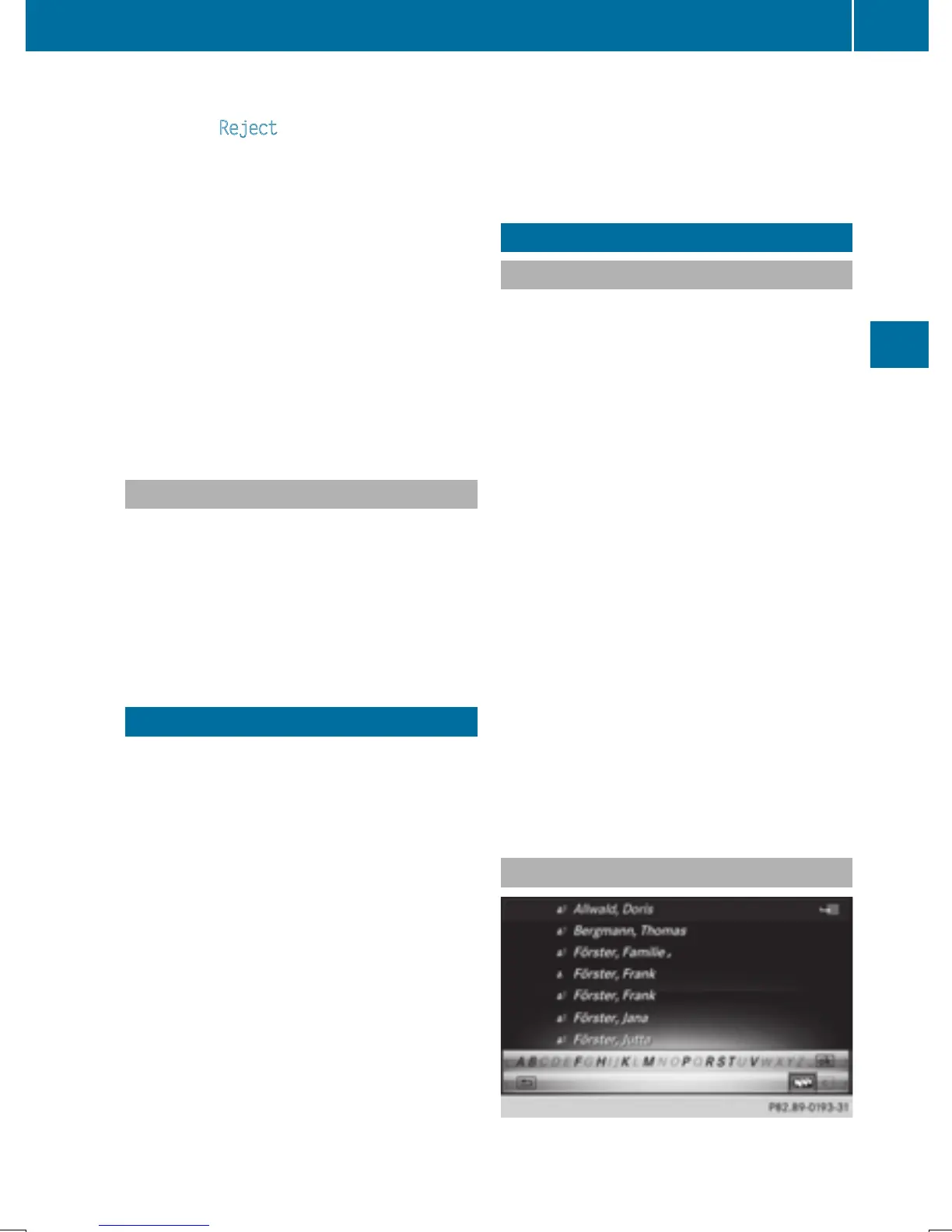
Calling up the phone book
Phone book
123
Telephone
Z







 To Next Page