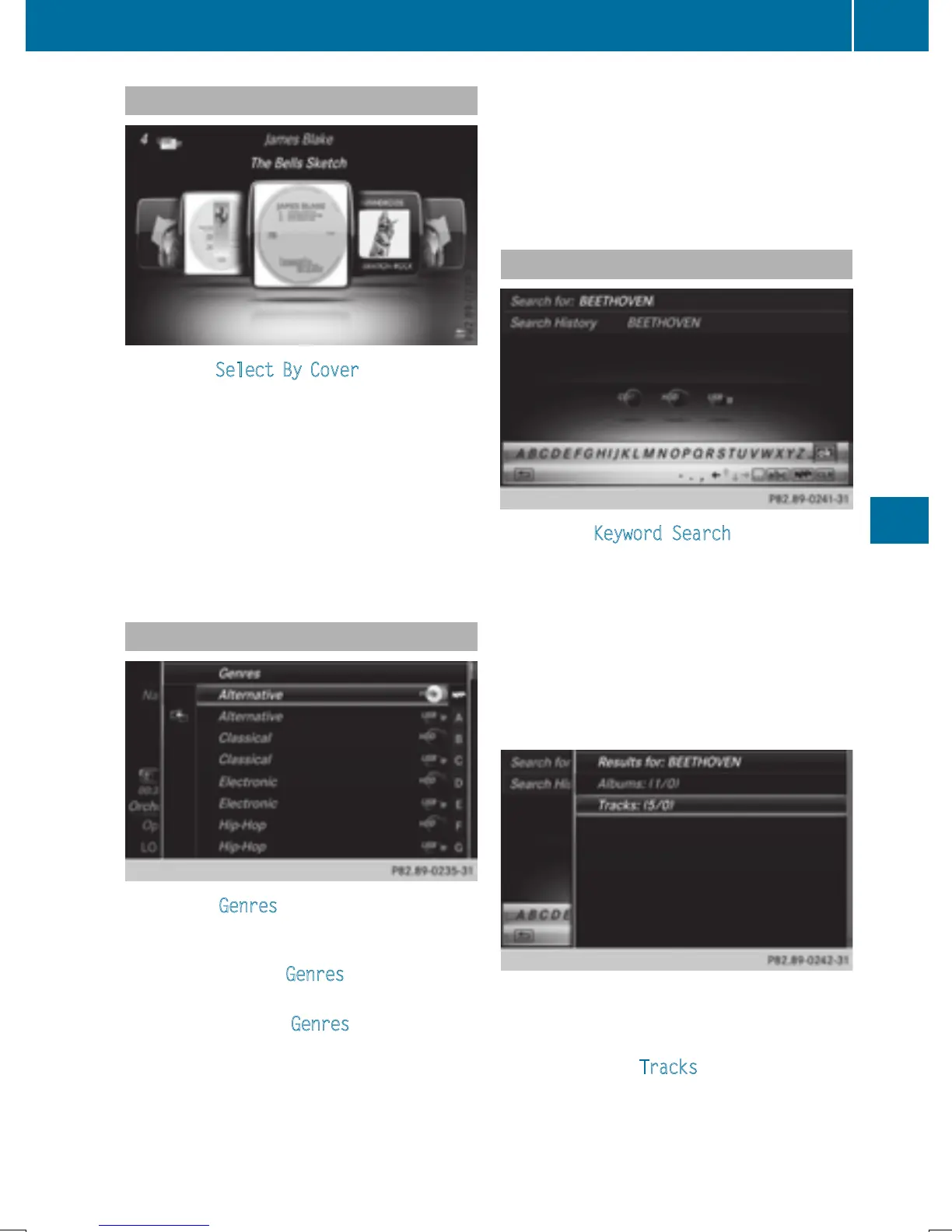
Selecting by cover
X
To select Select By Cover in the category
list: turn and press the controller.
A menu with cover views appears.
COMAND searches all media sources.
X
To move the desired folder to the front: turn
the controller.
The track list appears.
X
To select the desired track: turn and press
the controller.
Searching by genre
X
To select Genres in the category list: turn
and press the controller.
COMAND searches all media sources. A
selection list with Genres
and media sour-
ces appears.
X
Select the desired Genres.
A selection list with music tracks from the
selected genre appears.
X
Select a music track.
The track is played. The basic menu for the
active media source is shown.
X
To exit the selection list: press the %
button.
Keyword search
X
To select Keyword Search in the category
list: turn and press the controller.
The input field appears.
X
To select required characters: turn and
press the controller for each letter
(
Y page 32).
Entering just part of the name of a track or
artist is enough. The search result then dis-
plays the entire text.
X
Select ¬.
The search results are displayed.
The numbers behind the results, as shown
in the example Tracks
(5/0), mean: 5
Media search
189
Media
Z


 To Next Page
 Loading...




