The categories are displayed according to the
data available.
Starting the media search
X
In media mode, slide 6 the controller.
The media menu bar is shown.
X
To select Search: turn and press the con-
troller.
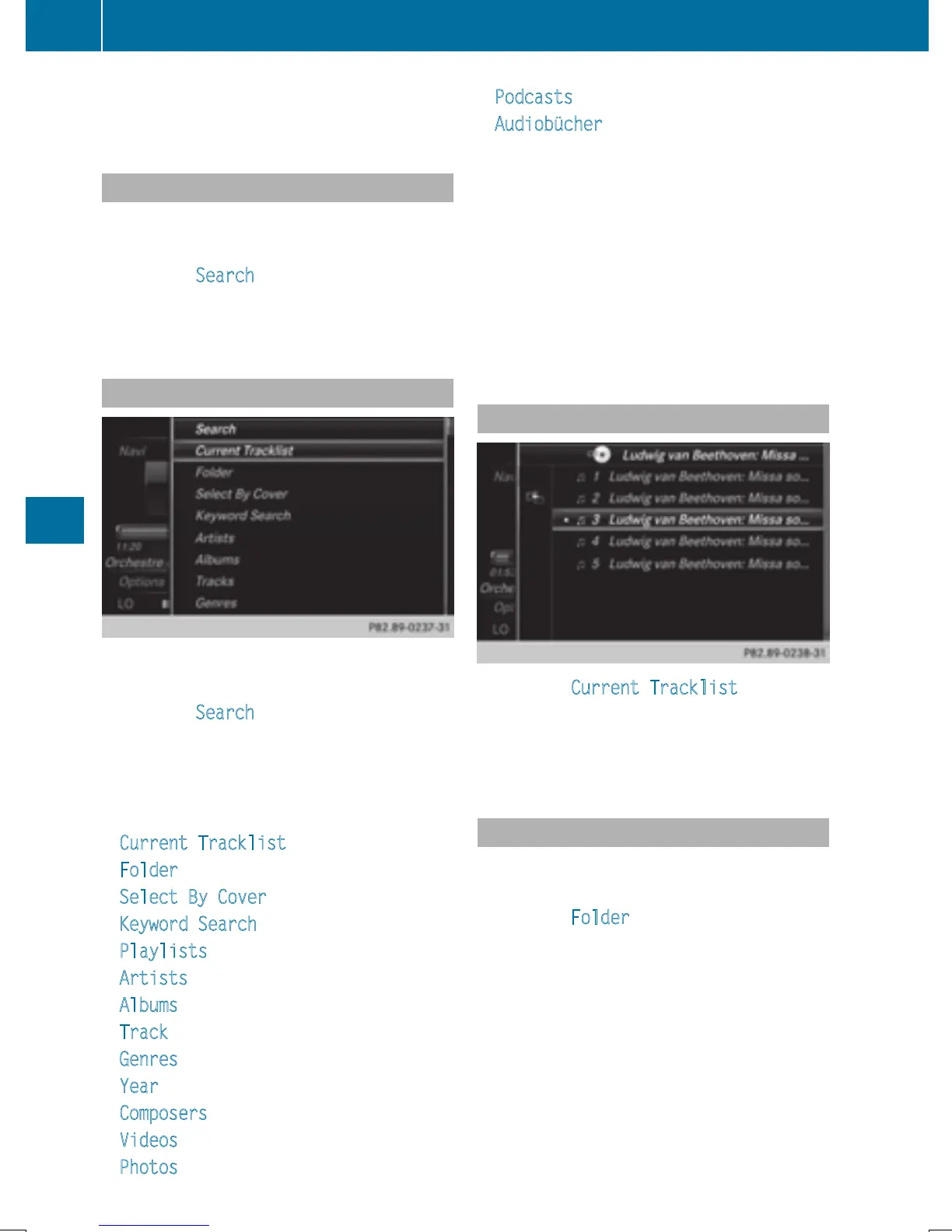
The category list appears.
Category list
X
In media mode, slide 6 the controller.
The media menu bar is shown.
X
To select Search: turn and press the con-
troller.
The category list is shown.
Depending on the connected media sources
and files, the following categories are listed:
R
Current Tracklist
R
Folder
R
Select By Cover
R
Keyword Search
R
Playlists
R
Artists
R
Albums
R
Track
R
Genres
R
Year
R
Composers
R
Videos
R
Photos
R
Podcasts
R
Audiobücher (Audiobooks)
i
The categories are available as soon as
the entire media content has been read and
analyzed.
If the same device is reconnected with
unchanged media content, these catego-
ries are available more quickly.
When connecting Apple
®
devices, the cat-
egories “Folder”, “Year” and “Photos” are
not available.
Searching by current track list
X
To select Current Tracklist in the cat-
egory list: turn and press the controller.
The selection list appears.
X
Select the required track.
Searching by folder
Playable files can be searched for in the active
data medium's directories.
X
To select Folder in the category list: turn
and press the controller.
The folder list appears.
X
Select the required folder.
The track list appears.
X
Select the required track.
188
Media search
Media


 To Next Page
 Loading...




