Adding to bookmarks
Adds the current website to the favorites. The
website can then be called up using the menu.
You can store up to 20 favorites in the menu.
X
To show the menu: press the % but-
ton.
X
To select 3: turn and press the control-
ler.
X
Select Add to Bookmarks.
The message: The website was added
to bookmarks appears.
Current URL
X
To show the menu: press the % but-
ton.
X
To select 3: turn and press the control-
ler.
X
Select Current URL.
The URL appears.
Zoom
You can use this function to enlarge web
pages.
X
To show the menu: press the % but-
ton.
X
To select 3: turn and press the control-
ler.
A menu appears. The # dot indicates the
current setting.
X
Select Zoom.
X
To navigate on the web page: slide 1,
4 or 2 the controller.
X
To zoom in on the web page: turn the con-
troller.
Jumping from link to link
You can use this function to skip from one link
to the next on a website.
X
To show the menu: press the % but-
ton.
X
To select 3: turn and press the control-
ler.
A menu appears. The # dot indicates the
current setting.
X
Select Jump From Link To Link.
If a website has been called up and the
controller is turned, the cursor jumps from
link to link.
Directional scrolling
You can use this function to scroll up and
down on the web page.
X
To show the menu: press the % but-
ton.
X
To select 3: turn and press the control-
ler.
A menu appears. The # dot indicates the
current setting.
X
Select Directional Scrolling.
If a website has been called up and the
controller is turned, the cursor moves up or
down depending on the direction of the
turn.
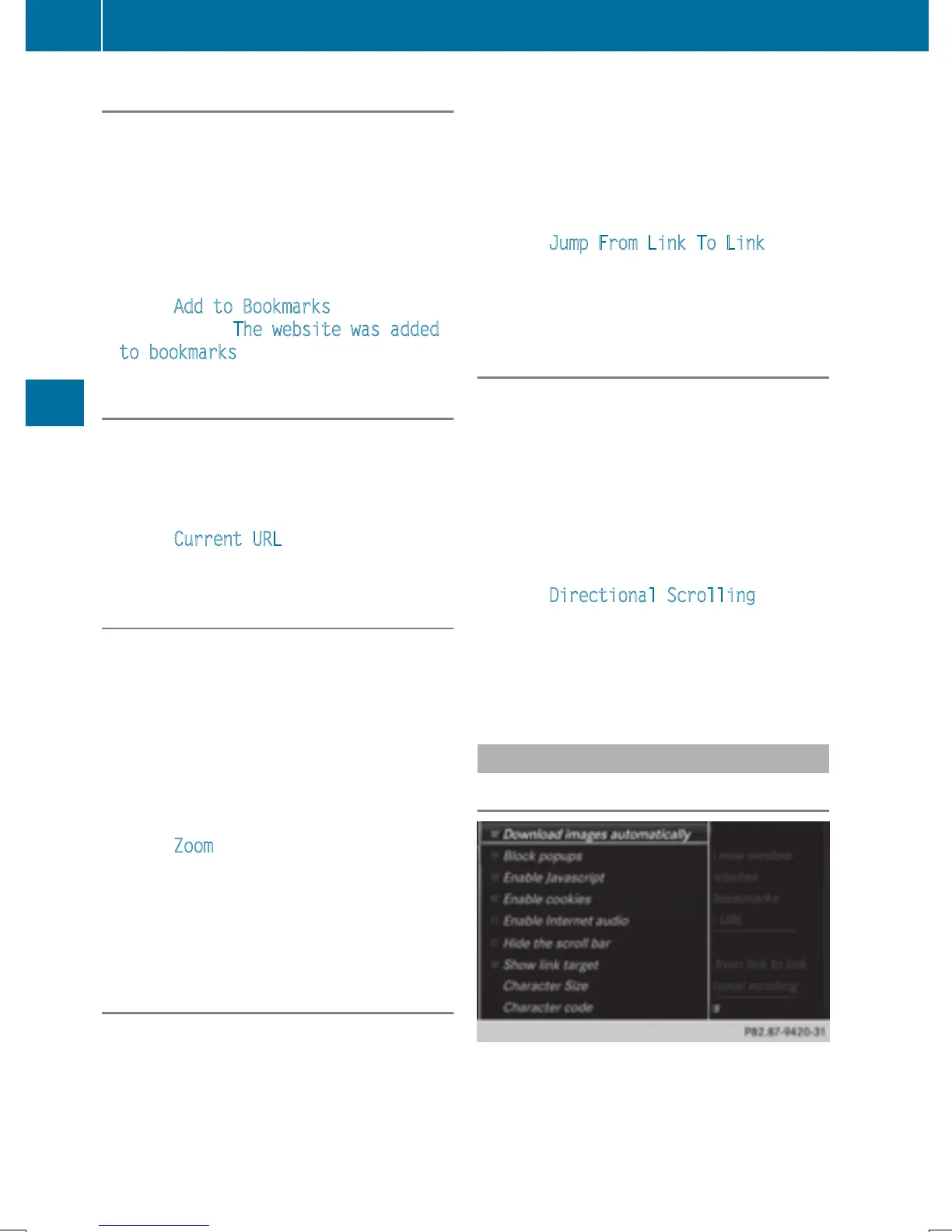
Settings
Overview
162
Web browser
Online and Internet functions







 To Next Page