X
To show the menu: press the % but-
ton.
X
To select 3: turn and press the control-
ler.
A menu appears.
X
Select Settings.
You can activate/deactivate the following
settings:
R
Download Images Automatically
It may take some time to download the
contents of websites that contain a large
amount of images. Therefore, it may be
useful to deactivate this option.
R
Block Pop-Ups
Pop-ups are windows (usually with adver-
tisements) which are displayed automati-
cally when you call up a website. You can
block these displays.
R
Activate Javascript
Javascript makes it possible to display and
interact with dynamic content on the web-
site.
R
Allow Cookies
Some websites save information in small
text files (cookies) on your system. You can
determine whether cookies may be stored.
R
Enable Internet Audio
You can switch the browser's audio play-
back on or off here.
R
Hide Scroll Bars
You can show or hide the scroll bar here.
R
Show Link Target
You can display the link's URL here.
R
Character Size
You can select the font size which is used
when displaying the website.
R
Character Code
You can select a different character set
here, e.g. if the characters of a website
appear distorted.
Changing settings
X
To select the desired setting: turn and
press the controller.
Switch the setting on O or off ª.
Changing the character size or character
code.
X
Select Character Size or Character
Code.
X
To select the setting you require: turn and
press the controller.
i
If you change the settings, the websites
may not be displayed correctly.
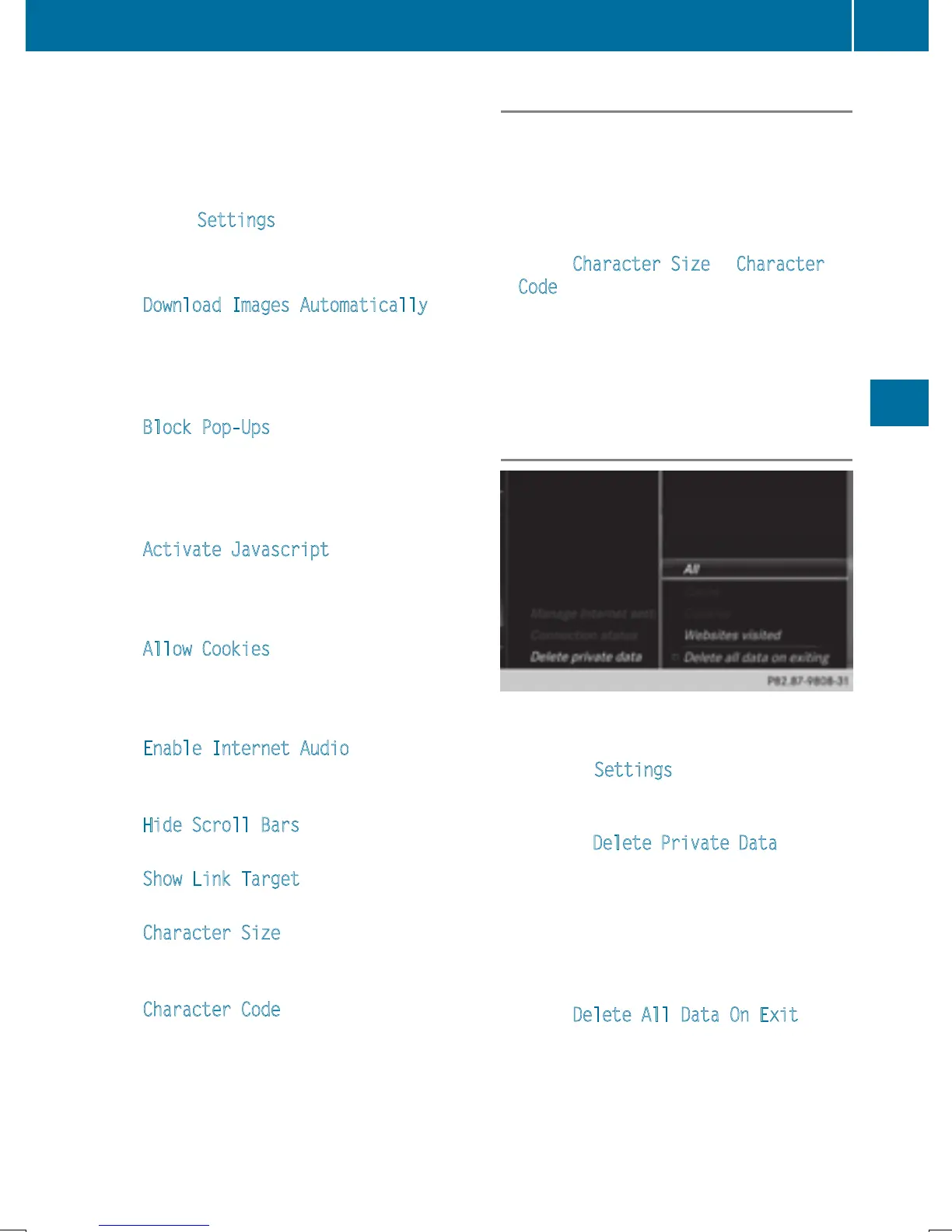
Deleting private data
X
To call up Internet functions (Y page 153).
X
To show the menu: slide 6 the controller.
X
To select Settings: slide 6 , turn and
press the controller.
A menu appears.
X
To select Delete Private Data: turn and
press the controller.
A menu appears. The # dot indicates the
current setting.
X
To select the setting you require: turn and
press the controller.
or
X
Select Delete All Data On Exit.
Switch the setting on O or off ª.
Web browser
163
Online and Internet functions
Z


 To Next Page
 Loading...




