X
To show the main function bar: slide 5
the controller.
X
To select Phone: turn and press the con-
troller.
The telephone menu is displayed.
X
To switch to the menu bar: slide 6 the
controller.
X
To select 1: turn and press the controller.
The message menu is displayed.
X
To switch to the menu bar: slide 6 the
controller.
X
To select New: turn and press the controller.
X
To select Text Message: turn and press
the controller.
The text message input menu is displayed.
The To:
input line is selected.
Entering a recipient
X
Enter characters using the controller
(
Y page 32) or the touchpad (Y page 27).
or
X
To enter a phone number from the phone
book: select Æ.
The contacts from the address book which
have a phone number are displayed.
X
Search for and select an entry
(
Y page 124).
The number is copied to the recipient line.
Entering text and sending text messages
X
To select an input line for text: select 5 in
the character bar.
X
Enter characters.
COMAND contains templates which you
can use when writing your messages
(
Y page 143).
X
To send the text message: select OK.
Answering a text message
Observe the requirements for the message
function (
Y page 138).
X
Display the message (Y page 140).
X
Press the controller.
X
To select Reply: turn and press the con-
troller.
The text message input menu is displayed.
The addressee's details are automatically
filled in using the details in the original
message.
Writing e-mails
Writing a new e-mail
Observe the requirements for the message
function (
Y page 138).
X
To show the main function bar: slide 5
the controller.
X
To select Phone: turn and press the con-
troller.
The telephone menu is displayed.
X
To switch to the menu bar: slide 6 the
controller.
X
To select 1: turn and press the controller.
The message menu is displayed.
X
To switch to the menu bar: slide 6 the
controller.
X
To select New: turn and press the controller.
X
To select E-Mail: turn and press the con-
troller.
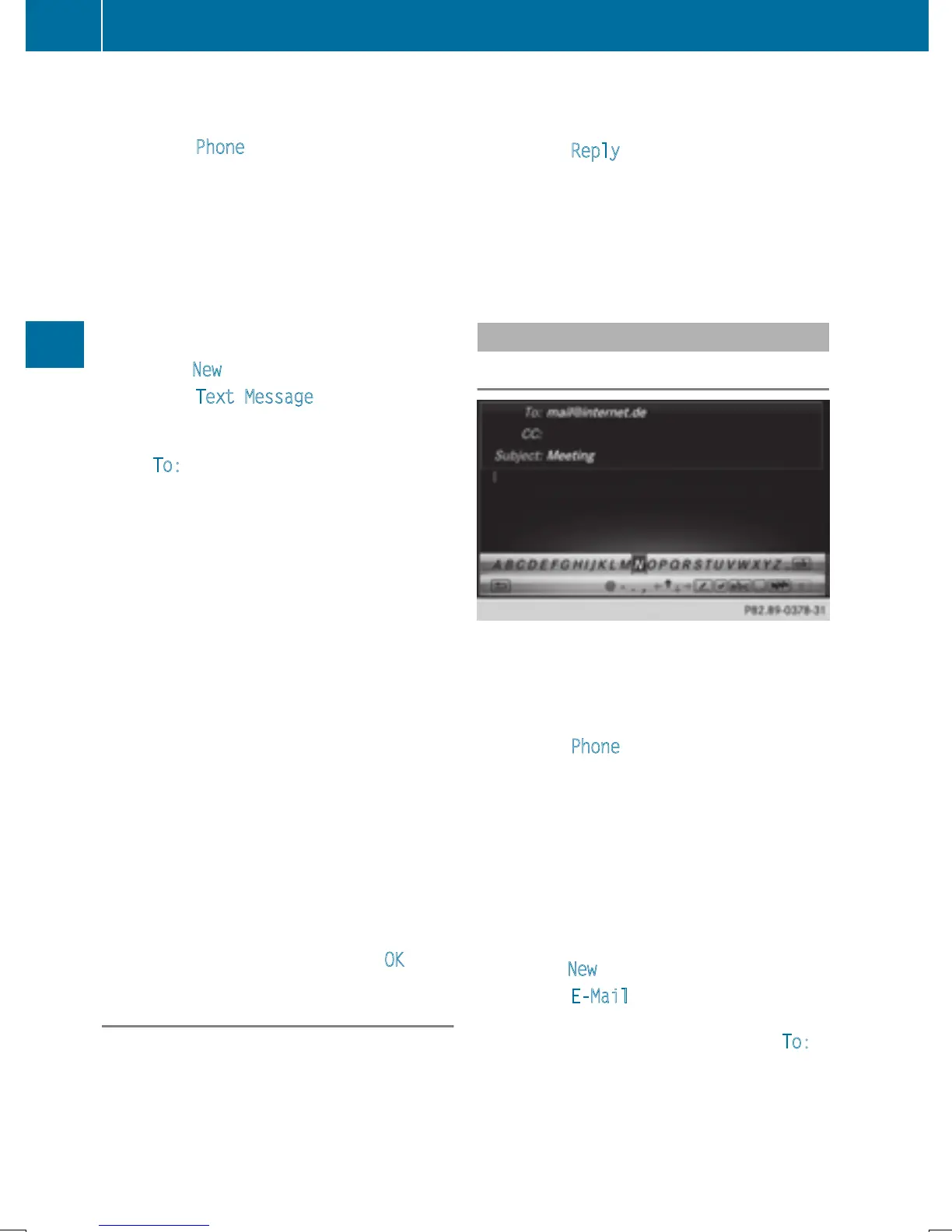
The e-mail input menu appears. The To:
input line is selected.
142
Messages (text messages and e-mails)
Telephone







 To Next Page