When the restriction is active, certain entries
cannot be made. This will be indicated by the
fact that certain menu items are grayed out
and cannot be selected.
The following entries are not possible, for
example:
R
entering the destination city and street
R
entering a destination via the map
R
entering POIs in the vicinity of a city or via a
name search
R
editing entries
Other entries are possible, such as entering
points of interest in the vicinity of the desti-
nation or current position.
Switching to navigation mode
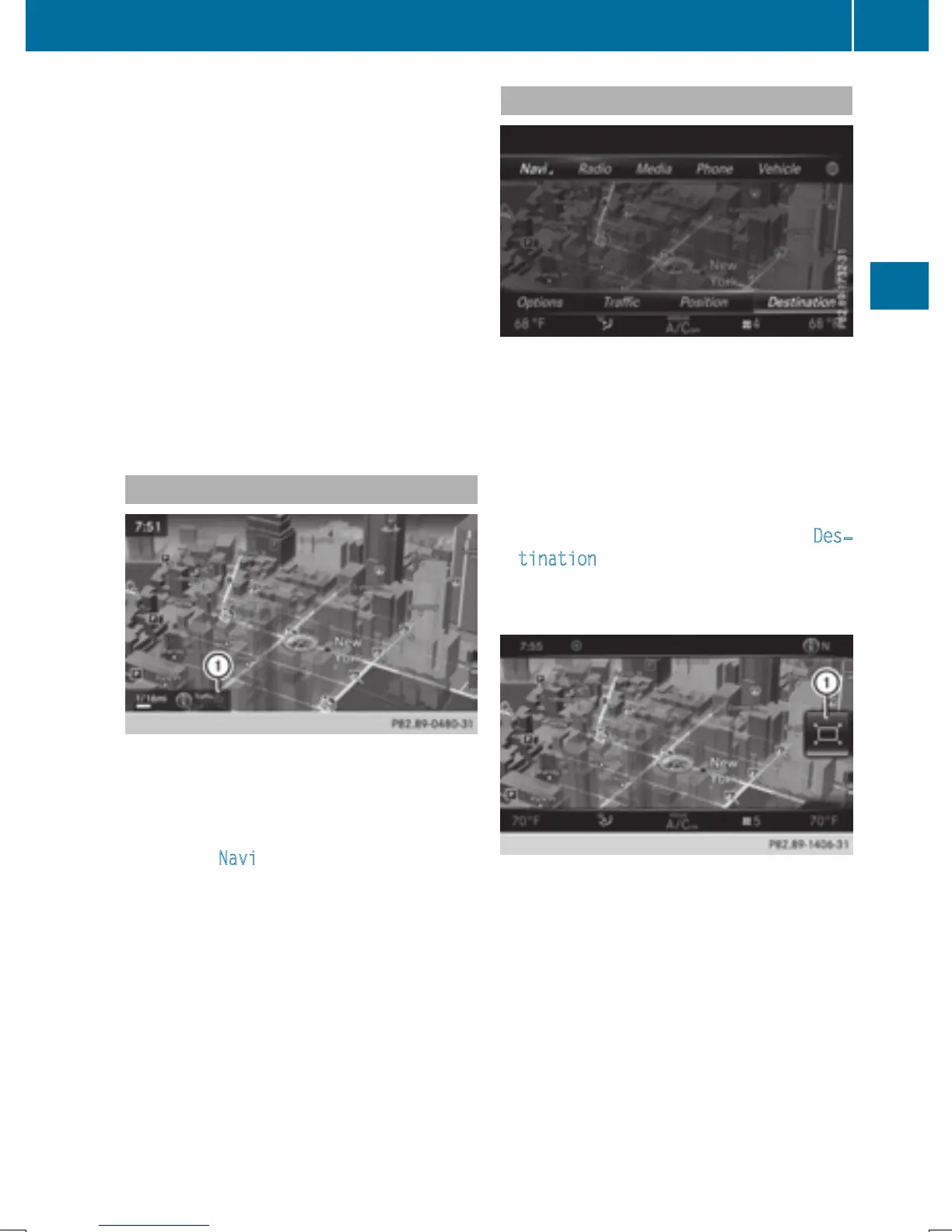
:
Traffic reports can be received or traffic
reports are available
X
To show the menu: slide 5 the control-
ler.
X
To select Navi: turn and press the control-
ler.
The map displays the current vehicle posi-
tion or the navigation menu appears.
X
If the navigation menu appears, press the
controller.
The map shows the vehicle's current posi-
tion.
Showing/hiding the menu
Using the menu, you can make a destination
entry or select the navigation settings, for
example.
X
To show: slide 6 the controller when the
map appears.
or
X
Glide down the touchpad with one finger.
If there has been no route calculated, Des‐
tination is marked.
If a route has been calculated, y is
marked.
X
To hide: press the % button.
or
X
Slide 5 the controller.
Full screen symbol : appears.
X
Press the controller.
Introduction
59
Navigation
Z


 To Next Page
 Loading...




