Input field Meaning
Auto DNS:
Automatic allocation of
DNS servers is activated.
If the function is deactiva-
ted, the DNS server
addresses must be
entered manually.
DNS (Domain Name
Service)
DNS1:
DNS2:
Fields for entering the
DNS server addresses
manually. The address
can be obtained from your
mobile phone network
provider.
Managing existing access data
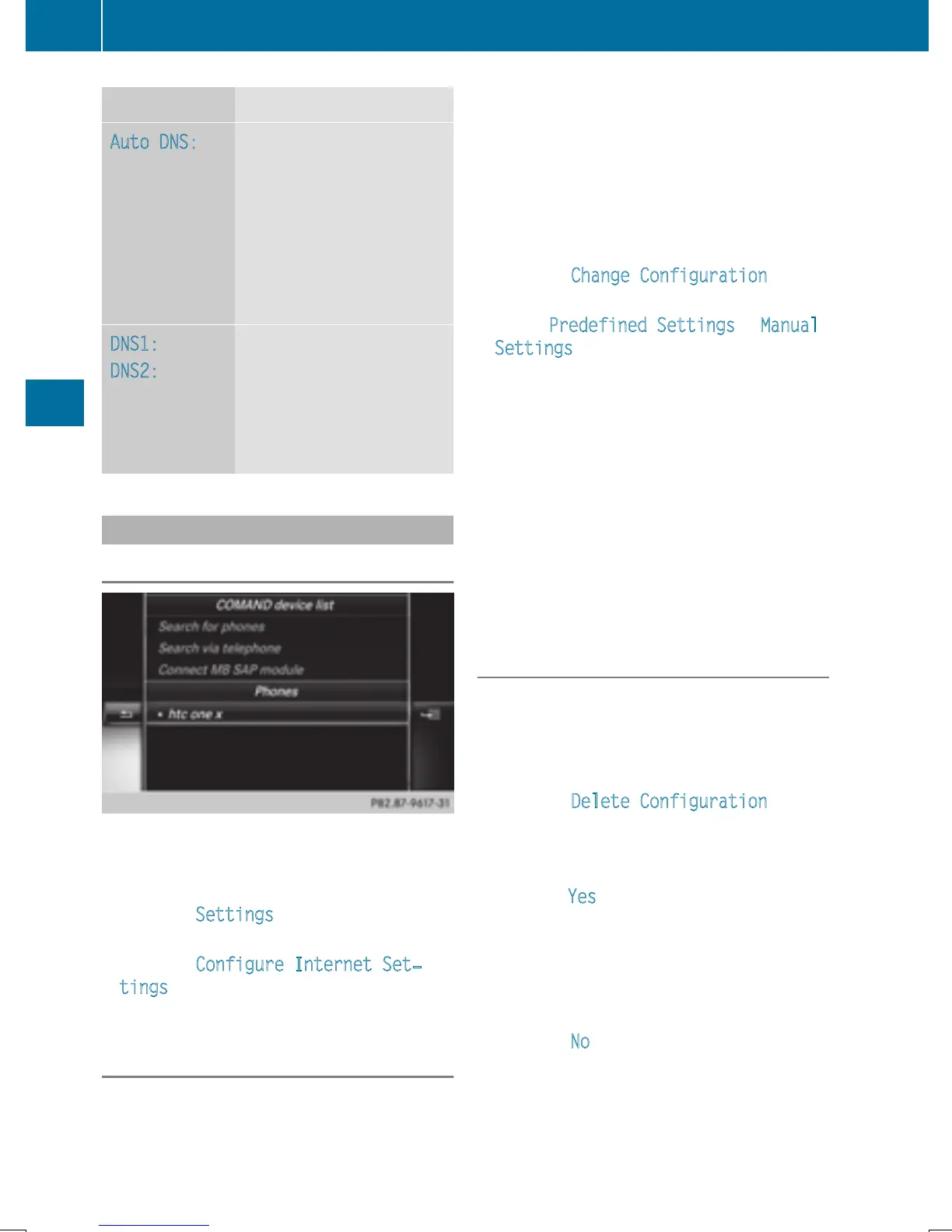
Calling up the device list
X
To call up Internet functions (Y page 153).
X
To switch to the menu bar: slide 6 the
controller.
X
To select Settings: turn and press the
controller.
X
To select Configure Internet Set‐
tings: turn and press the controller.
The device list is displayed.
Editing the access data
The mobile phone must be connected with
the system for the access data to be changed.
When the Internet connection is active, you
cannot edit or delete the access data of the
currently set mobile phone network provider.
X
Call up the device list (Y page 152).
X
To highlight the desired mobile phone in the
device list: turn the controller.
X
To select G: slide 9 the controller.
X
To select Change Configuration: turn
and press the controller.
X
Select Predefined Settings or Manual
Settings.
The provider settings are displayed.
In order to edit the access data of the mobile
phone network provider you have two
options:
R
Option 1: select the predefined access data
of the mobile phone network provider
(
Y page 150).
R
Option 2: manually set the access data of
the mobile phone network provider
(
Y page 150).
Canceling Internet access permissions
for a mobile phone
X
Call up the device list (Y page 152).
X
To highlight the desired mobile phone in the
device list: turn the controller.
X
To select G: slide 9 the controller.
X
To select Delete Configuration: turn
and press the controller.
A prompt appears asking whether you wish
to delete the Internet configuration.
X
To select Yes: turn and press the controller.
The Internet access permission for the
mobile phone is now canceled. The mobile
phone can now no longer be used by the
system for Internet functions.
or
X
To select No: turn and press the controller.
The process is canceled.
152
Setting up an Internet connection (Canada)
Online and Internet functions


 To Next Page
 Loading...




