correspond to the local conditions
(
Y page 88).
If desired, you can have COMAND calculate
alternative routes even during route guid-
ance (
Y page 88).
Setting route options
X
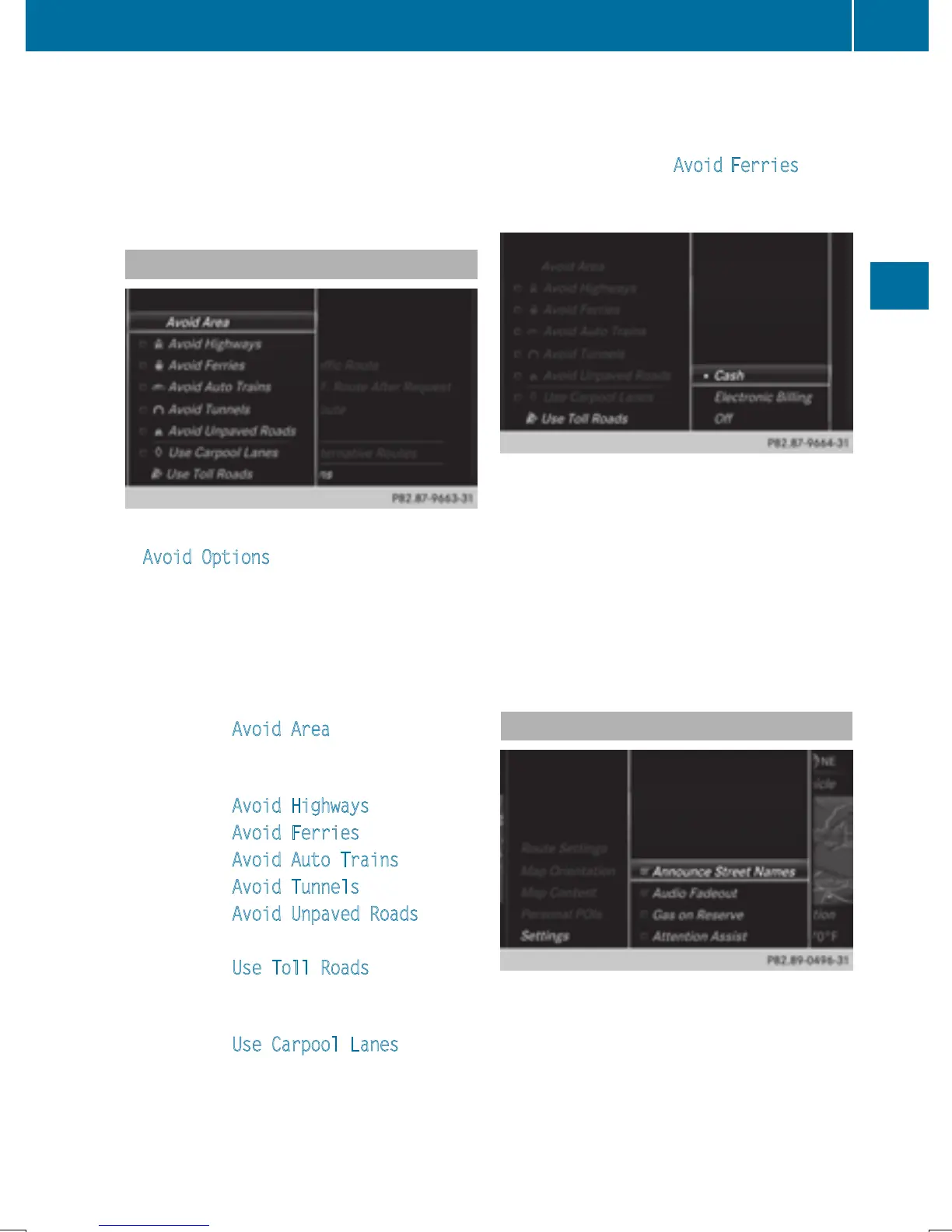
To avoid/use route options: select
Avoid Options
.
A menu appears.
X
Select one of the options.
O: using or avoiding route options is ena-
bled
ª: using or avoiding route options is disa-
bled
R
Menu item Avoid Area (Y page 102)
COMAND enables you to avoid areas you
do not wish to drive through.
R
Menu item Avoid Highways
R
Menu item Avoid Ferries
R
Menu item Avoid Auto Trains
R
Menu item Avoid Tunnels
R
Menu item Avoid Unpaved Roads
The function is not available in all countries.
R
Menu item Use Toll Roads
The route calculation includes roads which
require you to pay a usage fee (toll).
R
Menu item Use Carpool Lanes
If your vehicle meets the access conditions
for carpool lanes, you can use this function.
Navigation includes carpool lanes if the car-
pool lanes option is activated.
Depending on local conditions, COMAND
may not always be able to include all route
options. A route may include a ferry, for
instance, even though Avoid
Ferries is ena-
bled. COMAND will notify you of this visually
and through a navigation message.
X
To use toll roads: turn and press the con-
troller.
A menu appears.
X
Select an option.
The options include using roads that
require cash payment or electronic billing,
or switching off the function.
X
To exit a menu: slide 8 the controller.
Selecting announcements
Basic settings
61
Navigation
Z


 To Next Page
 Loading...




