Your COMAND equipment
i
These operating instructions describe all
the standard and optional equipment of
your COMAND system, as available at the
time of going to print. Country-specific dif-
ferences are possible. Bear in mind that
your vehicle may not feature all functions
described here. This also applies to safety-
relevant systems and functions.
i
Read the information on qualified special-
ist workshops in the vehicle Operator's
Manual.
Important safety notes
G
WARNING
If you operate mobile communication equip-
ment while driving, you will be distracted from
traffic conditions. You could also lose control
of the vehicle. There is a risk of an accident.
Only operate this equipment when the vehicle
is stationary.
G
WARNING
SD memory cards are small parts. They can be
swallowed and cause asphyxiation. This
poses an increased risk of injury or even fatal
injury.
Keep SD memory cards out of the reach of
children. If an SD memory card is swallowed,
seek immediate medical attention.
You must observe the legal requirements for
the country in which you are currently driving
when operating mobile communications
equipment in the vehicle.
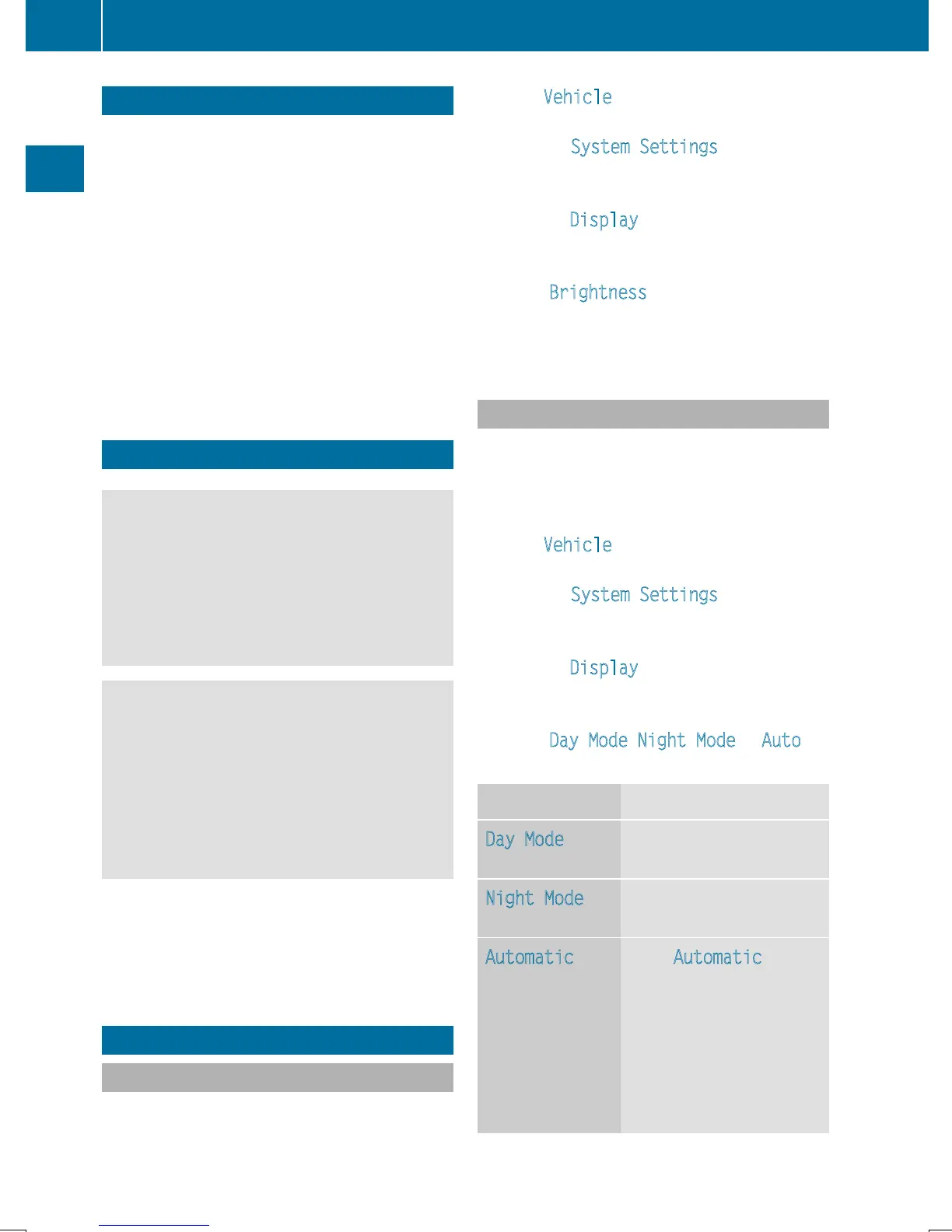
Display settings
Setting the brightness
The brightness detected by the display light
sensor affects the setting options for this
function.
X
Press Vehicle in the main function bar.
The vehicle menu is displayed.
X
To select System Settings: slide 6,
turn and press the controller to confirm.
A menu appears.
X
To select Display: turn and press the con-
troller.
A menu appears.
X
Select Brightness.
A control appears.
X
Select the desired brightness.
Display design
The display features optimized designs for
daytime and night-time operation. You can
set the design by manually selecting day or
night design or opt for an automatic setting.
X
Press Vehicle in the main function bar.
The vehicle menu is displayed.
X
To select System Settings: slide 6,
turn and press the controller to confirm.
A menu appears.
X
To select Display: turn and press the con-
troller.
A menu appears.
X
Select Day Mode, Night Mode or Auto.
The # dot indicates the current setting.
Design Explanation
Day Mode
The display is set perma-
nently to day design.
Night Mode
The display is set perma-
nently to night design.
Automatic If the Automatic setting
is selected, COMAND
evaluates the readings
from the automatic vehi-
cle light sensor and auto-
matically switches
between the display
designs.
38
Display settings
System settings



 To Next Page
 Loading...



