X
To activate the menu for balance: press the
controller.
X
To adjust the balance: slide 8 or 9
the controller.
An image shows the sound focus set.
X
To exit the menu: press the % button.
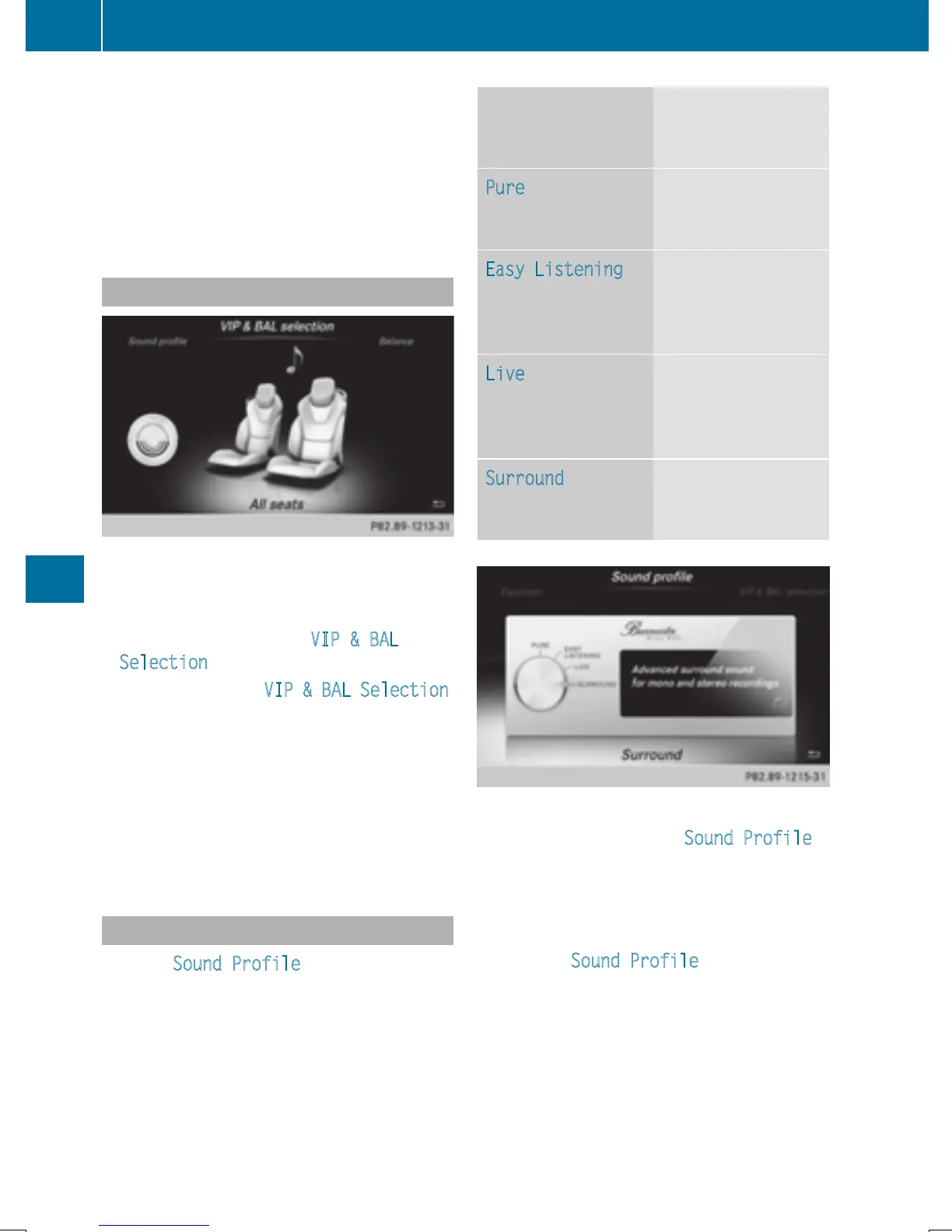
VIP & BAL selection
For the best sound, the specific seats will
need to be set.
X
Call up the sound menu (Y page 213).
X
Turn the controller until VIP & BAL
Selection is in the center and slide 6.
X
To set the desired VIP & BAL Selection:
turn the controller.
The segment, text and image show the
selected setting.
X
To return to the menu: slide 5 the con-
troller.
X
To return to the basic menu: press the %
button briefly.
Setting the sound profile
With the Sound Profile setting, you can
select between five defined sound settings.
Sound profile for
high-end sound
system
Description
Pure
Audiophile audio
playback without
additional effects
Easy Listening
Subtly mellowed
acoustics for laid-
back listening over
long periods
Live
Spectacular sound
settings with live-
performance char-
acteristics
Surround
Enhanced surround
sound for mono and
stereo recordings
X
Call up the sound menu (Y page 213).
X
Turn the controller until Sound Profile is
in the center.
X
Slide 6 the controller.
The rotary menu to select the sound profile
is activated.
X
To select Sound Profile: turn the con-
troller until the desired sound profile is acti-
vated.
X
To return to the menu: slide 5 the con-
troller.
X
To return to the basic menu: press the %
button briefly.
214
Burmester
®
high-end surround sound system
Sound







 To Next Page