X
To switch to navigation mode: slide 5
the controller.
X
To select Navi: turn and press the control-
ler.
The map displays the current vehicle posi-
tion or the navigation menu appears.
X
If the navigation menu appears, press the
controller.
The map shows the vehicle's current posi-
tion.
X
To show the menu: slide 6 the control-
ler.
X
To select +: turn and press the controller.
The navigation announcement is repeated.
i
If the Repeat Spoken Driving Recom‐
mendations function has previously been
added as a favorite, you can alternatively
select the function using the favorites but-
ton (
Y page 35).
Setting the volume manually
X
During a navigation announcement, turn
the control knob.
i
When you start the engine, the volume is
set to the lowest setting.
Switching navigation announcements
on/off
X
To switch off navigation announce-
ments: press the 8 button on the mul-
tifunction steering wheel during a naviga-
tion message.
X
To switch navigation announcements
back on: slide 6 the controller.
X
To select +: turn and press the controller.
COMAND automatically switches the naviga-
tion announcements back on when:
R
a new route is calculated.
R
you switch COMAND on again or start the
engine.
A navigation message is given if the route is
recalculated during dynamic route guidance
due to new traffic reports (
Y page 91).
Canceling/continuing route guidance
Canceling route guidance
X
Slide 6 the controller.
The menu is shown.
X
To select Destination: turn and press the
controller.
X
Select Cancel Active Route Guidance.
The blue route line is no longer shown on
the map.
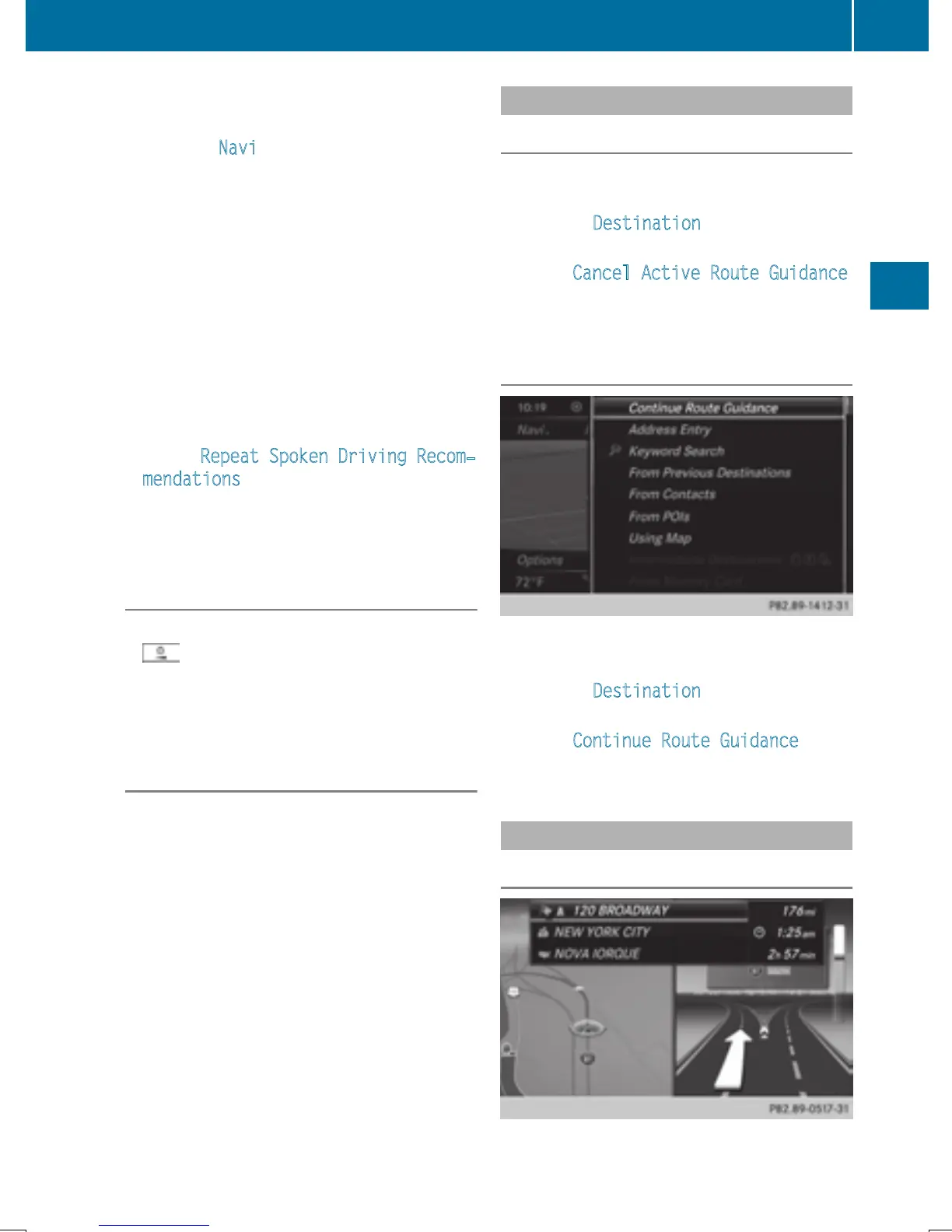
Resuming route guidance
X
Slide 6 the controller.
The menu is shown.
X
To select Destination: turn and press the
controller.
X
Select Continue Route Guidance.
COMAND calculates the route.
Route information
Destination information
Route guidance
87
Navigation
Z


 To Next Page
 Loading...




