Calling up the selection mode
X
When highway information is displayed,
slide 9 the controller.
The marker is on the highway information.
The associated position is highlighted on
the map.
X
To select the desired rest stop/freeway
exit: turn and press the controller.
The available POIs are displayed.
Starting route guidance to a POI
X
To select a POI: turn the controller and
press to confirm.
The POI details are displayed.
You can perform the following functions:
R
store in the address book (Y page 96)
R
view on the map (Y page 101)
R
called if a phone is connected and a
phone number is available (
Y page 120).
R
select for route guidance and a route to it
calculated (
Y page 65).
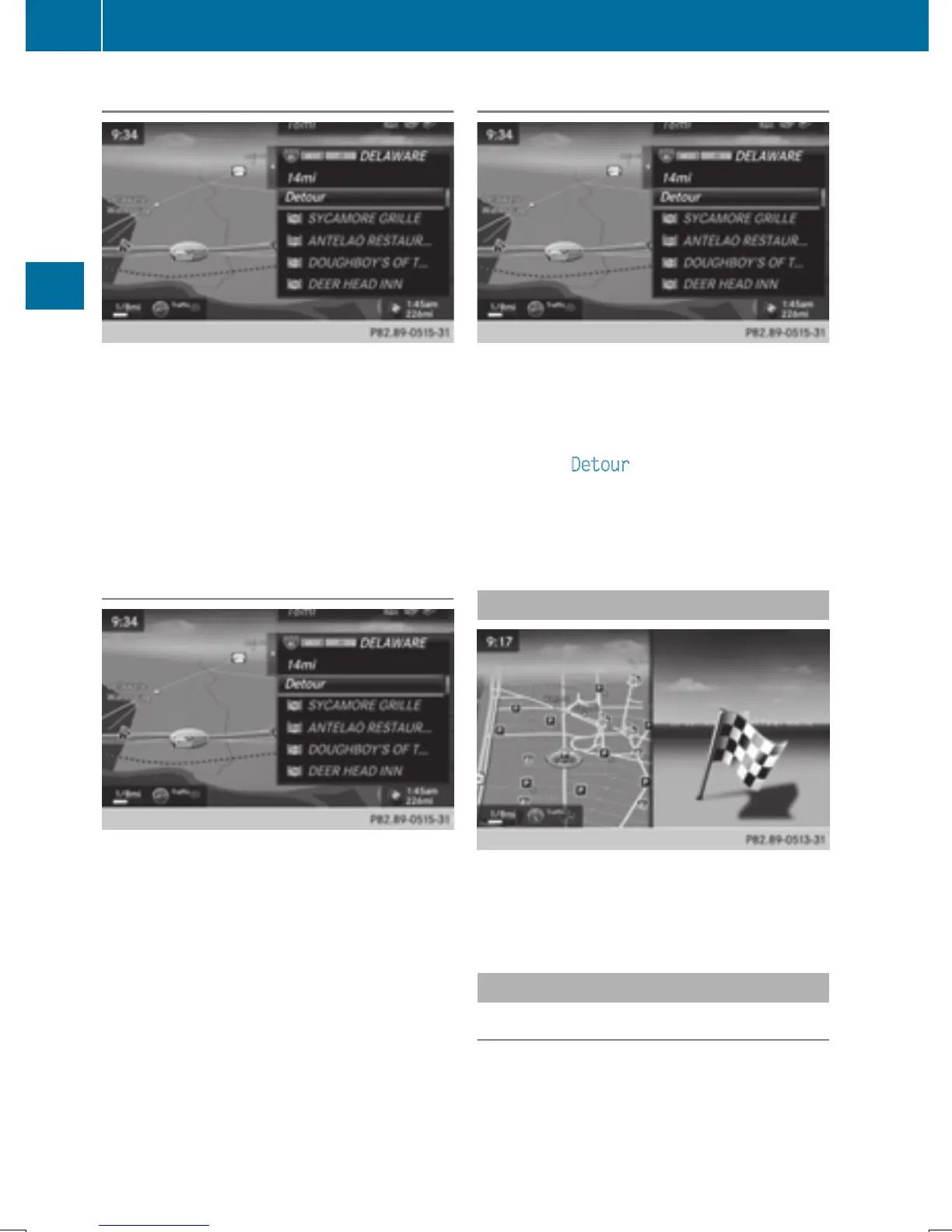
Using the traffic jam function
Highway information enables the use of the
traffic jam function. The remaining route on
the highway in this case is blocked in the
direction of travel from the selected exit.
X
To select Detour: turn and press the con-
troller.
The traffic jam function appears
(
Y page 89).
Destination reached
Once the destination is reached, you will see
the checkered flag. Route guidance is fin-
ished.
Navigation announcements
Repeating navigation announcements
If you missed the current navigation
announcement, you can call it up again.
86
Route guidance
Navigation


 To Next Page
 Loading...




