X
To activate the menu for balance: press the
controller.
X
To adjust the balance: slide 8 or 9
the controller.
An image shows the sound focus set.
X
To exit the menu: press the % button.
Burmester
®
surround sound system
General notes
The Burmester
®
surround sound system has
a total output of 640 watts and is equipped
with 10 loudspeakers.
The Burmester
®
surround sound system is
available for all functions in the radio and
media modes.
The following modes are available for the
Burmester
®
surround sound system:
R
Radio
R
Satellite radio
R
Audio CD
R
Audio DVD (MLP, PCM DTS
®
and Dolby
®
Digital audio formats)
R
Video DVD (PCM, DTS
®
and Dolby
®
Digital
audio formats)
R
MP3/AAC
R
Media Interface
R
Bluetooth
®
audio mode
i
For the best sound, CD or WAV CD format
is recommended. For data-reduced media,
AAC with a data rate of 320 kbit/s is rec-
ommended.
Calling up the sound menu
You can make various sound settings for the
different audio and video sources. It is possi-
ble to set more bass for radio mode than for
CD audio mode, for example. The respective
sound menu is called up from the menu of the
desired mode.
X
Switch to radio mode (Y page 168).
or
X
Switch to media mode (Y page 180).
X
To switch to the menu bar: slide 6 the
controller.
X
To select à: turn and press the control-
ler.
The menu appears with the last setting
accessed, e.g. Equalizer
.
Overview of Burmester
®
surround sound sys-
tem
Function Options
Equalizer Sets treble, mid-
range and bass
Balance Adjusts the volume:
left/right
Surround Optimizes spatial
composition for all
seats
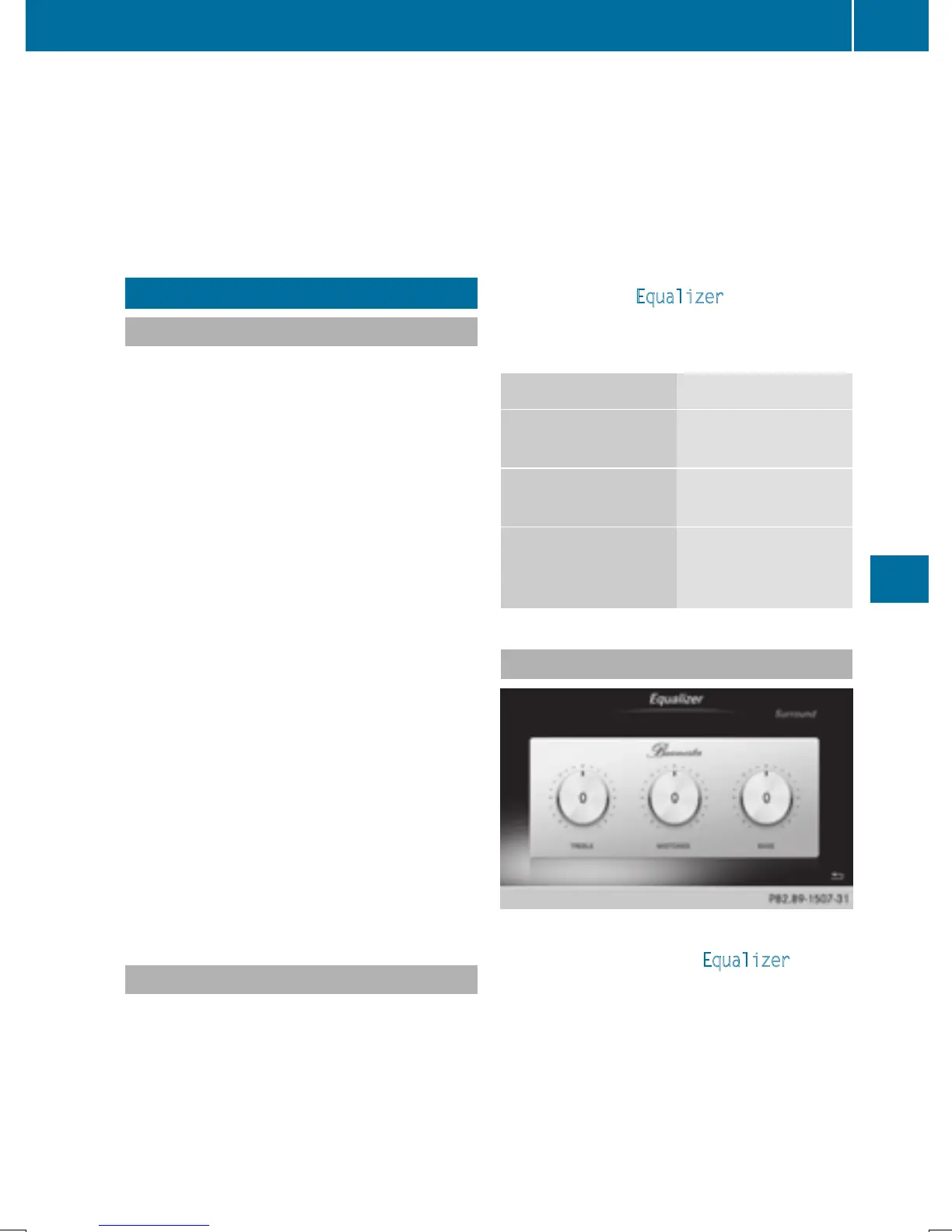
Setting treble, mid-range and bass
X
Call up the sound menu (Y page 211).
X
Turn the controller until Equalizer is in the
center.
X
Slide 6 the controller.
The rotary menus for treble, mid-range and
bass are activated.
X
To switch between the rotary menus: slide
8 or 9 the controller.
Burmester
®
surround sound system
211
Sound







 To Next Page