X
To make the desired Equalizer settings:
turn the controller.
The rotary menus show the set values.
X
To return to the menu: slide 5 the con-
troller.
X
To return to the basic menu: press the %
button briefly.
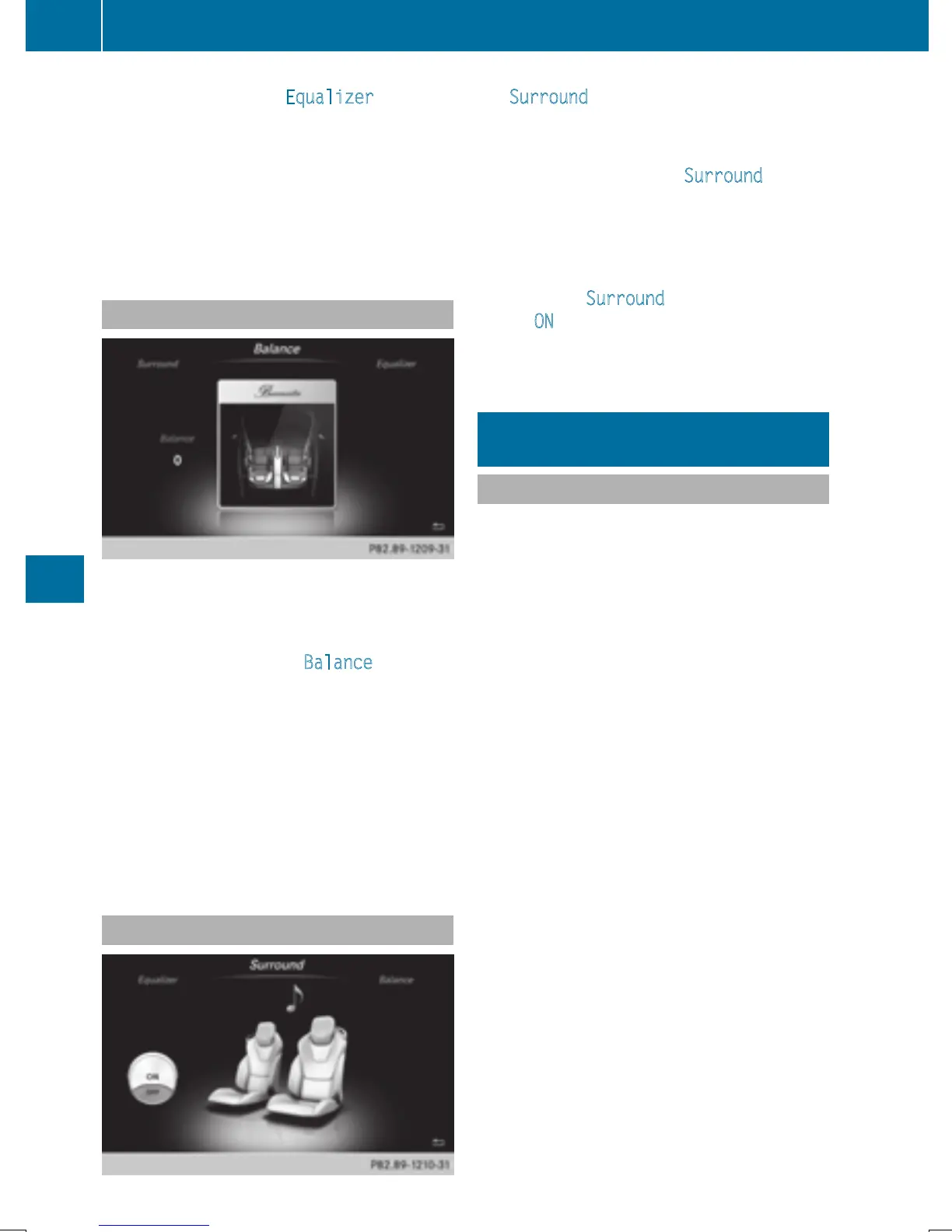
Setting the balance
Balance adjusts the volume left and right. For
the best sound, setting 0 is recommended.
X
Call up the sound menu (Y page 211).
X
Turn the controller until Balance is brought
to the front and then slide 6 the control-
ler.
X
To activate the menu for balance: press the
controller.
X
To adjust the balance: slide 8 or 9
the controller.
An image shows the sound focus set.
X
To exit the menu: press the % button.
Setting surround sound
The Surround setting enables a wide-ranging
sound playback.
X
Call up the sound menu (Y page 211).
X
Turn the controller until Surround is in the
center.
X
Slide 6 the controller.
The left-hand rotary menu to switch sur-
round sound on and off is activated.
X
To activate Surround: turn the controller
until ON
is active.
X
To exit the menu: press the % button.
Burmester
®
high-end surround sound
system
General notes
The Burmester
®
high-end surround sound
system has a total output of 1000 watts and is
equipped with 11 loudspeakers.
The Burmester
®
high-end surround sound
system is available for all functions in the
radio and media modes.
The following modes are available for the
Burmester
®
high-end surround sound sys-
tem:
R
Radio
R
Satellite radio
R
Audio CD
R
Audio DVD (MLP, PCM DTS
®
and Dolby
®
Digital audio formats)
R
Video DVD (PCM, DTS
®
and Dolby
®
Digital
audio formats)
R
MP3/AAC
R
Media Interface
R
Bluetooth
®
audio mode
i
For the best sound, CD or WAV CD format
is recommended. For data-reduced media,
AAC with a data rate of 320 kbit/s is rec-
ommended.
212
Burmester
®
high-end surround sound system
Sound







 To Next Page