X
To select Search Options: slide 5, turn
and press the controller.
X
Select Fuzzy Search or POI Search.
Switch the setting on O or off ª.
The error-tolerant search is useful if parts
of the address are incomplete or the spell-
ing is unclear.
The POI search takes into account points of
interest in the search.
Selecting a state/province
X
To switch to navigation mode: slide 5
the controller.
X
To select Navi: turn and press the control-
ler.
The map displays the current vehicle posi-
tion or the navigation menu appears.
X
If the navigation menu appears, press the
controller.
The map shows the vehicle's current posi-
tion.
X
To show the menu: slide 6 the control-
ler.
X
To select Destination: turn and press the
controller.
X
Select Keyword Search.
X
To select State/Province: slide 5, turn
and press the controller to confirm.
States/provinces are sorted alphabeti-
cally.
X
To select a state/province : turn and press
the controller.
Searching via COMAND
Requirement (USA): mbrace must be activa-
ted for Internet access (
Y page 148).
Requirement (Canada): a mobile phone must
be connected via Bluetooth
®
(Y page 114) or
USB (
Y page 200) with COMAND.
X
To switch to navigation mode: slide 5
the controller.
X
To select Navi: turn and press the control-
ler.
The map displays the current vehicle posi-
tion or the navigation menu appears.
X
If the navigation menu appears, press the
controller.
The map shows the vehicle's current posi-
tion.
X
To show the menu: slide 6 the control-
ler.
X
To select Destination: turn and press the
controller.
X
Select Keyword Search.
X
To select Online Search: slide 5, turn
and press the controller.
The search switches to the online func-
tions.
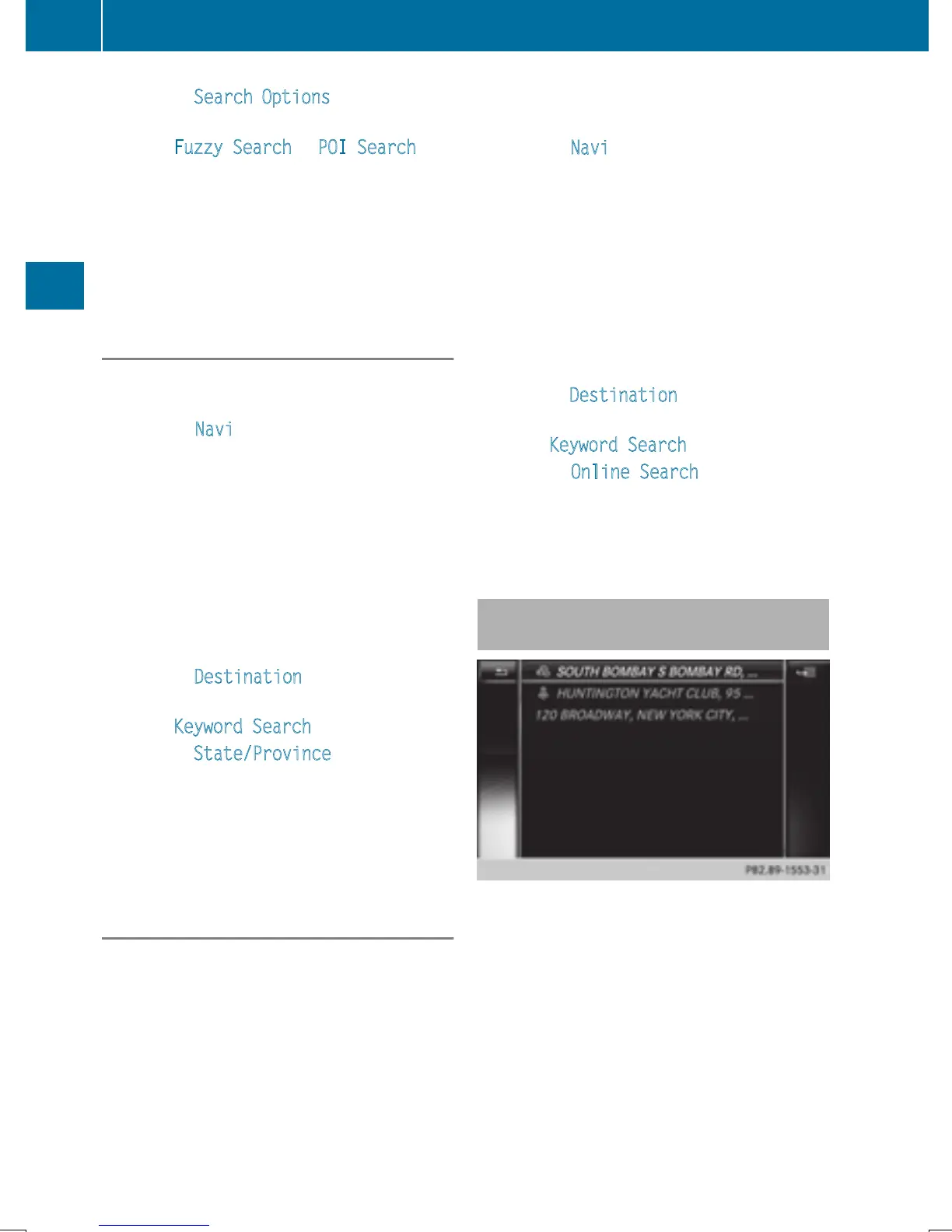
Selecting a destination from the list of
last destinations
COMAND automatically stores the last 50
destinations.
68
Destination entry
Navigation


 To Next Page
 Loading...




