Your COMAND equipment
i
These operating instructions describe all
the standard and optional equipment of
your COMAND system, as available at the
time of going to print. Country-specific dif-
ferences are possible. Bear in mind that
your vehicle may not feature all functions
described here. This also applies to safety-
relevant systems and functions.
i
Read the information on qualified special-
ist workshops in the vehicle Operator's
Manual.
Activating media mode
General notes
There are several ways to activate media
sources using COMAND.
The relevant sections of the Operator's Man-
ual describe the simplest way to activate a
media source. This section describes all
options for activating media sources. If you
wish to play external media sources, the
default display must already be turned on.
The following external media sources can be
used:
R
Apple
®
devices (e.g. iPhone
®
)
R
USB devices (e.g. USB stick, MP3 player)
R
CD
R
DVD
R
SD memory cards
R
via devices connected by Bluetooth
®
Using the main function bar
X
To display the main function bar: slide 5
the controller.
X
To select Media: turn and press the con-
troller.
The last media source you have set is dis-
played.
X
To select Media in media mode: slide 5
and press the controller.
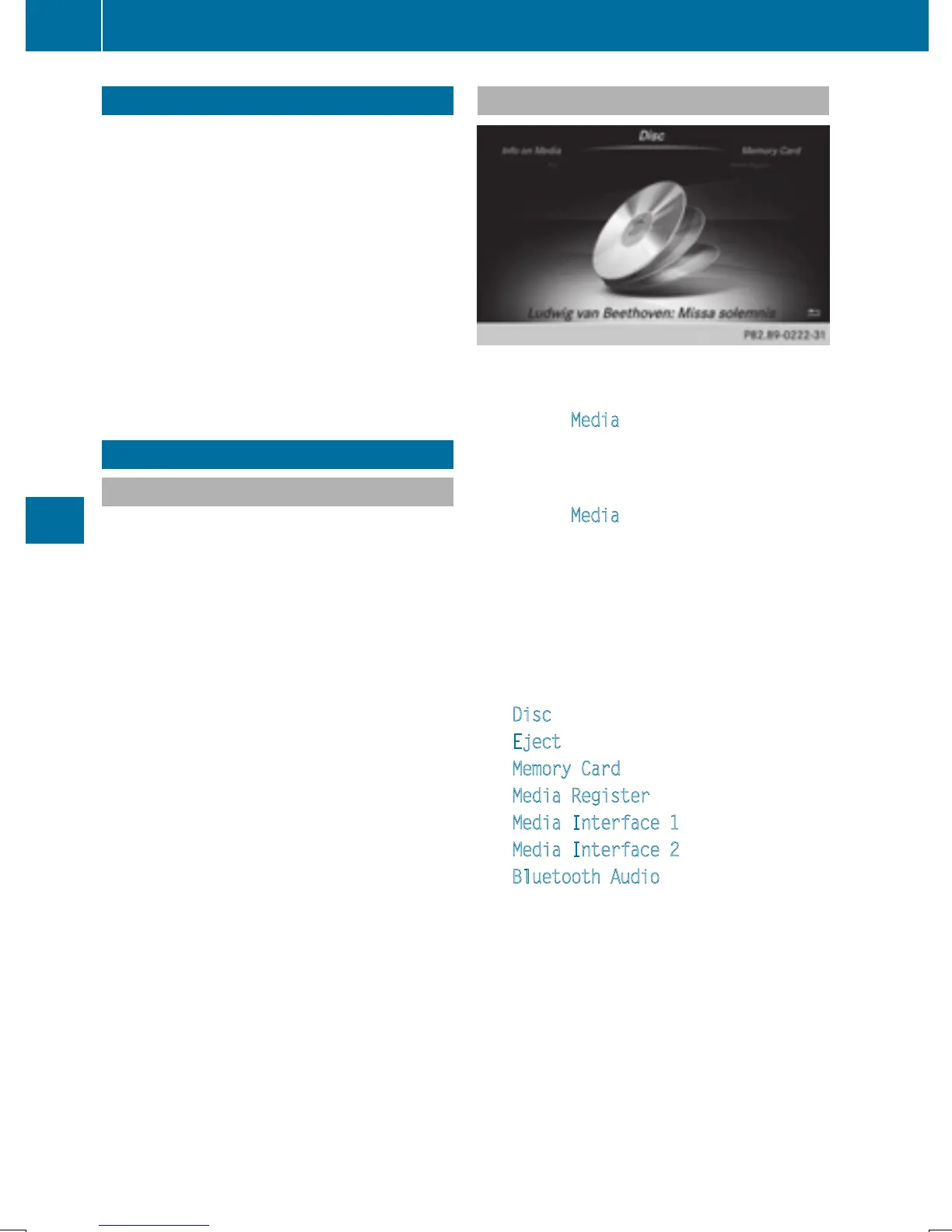
The menu appears with the available media
sources.
X
To select the media source: turn the con-
troller and press to confirm.
Depending on the vehicle equipment, the
following options will be available:
R
Disc
R
Eject
R
Memory Card
R
Media Register
R
Media Interface 1
R
Media Interface 2
R
Bluetooth Audio
If playable music files are found, they will be
played by COMAND. The corresponding
basic menu will be shown.
180
Activating media mode
Media







 To Next Page