Your COMAND equipment
i
These operating instructions describe all
the standard and optional equipment of
your COMAND system, as available at the
time of going to print. Country-specific dif-
ferences are possible. Bear in mind that
your vehicle may not feature all functions
described here. This also applies to safety-
relevant systems and functions.
i
Read the information on qualified special-
ist workshops in the vehicle Operator's
Manual.
Sound settings
Calling up the sound menu
You can make various sound settings for the
different audio and video sources. It is possi-
ble to set more bass for radio mode than for
CD audio mode, for example. The respective
sound menu can be called up from the menu
of the desired mode.
X
Switch to radio mode (Y page 168).
or
X
Switch to media mode (Y page 180).
X
To switch to the menu bar: slide 6 the
controller.
X
To select à: turn and press the control-
ler.
The menu appears with the last setting
accessed, e.g. Equalizer
.
Sound menu overview
Function Options
Equalizer Sets treble, mid-
range and bass
Balance Adjusts the volume:
left/right
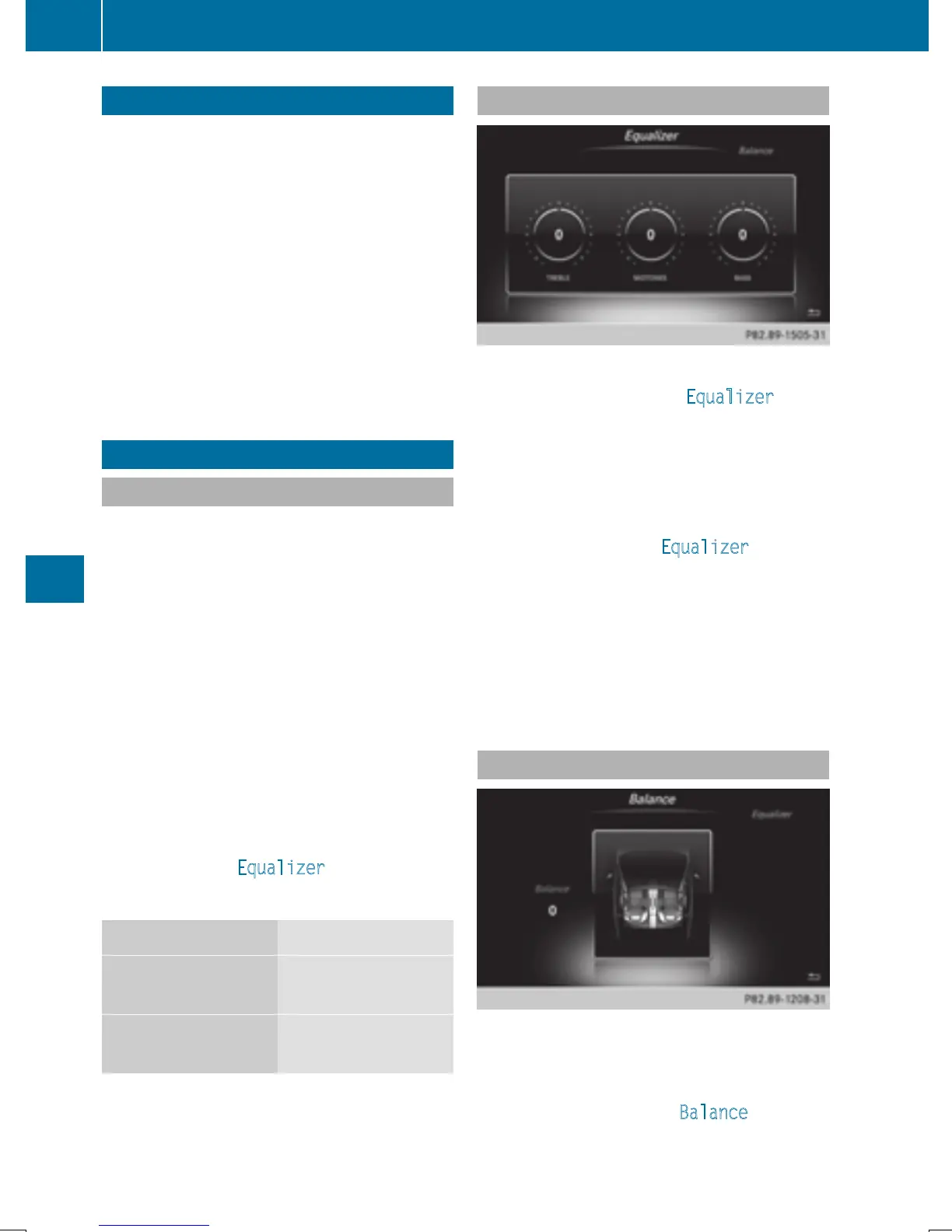
Setting treble, mid-range and bass
X
Call up the sound menu (Y page 210).
X
Turn the controller until Equalizer is
brought to the front.
X
To activate rotary menus for treble, mid-
range and bass: slide 6 the controller.
X
To switch between the rotary menus: slide
8 or 9 the controller.
X
To make the desired Equalizer settings:
turn the controller.
Rotary menus show the set values.
X
To return to the menu: slide 5 the con-
troller.
X
To return to the basic menu: press the %
button briefly.
Setting the balance
Balance adjusts the volume left and right. For
the best sound, setting 0 is recommended.
X
Call up the sound menu (Y page 210).
X
Turn the controller until Balance is brought
to the front and then slide 6 the control-
ler.
210
Sound settings
Sound


 To Next Page
 Loading...




