Closing Mercedes-Benz Apps
X
Press the % button.
The Internet menu appears.
or
X
Press the % button for longer than two
seconds.
The Mercedes-Benz Apps menu or the
Internet menu appears.
Adjusting the settings of individual
apps
X
To call up Internet functions (Y page 153).
X
To select Mercedes-Benz Apps: turn and
press the controller.
X
To highlight the desired app: turn the con-
troller.
X
To select G: slide 9 the controller.
The current app settings are displayed.
Resetting adjustments
This function resets all Mercedes-Benz Apps
settings to the factory settings.
X
To call up Internet functions (Y page 153).
X
To select Mercedes-Benz Apps: turn and
press the controller.
The available Mercedes-Benz Apps
are
displayed.
X
To select G: slide 9 the controller.
X
To select Reset: turn and press the con-
troller.
A prompt appears asking whether you
really wish to reset.
X
Select Yes or No.
If you select Yes
the settings are reset.
If you select No
the process is canceled.
Web browser
Calling up a website
Function restrictions
Internet pages cannot be shown while the
vehicle is in motion.
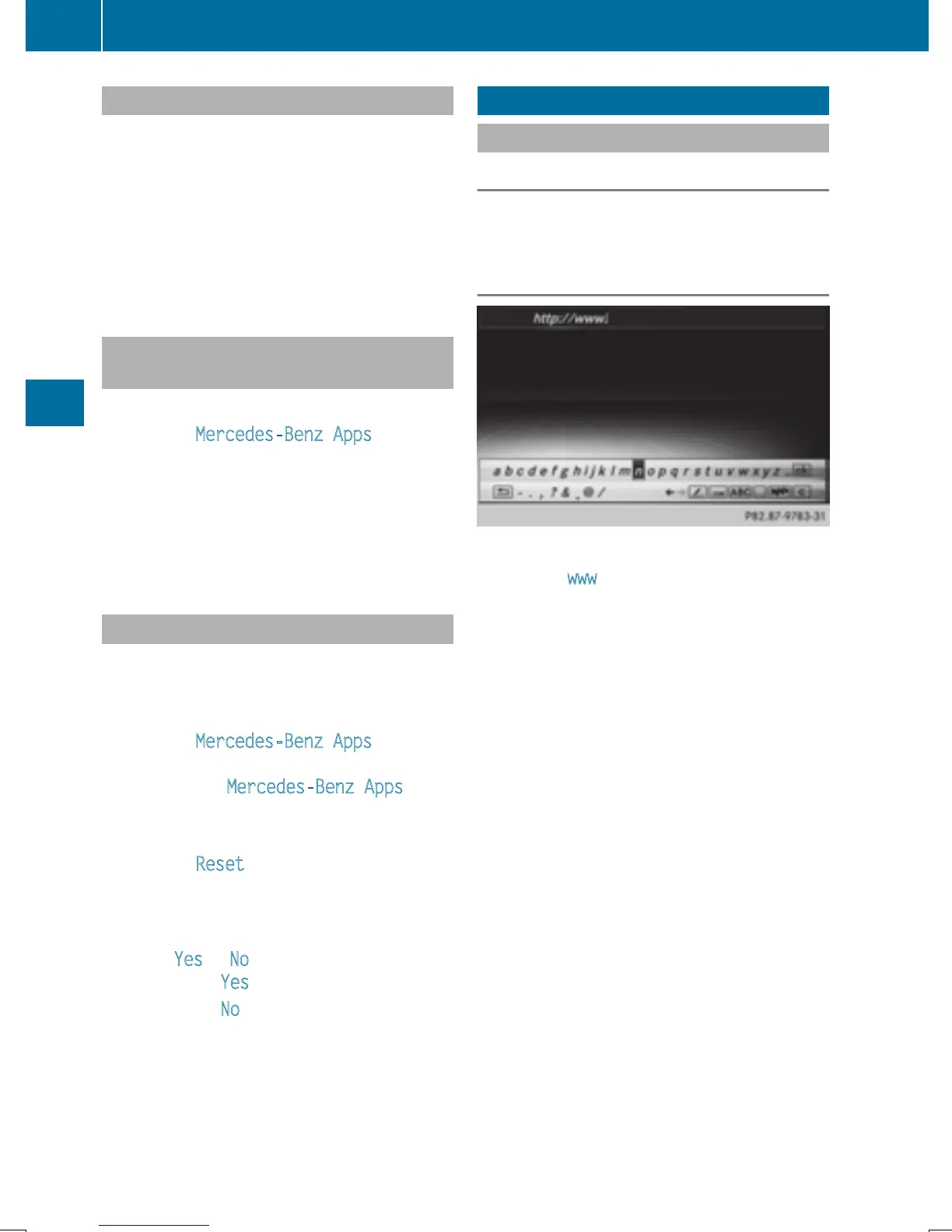
Entering a web address
X
To call up Internet functions (Y page 153).
X
To select www: turn and press the controller.
An input menu for the web address is dis-
played.
X
Enter characters using the controller or the
number keypad.
X
To finish entry and call up a website: select
¬.
Selecting a web address from the list
X
When the character bar is displayed, slide
5 the controller.
X
To select the desired web address: turn and
press the controller.
The web address can still be changed as
desired.
X
To call up a website: select ¬.
The website is called up.
160
Web browser
Online and Internet functions


 To Next Page
 Loading...




