Changing the device name of the mobile
phone
X
Call up the device list (Y page 152).
X
To highlight the desired mobile phone in the
device list: turn the controller.
X
To select G: slide 9 the controller.
X
Select Change Internet Device Name.
A character entry appears.
X
Enter name and confirm with ¬.
The device name is changed.
Setting automatic disconnection of
the Internet connection
If a preset time has elapsed during which the
Internet functions have not been used, the
Internet automatically disconnects.
X
Call up the device list (Y page 152).
X
To highlight the desired mobile phone in the
device list: turn the controller.
X
To select G: slide 9 the controller.
X
To select Disconnect Automatically
When Inactive: turn and press the con-
troller.
X
To select 5 Minutes, 10 Minutes or 20
Minutes: turn and press the controller.
Establishing/ending the connection
Establishing the connection
Read the conditions for establishing a con-
nection (
Y page 148).
A connection can be established by:
R
entering a web address (Y page 160)
R
calling up the Mercedes-Benz mobile web-
site (
Y page 159)
R
calling up a Mercedes-Benz App
(
Y page 159)
R
calling up a favorite
R
establishing an Internet connection via a
wireless networking device. The "Allow
shared WiFi usage" option must be activa-
ted on COMAND for this (
Y page 42)
Ending the connection
X
Press Cancel in the connections window.
Calling up Internet functions
X
To show the main function bar: slide 5
the controller.
X
To select ®: turn and press the controller.
The menu with the Internet functions is dis-
played.
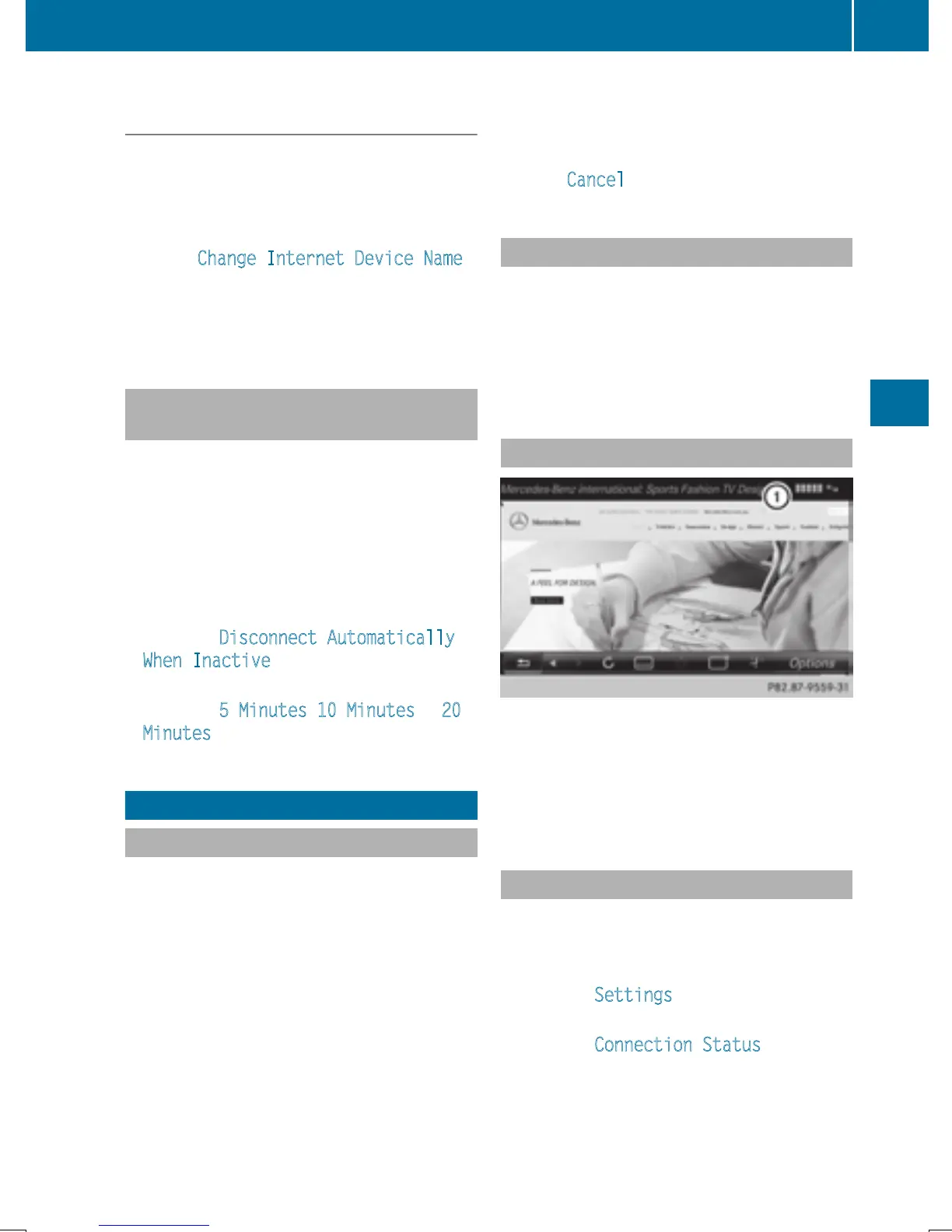
Connection status
:
Display of existing connection and signal
strength of the mobile phone network
In most cases, the current connection status
is then shown in the status bar when you
switch to another main function.
Detailed connection status
X
To call up Internet functions (Y page 153).
X
To switch to the menu bar: slide 6 the
controller.
X
To select Settings: turn and press the
controller.
X
To select Connection Status: turn and
press the controller.
The following information is displayed:
Establishing/ending the connection
153
Online and Internet functions
Z



 To Next Page
 Loading...



