If the vehicle is stationary, the search results
can be supplemented manually, e.g. "Hotel
Adler".
X
Call up Local Search (Y page 154).
X
To select the search position, e.g. At cur‐
rent location: turn and press the con-
troller.
X
To select Search history: turn and press
the controller.
The most recent search queries are dis-
played.
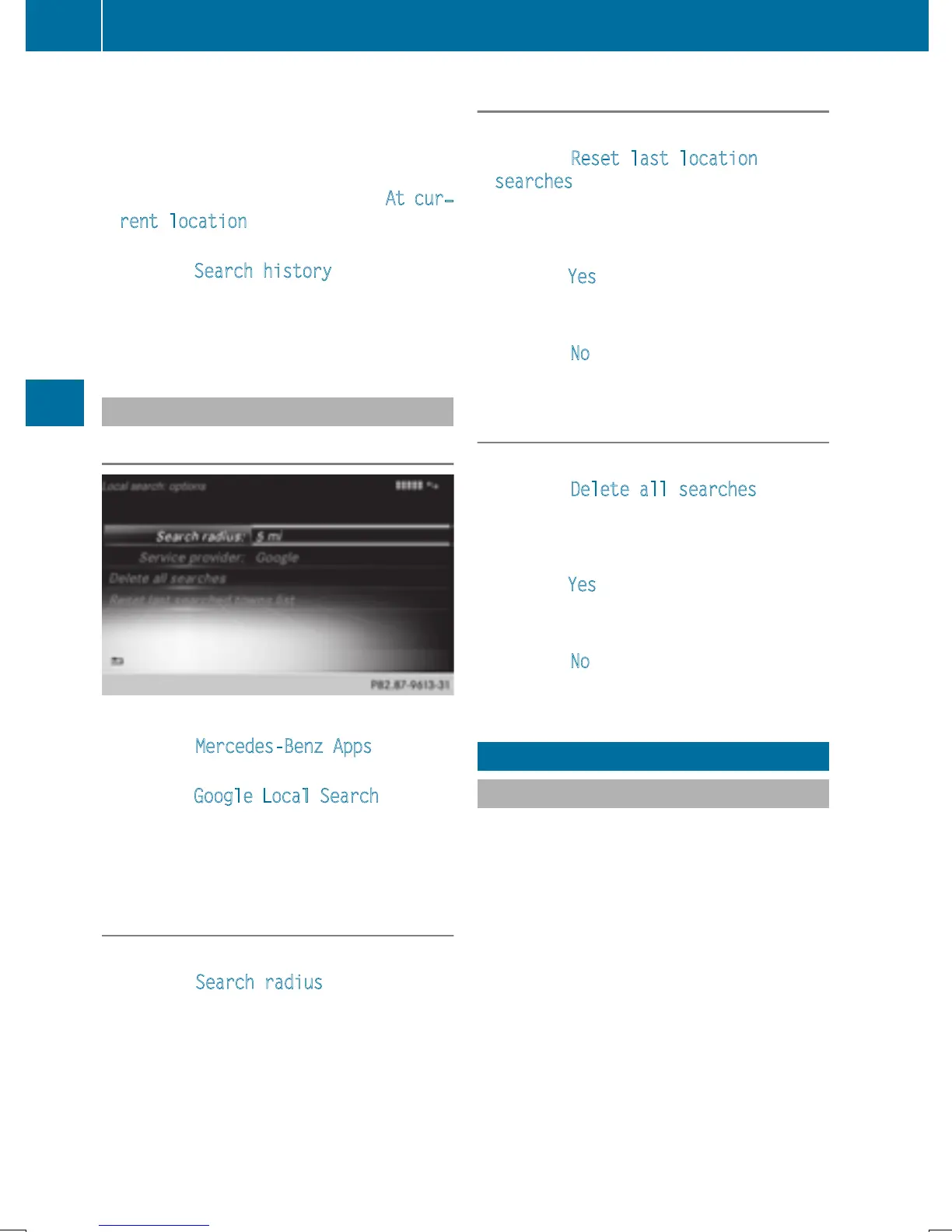
Local Search settings
Calling up settings
X
To call up Internet functions (Y page 153).
X
To select Mercedes-Benz Apps: turn and
press the controller.
X
To select Google Local Search: turn and
press the controller.
X
To select G: slide 9 the controller.
The current settings are displayed.
Setting the search radius
X
Call up Local Search settings (Y page 156).
X
To select Search radius: turn and press
the controller.
A menu appears.
X
To select the desired entry: turn and press
the controller.
The selected setting is accepted.
Exiting a menu
X
Select &.
Resetting last location searches
X
Call up Local Search settings (Y page 156).
X
To select Reset last location
searches: turn the controller and press to
confirm.
A prompt appears asking whether the last
location searches should be deleted.
X
To select Yes: turn and press the controller.
The search queries are deleted.
or
X
To select No: turn and press the controller.
The process is canceled.
Deleting search queries
X
Call up Local Search settings (Y page 156).
X
To select Delete all searches: turn the
controller and press to confirm.
A prompt appears, asking whether the last
search queries should be deleted.
X
To select Yes: turn and press the controller.
The last search queries are deleted.
or
X
To select No: turn and press the controller.
The process is canceled.
Destination/route download
Prerequisites
To download navigation locations you need a
Google™ account and your vehicle identifica-
tion number. Further information about the
vehicle identification number (VIN)
(
Y page 159).
To download navigation locations, the
mbrace system must be:
R
activated
R
operational
R
activated for the services of the system and
for Internet access
For information on the mbrace system, see
the separate vehicle Operator's Manual.
156
Destination/route download
Online and Internet functions


 To Next Page
 Loading...




