X
To select Manual Settings: turn and
press the controller.
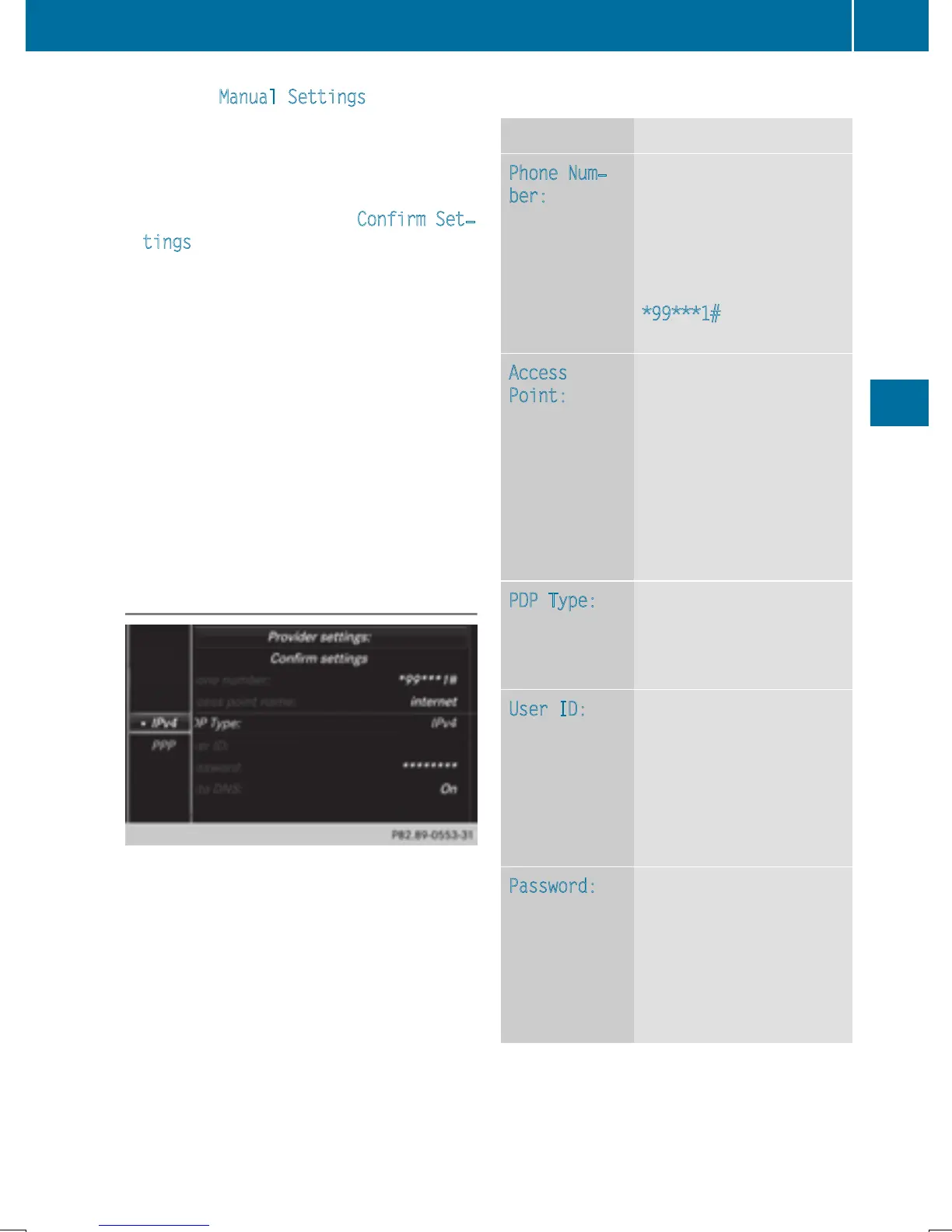
An overview of the provider settings
appears.
X
Set access data (Y page 151).
X
To confirm settings: select Confirm Set‐
tings and turn and press the controller.
The access data for the mobile phone net-
work provider is selected once for the mobile
phone connected and is loaded again each
time the mobile phone is connected. Estab-
lishing a connection (
Y page 153).
You must set the access data of the mobile
phone network provider who provides the
SIM card and the associated data package
(access settings) for the connected mobile
phone. The access data remains the same
when you are in a different country (roaming).
The access data of another network is not
selected.
Setting access data
Set the access data in accordance with your
data package. You can contact your mobile
phone network provider to obtain the precise
access data.
Explanation of the access data
Input field Meaning
Phone Num‐
ber:
Access number for estab-
lishing the connection
The access number
depends on the mobile
phone used. For GSM/
UMTS mobile phones,
*99***1#
is used as a
standard.
Access
Point:
APN network access point
(Access Point Name)
You can obtain this infor-
mation from your mobile
phone network provider.
Entry is not necessary for
all mobile phone network
providers and mobile
phones.
PDP Type:
Internet protocol used.
You can obtain this infor-
mation from your mobile
phone network provider.
User ID:
The user identification
can be obtained from your
mobile phone network
provider.
Entry is not necessary for
all mobile phone network
providers.
Password:
The password can be
obtained from your
mobile phone network
provider.
Entry is not necessary for
all mobile phone network
providers.
Setting up an Internet connection (Canada)
151
Online and Internet functions
Z


 To Next Page
 Loading...




