X
To show the menu: slide 6 the control-
ler.
X
To select Position: turn and press the
controller.
X
Select Save.
The current vehicle position is saved in
"Last destinations".
Saving the crosshair position
X
To switch to navigation mode: slide 5
the controller.
X
To select Navi: turn and press the control-
ler.
The map displays the current vehicle posi-
tion or the navigation menu appears.
X
If the navigation menu appears, press the
controller.
The map shows the vehicle's current posi-
tion.
X
To display the crosshair: press the con-
troller.
X
Move the map to the desired position
(
Y page 60).
X
To show the menu: press the controller.
X
To select Position: turn and press the
controller.
X
Select Save.
The crosshair position is saved in the last
destinations.
Editing the last destinations
X
To switch to navigation mode: slide 5
the controller.
X
To select Navi: turn and press the control-
ler.
The map displays the current vehicle posi-
tion or the navigation menu appears.
X
If the navigation menu appears, press the
controller.
The map shows the vehicle's current posi-
tion.
X
To show the menu: slide 6 the control-
ler.
X
To select Destination: turn and press the
controller.
X
Select From Previous Destinations.
The "Last destinations" memory appears.
X
To save the destination: select the desti-
nation.
The destination address appears.
X
Store the destination in the address book
(
Y page 96).
Save a destination to the SD memory card
(
Y page 96)
X
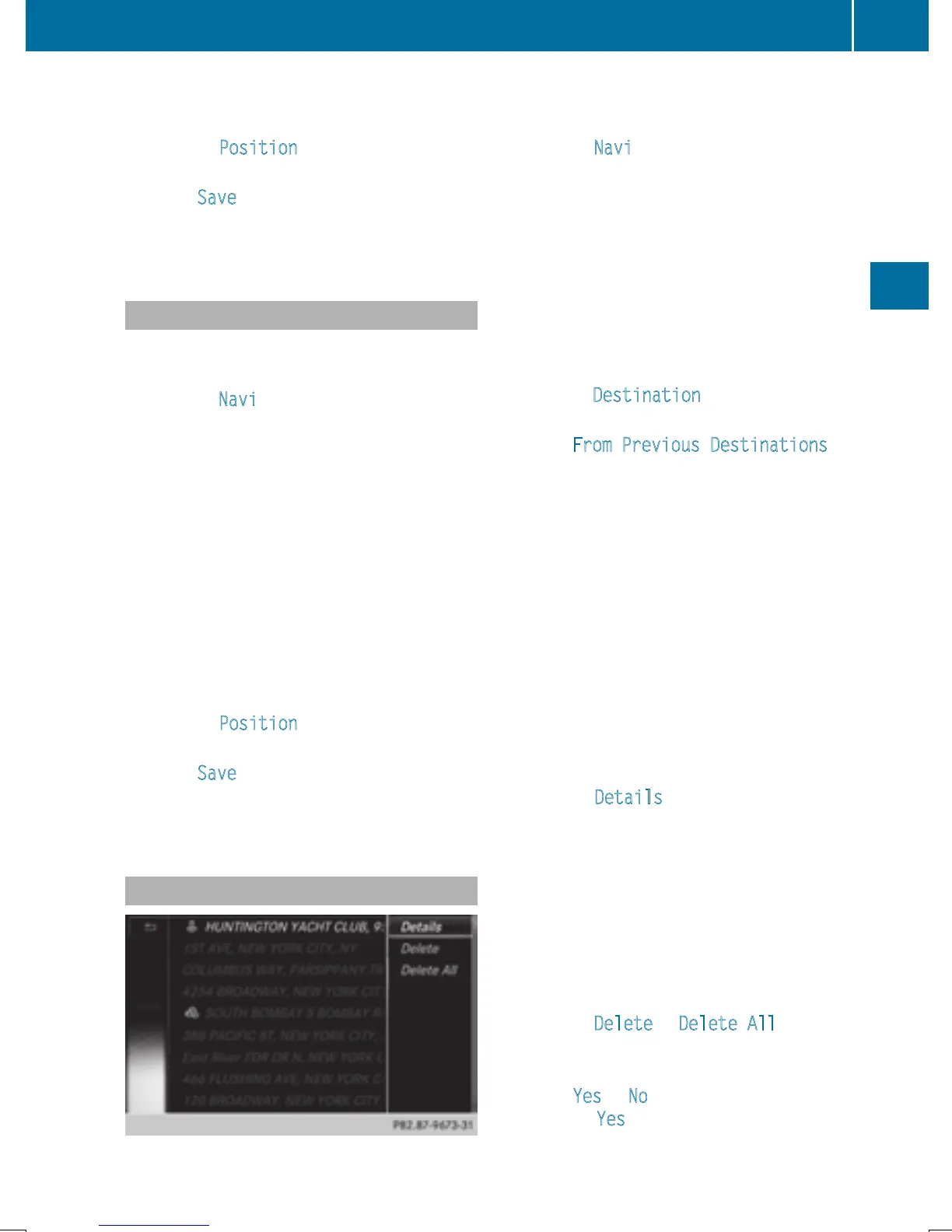
To view the details: while in the "Last des-
tinations" memory, turn the controller and
highlight the entry.
X
Slide 9 the controller.
A menu appears.
X
To select Details: press the controller.
i
The destination address can be changed if
desired. For instance, a different street or
house number can be selected.
X
To delete one or all destinations: while in
the "Last destinations" memory, turn the
controller and highlight the entry.
X
Slide 9 the controller.
A menu appears.
X
To select Delete or Delete All: turn and
press the controller.
A prompt appears.
X
Select Yes or No.
Selecting Yes
deletes the selected desti-
nation or all destinations.
Storing destinations
97
Navigation
Z


 To Next Page
 Loading...




