Option 1: selecting the area in the infor-
mation chart
X
To select Position in the information
chart: turn and press the controller.
X
To select the current vehicle position:
select Current Position
from the menu.
COMAND receives the weather data for the
current vehicle position from the nearest
weather station and displays it automati-
cally.
Requirement for "Near destination": a route
to a destination has been calculated
(
Y page 65). The menu item is otherwise
grayed out.
X
To select the vicinity of the destination:
select Near Destination
from the menu:
turn the controller and press to confirm.
X
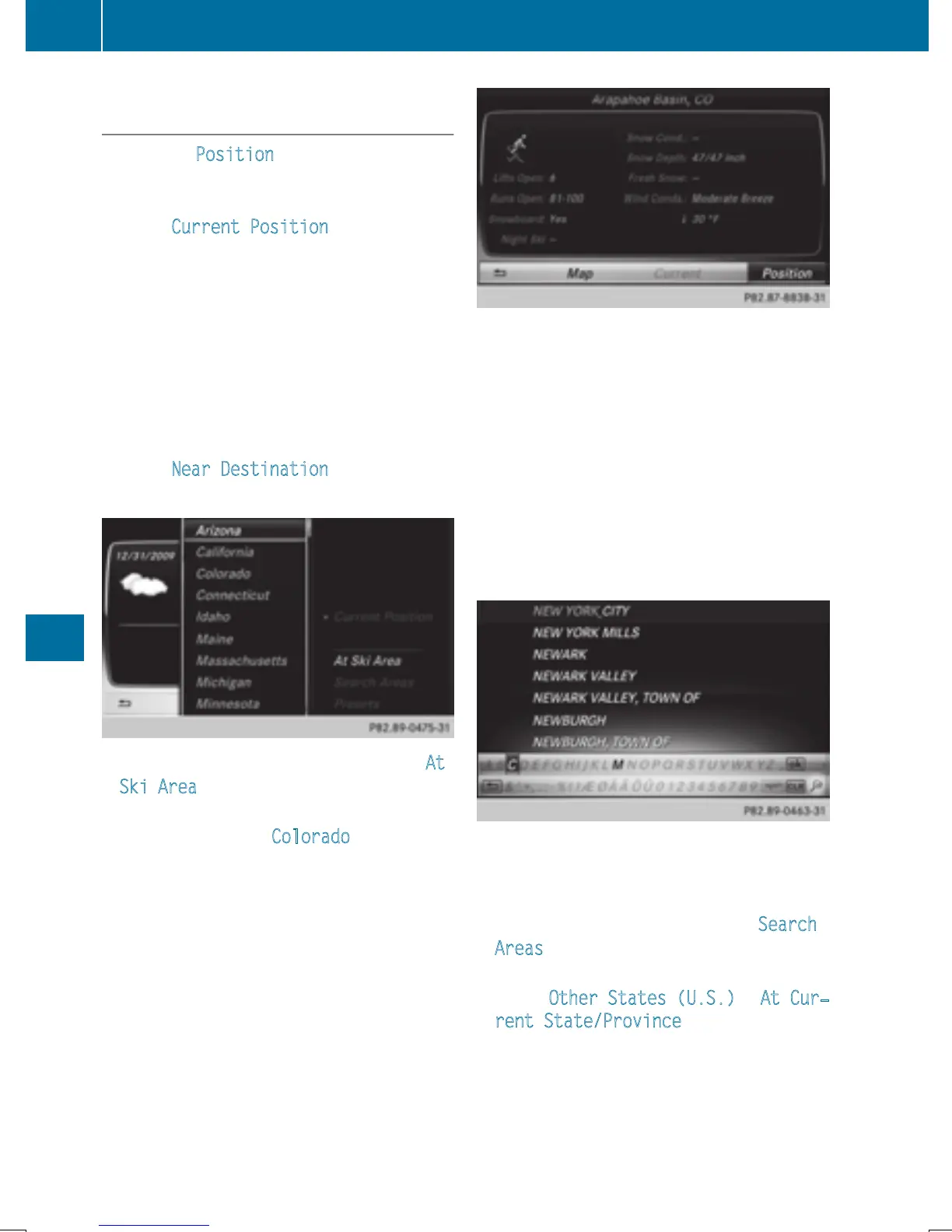
To select a winter sports area: select At
Ski Area from the menu: turn the control-
ler and press to confirm.
X
Select a state, e.g. Colorado.
X
Select a winter sports area from the menu.
The weather data and other information is
displayed for the winter sports area that
has been selected. The data is supplied by
the nearest weather station.
The information chart shows the following
information (if available):
R
ski slopes/ski lifts
R
snowboarding and nighttime opening
R
snow conditions (e.g. snow depth)
R
temperature
The status of a facility is indicated as follows:
R
green tick - open
R
red cross - closed
R
question mark - not known
Example: city list with character bar
Entry limitation: searching for a location using
the character bar is not possible while driving.
X
To search for a location: select Search
Areas: turn the controller and press to con-
firm.
X
Select Other States (U.S.) or At Cur‐
rent State/Province.
Depending on the selection, the list of
states or cities will appear with the charac-
ter bar. You can limit the search using the
character bar.
218
Weather forecasts
SIRIUS Weather


 To Next Page
 Loading...




