While entering an address, you can also
switch to other destination entry options:
R
Keyword search (Y page 66)
R
Map (Y page 73)
R
POI (Y page 69)
Entering an address
The example shows you how to enter a city,
street and house number for an address, e.g.
for your home address.
X
Call up the address entry menu
(
Y page 63).
X
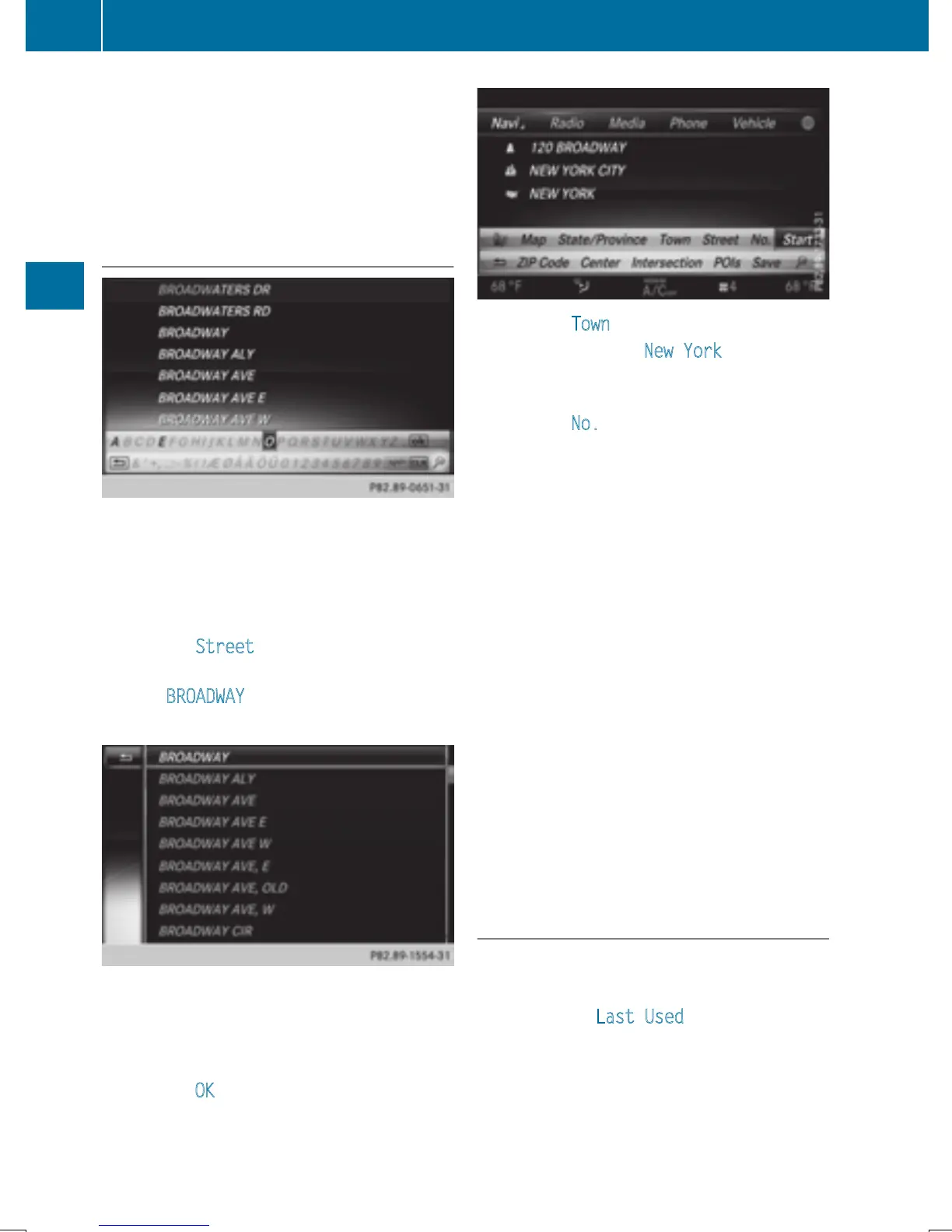
To select Street: turn and press the con-
troller.
X
Enter BROADWAY. Character entry
(
Y page 33).
X
To call up the list: slide 5 the controller
repeatedly until the character bar disap-
pears.
or
X
To select OK, turn and press the controller.
X
To select Town: press the controller.
X
Enter the city, e.g. New York. Then call up
the list and select an entry. Proceed in the
same way as when entering a street.
X
To select No.: press the controller.
X
Enter the house number. Then call up the
list and select an entry. Proceed in the
same way as when entering a street.
The address entry menu shows the
address. The adjacent map section shows
the destination.
The city in which the vehicle is currently loca-
ted (current vehicle position) is at the top of
the list of cities. When entering an address as
the destination, the locations for which route
guidance has already been carried out are
more prominently available.
You can enter any of the cities, streets, ZIP
codes, etc. which are stored in the digital
map.
State/province and city are sufficient to start
navigating. You can enter either a city or a ZIP
code. The street and house number complete
the destination address.
Entering additional address data
You can enter additional address data:
R
State/province
You can use Last Used
to select the last
selected state (USA) or province (Canada).
You can also select Mexico and The Baha-
mas.
R
ZIP code
Entering a ZIP code will delete a previously
entered city.
64
Destination entry
Navigation


 To Next Page
 Loading...




