098-00720-000 Revision D1 – February, 2018 SyncServer 600 Series User’s Guide 117
Chapter 4
Navigation Windows
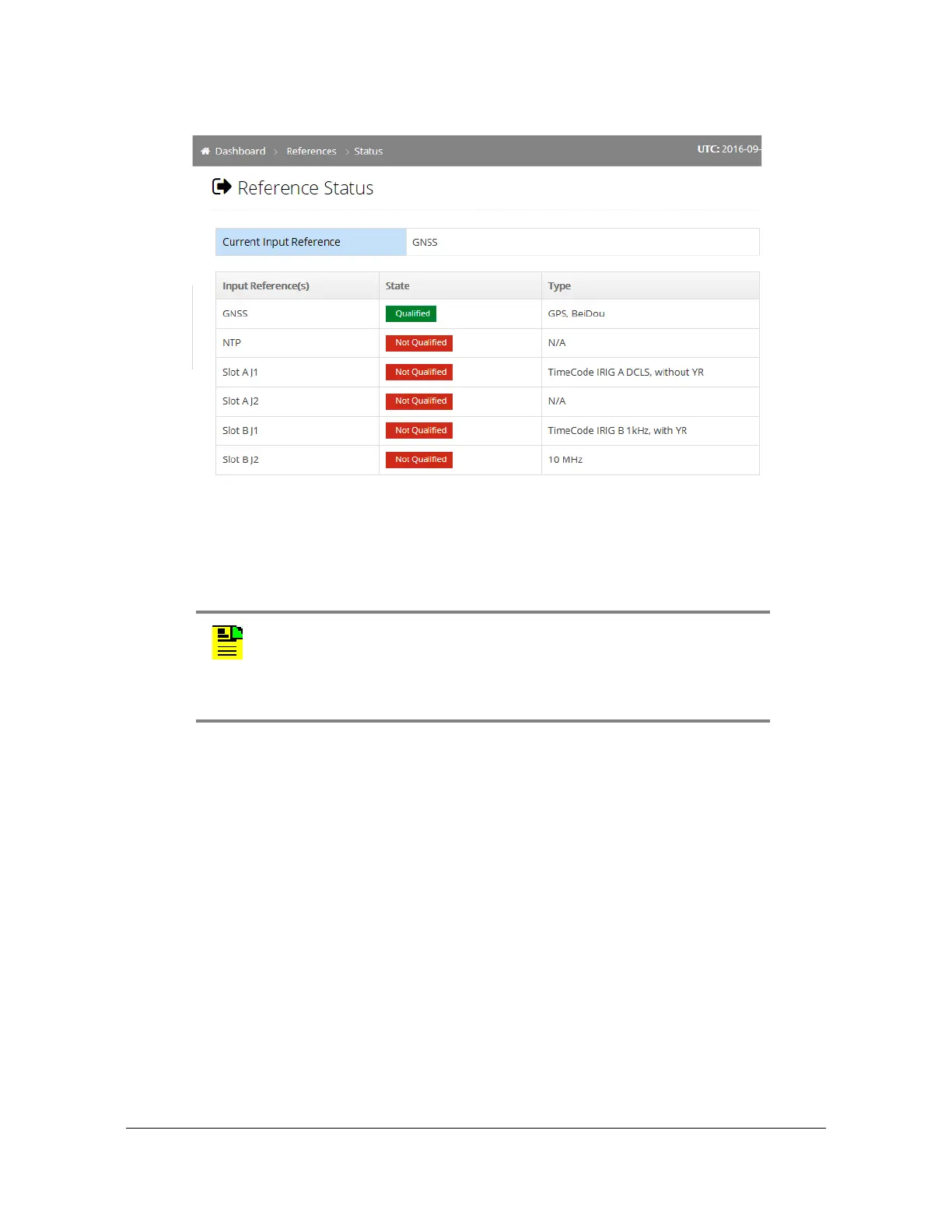
Figure 4-34. References - Status Window
References - Reference GNSS Window
Use this window to configure GNSS position and operating mode. See Figure 4-35.
If the GNSS license is installed, then GLONASS and BeiDou can be selected. Only
one or two of the constellations can be selected. It is not possible to select all three
constellations.
The Space Based Augmentation System (SBAS) can be enabled.
The Position Mode allows the user to set the position mode to Survey (stationary),
Position Hold (stationary), or Dynamic. The default configuration for the SyncServer
S6x0 is Survey mode. For stationary applications, Microsemi recommends using
the Survey mode to avoid timing errors introduced by manually entering an
inaccurate position.
Survey means the SyncServer S6x0 will automatically survey the position and
then transition to using this position value. This is meant for stationary
applications.
Note: For accurate timing, it is important to accurately enter the delay
of the antenna and cable. If the system has already locked to a
reference, then it is recommended that the user restart the
SyncServer after changing the cable delay. Otherwise, it may take an
extended period of time before the change is fully incorporated.



 To Next Page