098-00720-000 Revision D1 – February, 2018 SyncServer 600 Series User’s Guide 139
Chapter 4
Navigation Windows
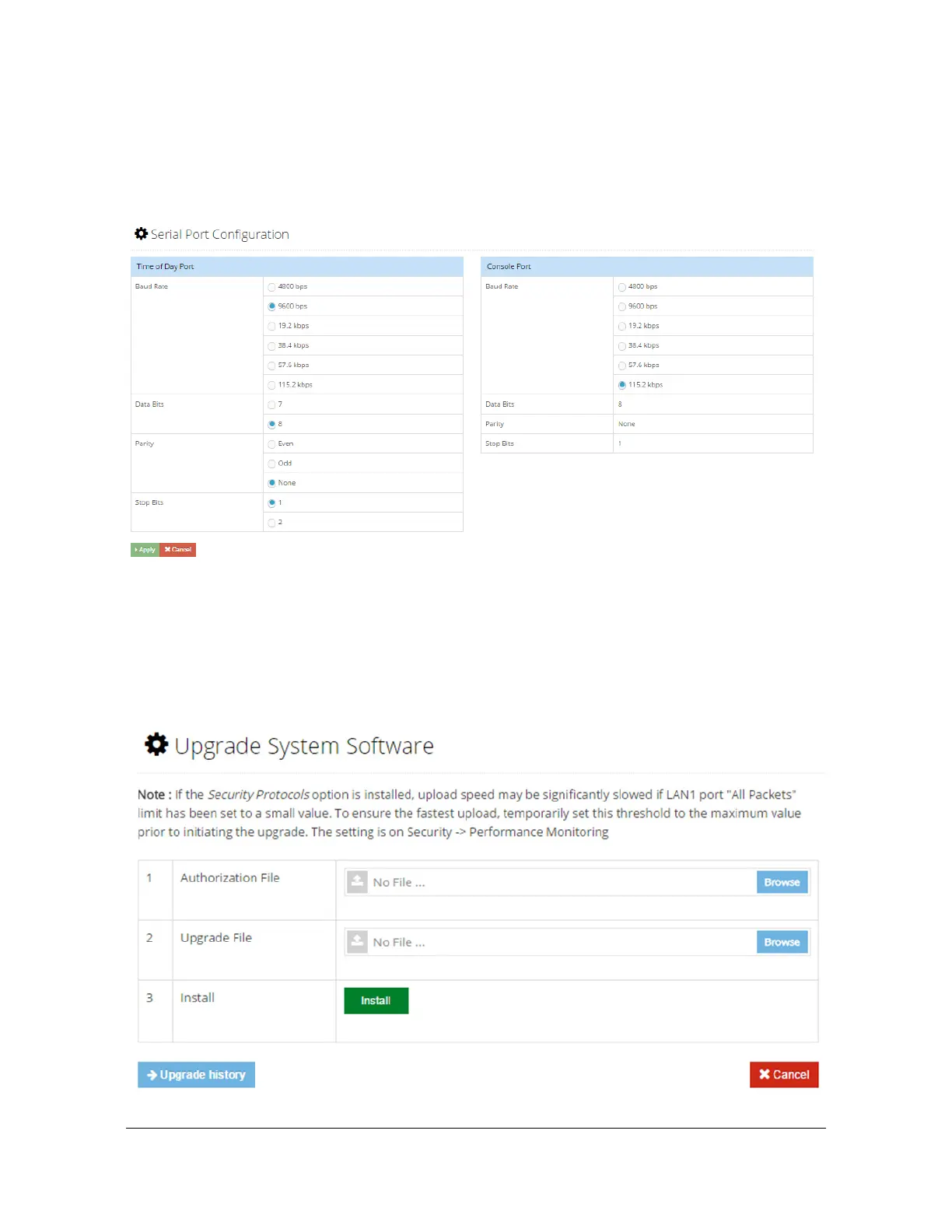
Admin - Serial Port Configuration Window
Use this window to configure the parameters for the Time of Day port and for the
console Serial port. See Figure 4-55.
Figure 4-55. Admin - Serial Port Configuration Window
Admin - Upgrade System Software Window
Use this window to upgrade system software. Note that the system will reboot after
the software is upgraded. See Figure 4-56.
Figure 4-56. Admin - Upgrade System Software Window



 To Next Page