72 SyncServer 600 Series User’s Guide 098-00720-000 Revision D1 – February, 2018
Chapter 3
MENU Button
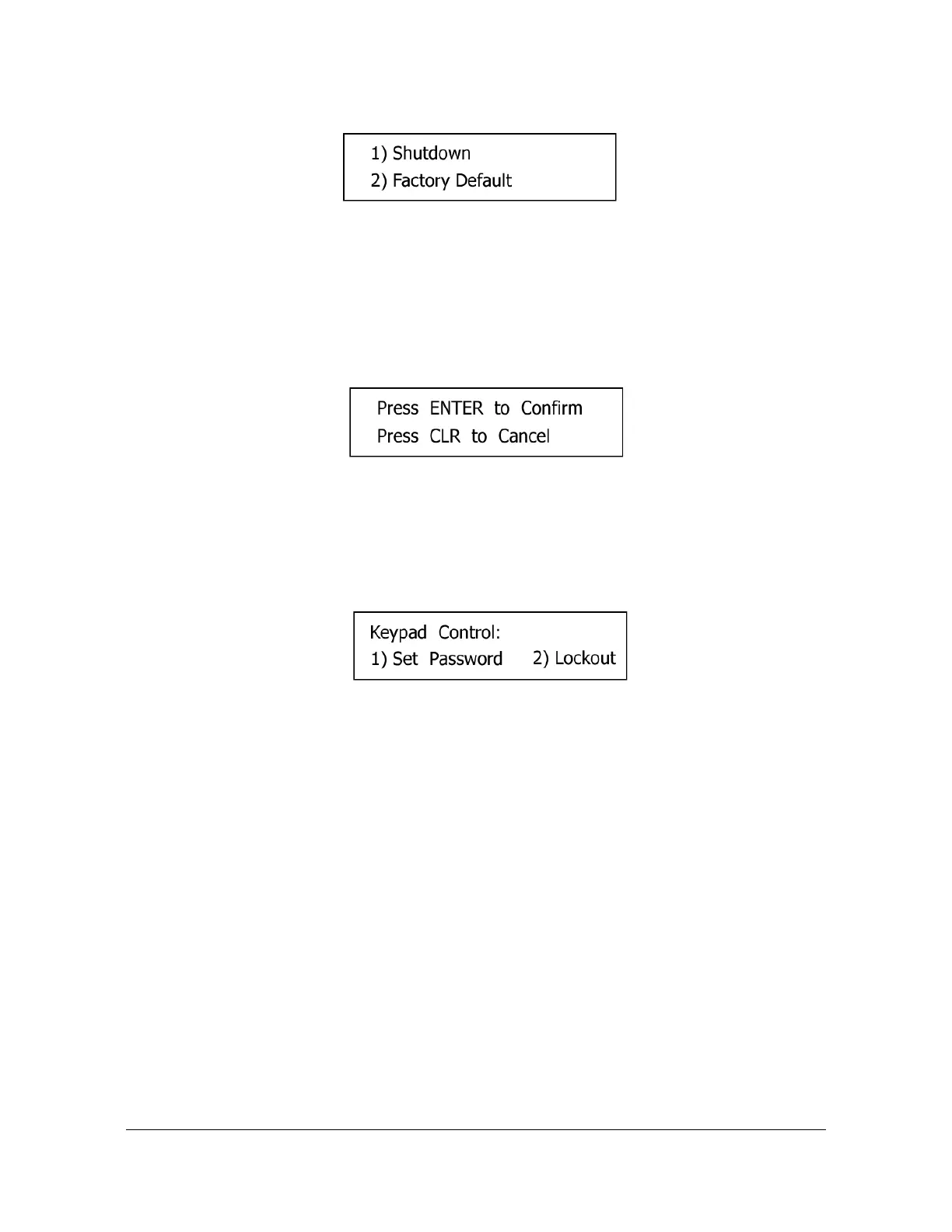
Figure 3-11. Shutdown / Factory Default Screen
See Factory Defaults in Appendix B for default settings.
1. Shutdown: Halts the SyncServer. The message Press the ENTER button to
Confirm appears in the display, as shown in Figure 3-12.
2. Factory Default
Figure 3-12. Confirmation Screen
Keypad
Selecting Keypad brings up the Keypad Control screen on the display, as shown in
Figure 3-13.
Figure 3-13. Keypad Control Display Screen
1. Set Password: Sets the password for the Lockout function. The *first time* the
interface asks for the "Current Password", enter 95134. No password recover or
reset feature is available for the keypad, except to reset factory defaults using the
Sys Control - Factory Reset page.
2. Lockout: The Lockout function password protects the keypad from changes.
Asks for confirmation. The factory default password for the keypad is “95134”.



 To Next Page