098-00720-000 Revision D1 – February, 2018 SyncServer 600 Series User’s Guide 149
Chapter 5 Command Line Interface (CLI)
This chapter describes the CLI command conventions, the prompts, line editing
functions, and command syntax. The CLI command functions and features are
listed alphabetically.
In This Chapter
SyncServer S6x0 CLI Command Set
SyncServer S6x0 CLI Command Set
This section provides an alphabetical listing and details of all CLI commands. Both
the serial CONSOLE CLI commands and SSH CLI commands should be identical.
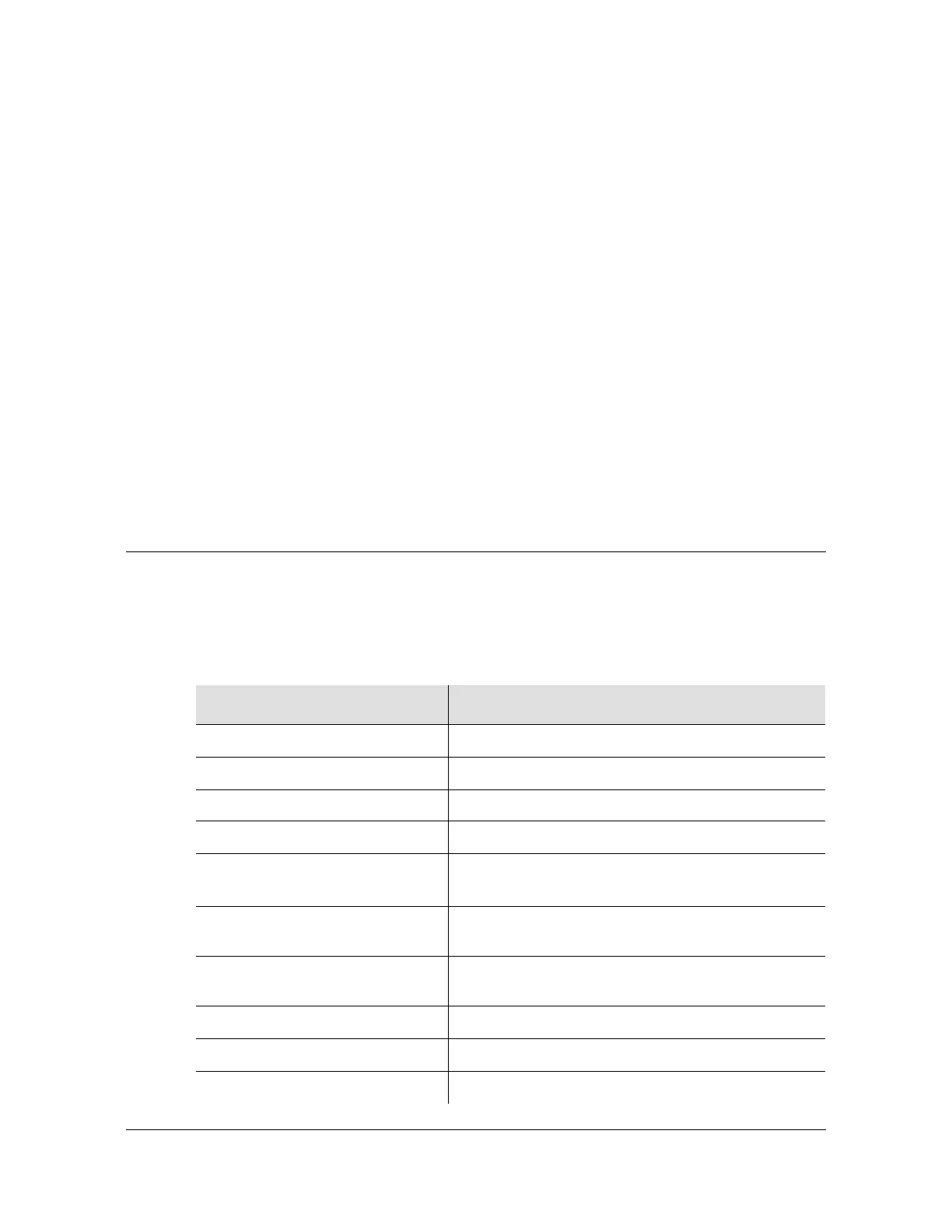
Table 5-1. CLI Commands for SyncServer S6x0
Command Similar Web Interface Location
set clock
Timing > Input Control
set configuration
Admin > Configuration Backup / Restore / Reset
Dashboard >Admin >Upgrade See upper right corner of Dashboard screen
F9 - Time on Request
Report Time on Request
F50 - GPS Receiver LLA/XYZ
Position
References > GNSS Config
F73 - Alarm Status
Click on the Arrow for the Alarm(s) tab
to display Alarms status
show gnss status
Click on the Arrow for the GNSS tab
to display GNSS status
halt system
Security > Services / Sys. Control
history
Logs > Events
show image
Dashboard > About > Release Version



 To Next Page