86 SyncServer 600 Series User’s Guide 098-00720-000 Revision D1 – February, 2018
Chapter 4
Navigation Windows
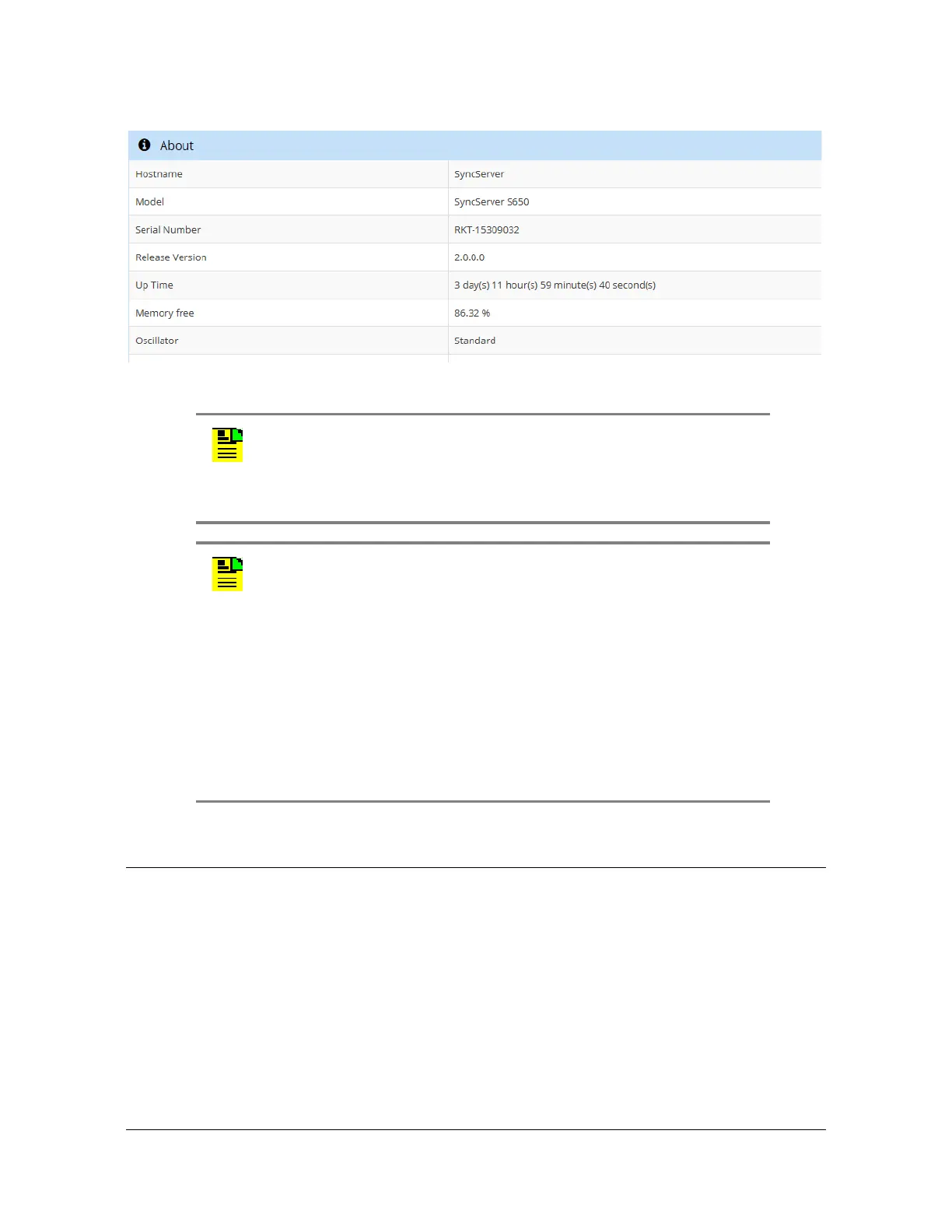
Figure 4-13. About Window
Navigation Windows
The navigation portion of the web interface is used to access the various pages to
configure different aspects of the SyncServer S6x0 and to view status information.
See Figure 4-14. The navigation menu will expand and contract depending on the
current selection.
Note: The update available feature will only function if LAN1 has
been configured with an IPv4 address and a DNS server is
configured. The DNS server can be either automatically configured
via DHCP or manually when using a static IP address. The update
available feature can be disabled on the Admin->General page.
Note: You can check for the latest version number of SyncServer
S600 and S650 software at these URLs:
http://update.microsemi.com/SyncServer_S600
http://update.microsemi.com/SyncServer_S650
The number of the most current version of the software will appear.
You can compare this to the version number installed in the
SyncServer by proceeding to the web GUI Dashboard and finding the
version number in the About drop down on the right side. If you do not
have the latest version installed consider contacting Technical
Support.



 To Next Page