098-00720-000 Revision D1 – February, 2018 SyncServer 600 Series User’s Guide 85
Chapter 4
Status / Information Windows
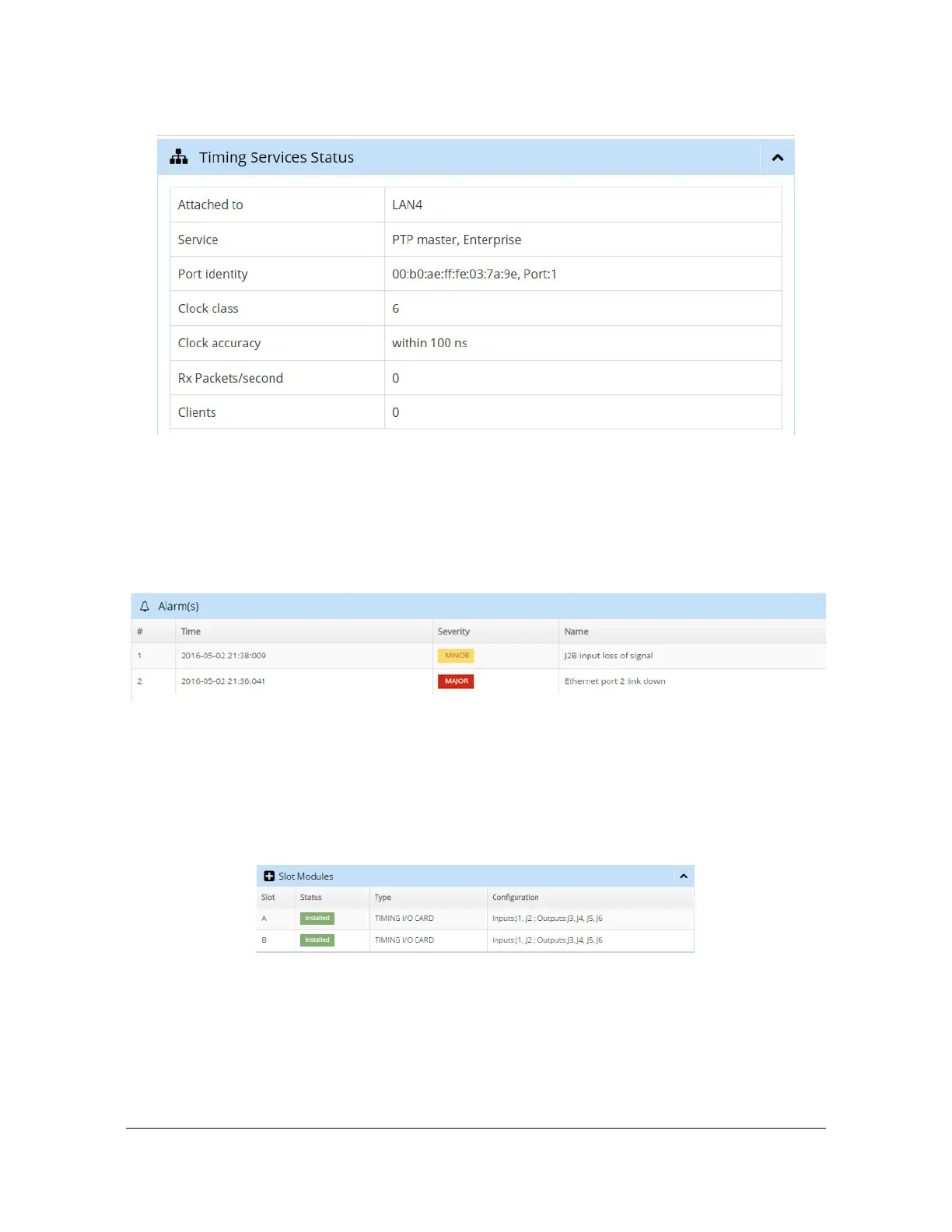
Figure 4-10. Timing Services Status Window
Alarm Information
The Alarms window in the dashboard, as shown in Figure 4-11, displays active
alarms.
Figure 4-11. Alarms Window
Slot Modules Status & Information
The Slot Modules window in the dashboard, as shown in Figure 4-12, displays
status details about the modules installed in the Options Slots.
Figure 4-12. Slot Modules Window
“About” Device Information
The “About” window in the dashboard, as shown in Figure 4-13, displays system
information about the unit.



 To Next Page