62 SyncServer 600 Series User’s Guide 098-00720-000 Revision D1 – February, 2018
Chapter 2 Installing
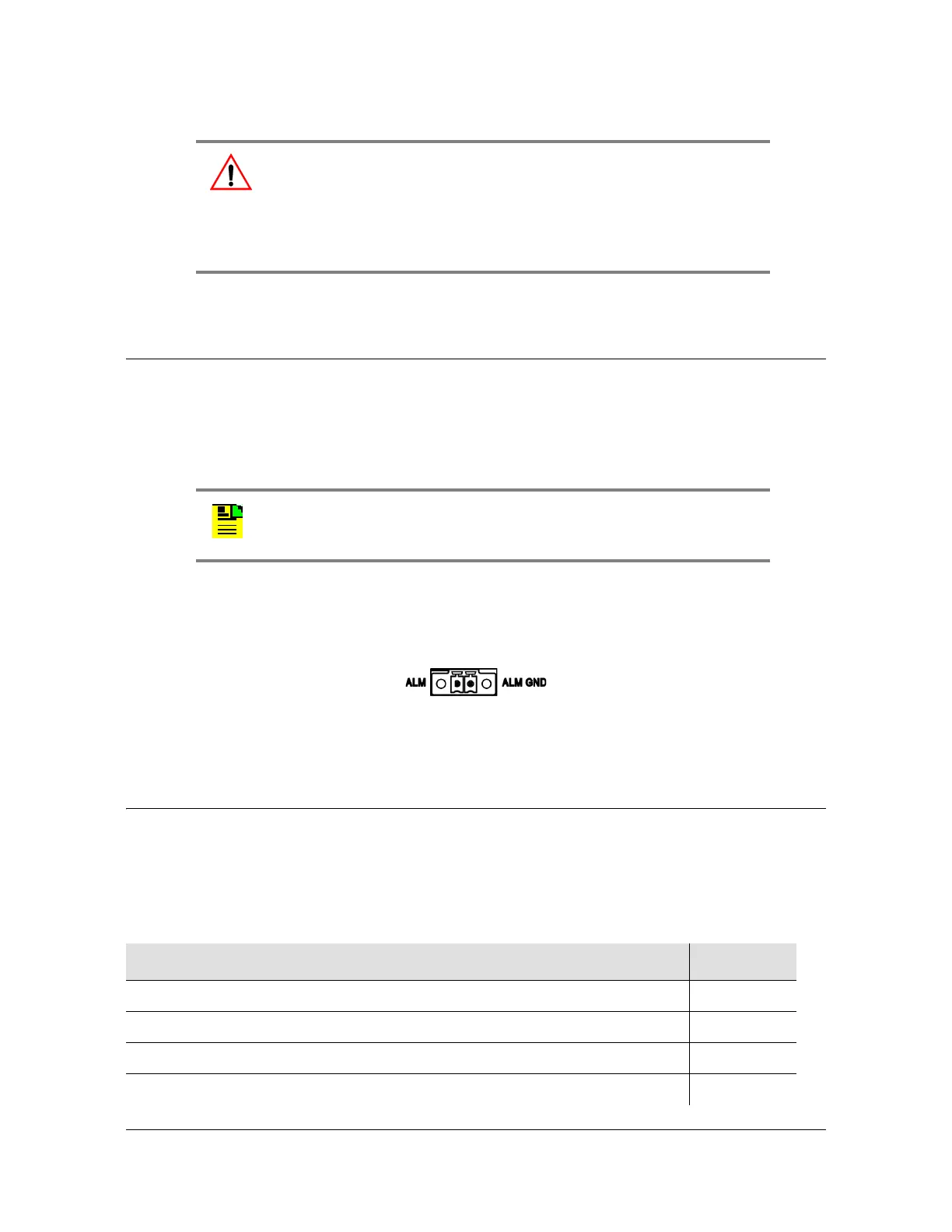
Connecting Alarm Relay
Connecting Alarm Relay
The alarm relay output is open when an alarm activation on this page is configured
and the alarm is in alarm state:
ALARM=OPEN
The external Alarm mating connector is not supplied. The mating connector is made
by Phoenix Contact, and the manufacturer's part number is 1827703.
Figure 2-19. Alarm Connections
Installation Check List
To verify that the installation of the SyncServer S6x0 is complete, perform the
checks and procedures in Table 2-5.
Warning: To avoid serious personal injury or death, exercise caution
when working near high voltage lines. In particular:
Use extreme caution when installing the antenna near, under, or
around high voltage lines.
Follow local building electrical codes for grounding the chassis.
Note: The SyncServer S650i does not include a GNSS antenna
connector.
Table 2-5. Installation Completeness Checklist
Operation Complete
Ensure the SyncServer S6x0 chassis is securely attached to mounting rack
Verify that all power and ground wires are installed correctly and securely
Verify that all communications cables are properly installed
Verify that all input and output cables are properly installed



 To Next Page