144 SyncServer 600 Series User’s Guide 098-00720-000 Revision D1 – February, 2018
Chapter 4
Navigation Windows
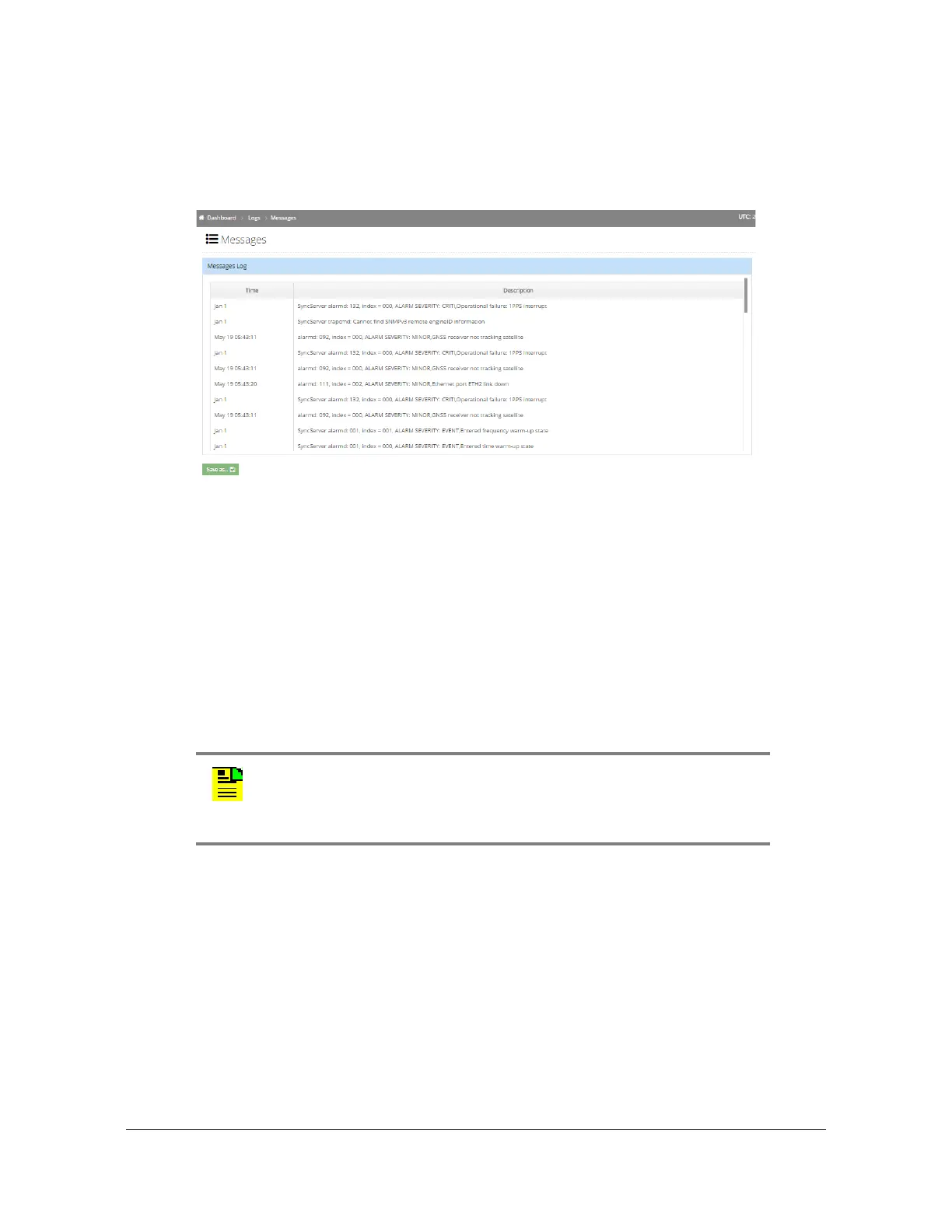
Logs - Messages Window
Use this window to view and save the message log. Most recent entries appear at
the end of the display (scroll to the end). See Figure 4-61.
Figure 4-61. Logs - Messages Window
Option Slot A/ Slot B Configuration Windows
Options Slot A Configuration Window - Timing I/O Module
Use this window to configure the module in Options Slot A. The example shown in
Figure 4-62 is for the Timing I/O module. See Provisioning IRIG Inputs on Timing
I/O Module, on page 187. See Provisioning Sine Wave Inputs on Timing I/O Module,
on page 189. See Provisioning Outputs on Timing I/O Module, on page 224.
Note: Option Slot A is only available with the SyncServer S650.
The configurations on the Timing I/O Module configuration page are
fixed unless the optional flex timing license is installed.



 To Next Page