200 SyncServer 600 Series User’s Guide 098-00720-000 Revision D1 – February, 2018
Chapter 6 Provisioning
Provisioning Inputs with Manual Entry Controls
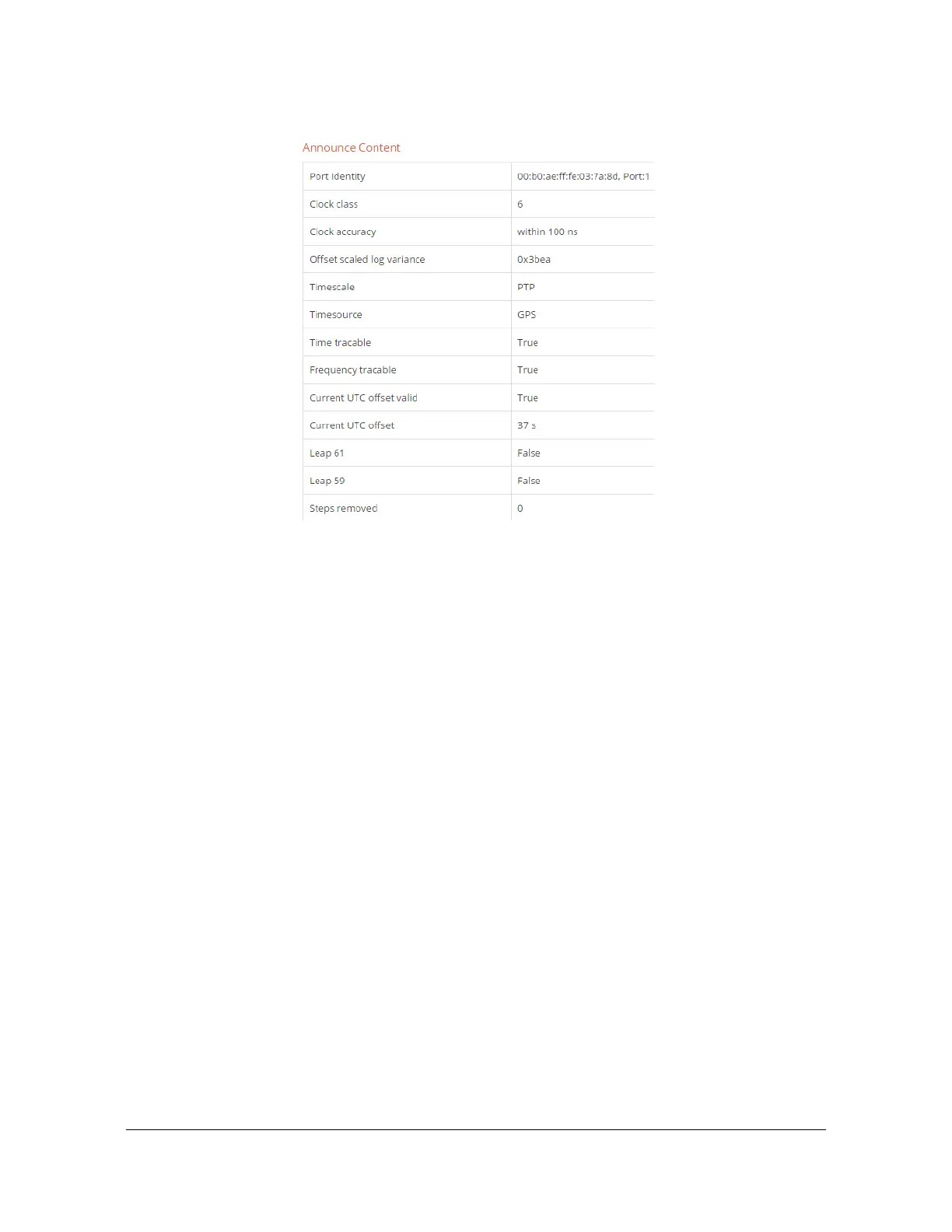
Figure 6-13. Adding GPS provided the correct UTC offset value
Reporting of Leapsecond Pending
The ability to provide manual entry of pending leapseconds (see Figure 3) provides
benefits beyond the basic capability to inform S6xx of an upcoming leap in a
circumstance where it has no way to learn of it from supplied timing inputs. The
further benefit has to do with the varying rules (based on signal type) about when a
pending leap should be declared in relation to the planned moment of the actual
leap event. The concept is shown in Figure 6-14.
The figure shows a timeline that terminates with the application of a leapsecond.
The figure shows all time inputs/outputs supported in release 2.0 that are
capable of providing indication of a pending leapsecond. Specifically:
– GPS is always one of the first sources to encode the news that a
leapsecond is forthcoming. Because this input is unique in the list in that it
is not also an output, there is no need to report (via GPS) to downstream
devices from the S6xx that there is a pending leapsecond. For this reason,
there is no limitation on how early a leapsecond may be encoded in GPS
or on how early the S6xx will indicate it. This gets at a basic point that
whenever the S6xx is aware of a pending leapsecond (from any source,
including manual entry) this condition will be shown on the
Dashboard„³Timing form. For example, in Figure 6-11 a pending leap is
indicated because it was entered manually (and accepted).
There is a side-note here: release 2.0 supports multiple satellite
constellation configuration. Any GNSS input whose configuration does



 To Next Page